Last updated: September 1, 2026
Why comment on Heads Ups?
Allowing comments on your Heads Ups gives your audience a way to ask questions and respond directly on the message. They can see what others are asking, learn from each other's replies, and build a shared understanding of what you're communicating, all without leaving the Heads Up.
What you'll need
You can enter up to 2,000 characters per comment on a Heads Up.
Comment on a Heads Up
Select Heads Up in the sidebar or in More.
Click the Heads Up.
In the pop-up window, enter your comment on the lower-right or reply to an existing comment.
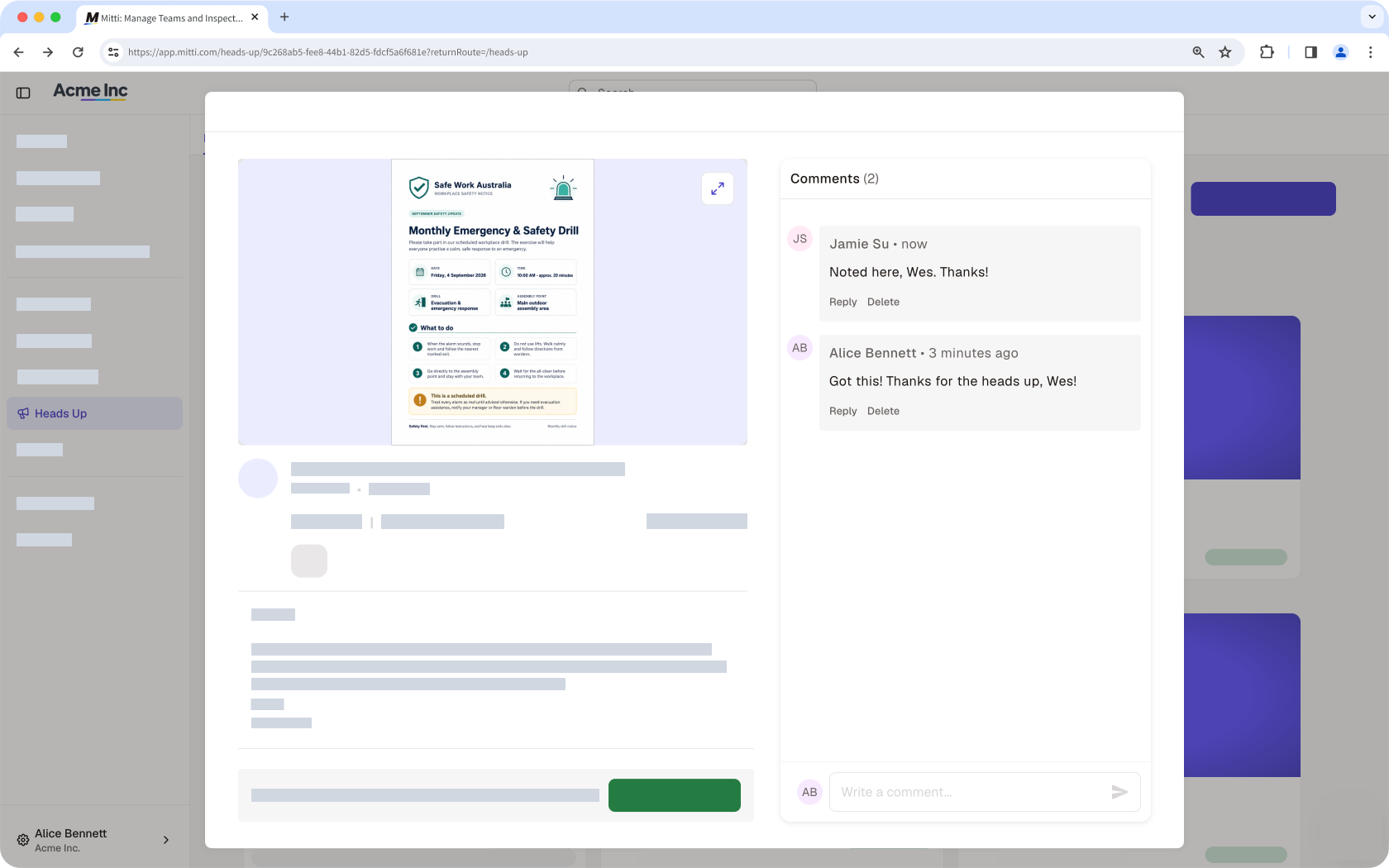
Press return or enter on your keyboard, or click .
Open the mobile app.
Tap More at the bottom of your screen.
Tap Heads Up from the list of options.
Tap the Heads Up.
Enter your comment at the bottom of your screen or reply to an existing comment.

Tap the enter icon or return on your keyboard, or tap .
Frequently asked questions
Need more help?
Was this page helpful?
