Last updated: May 14, 2024
What you'll need
Change the metric setting
Click your username on the lower-left corner of the page and select My profile.
Click Settings on the upper-right of the page.
Click Edit in the "Details" section.
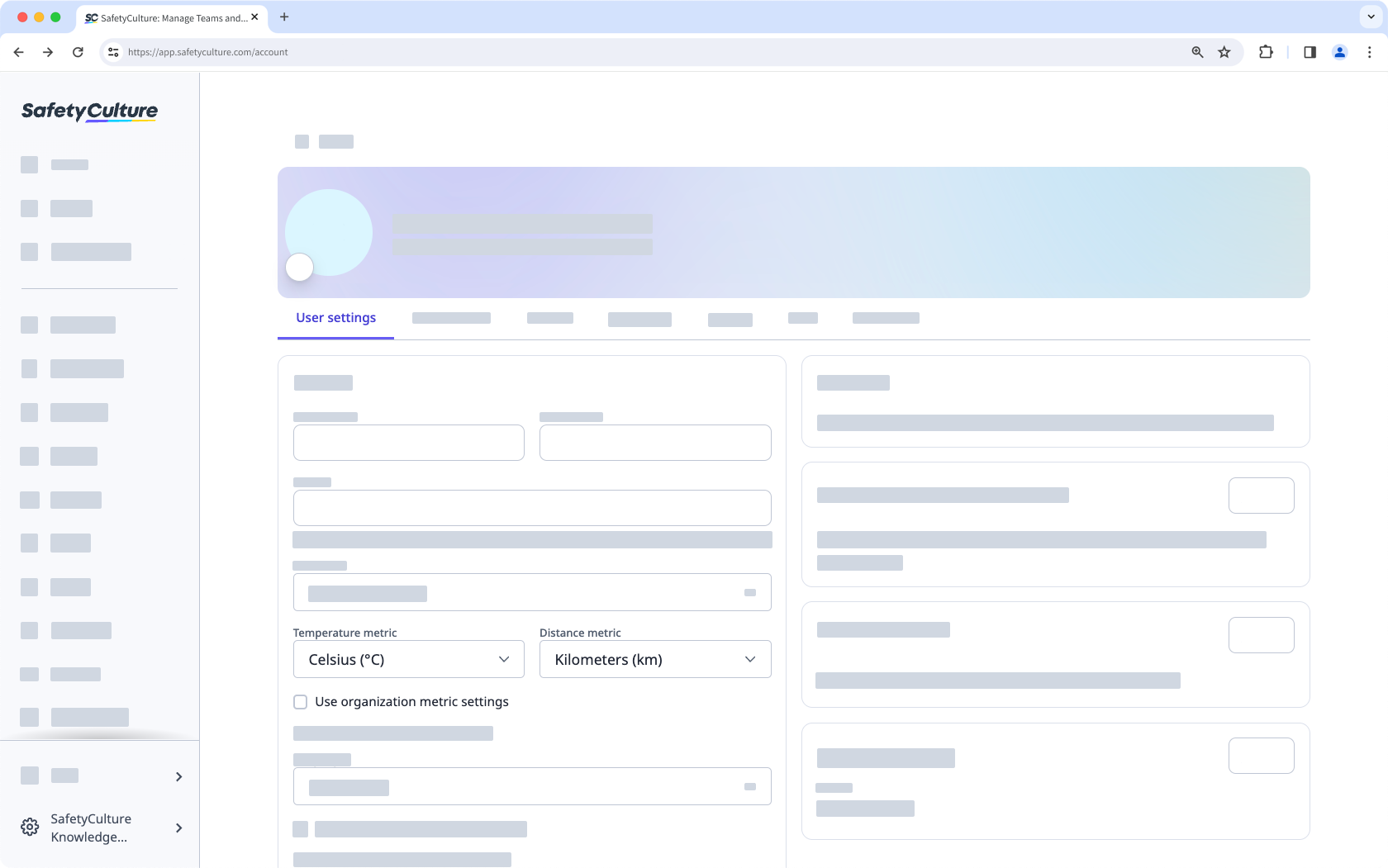
By default, the "Temperature metric" and "Distance metric" settings will follow your organization's preference. You can uncheck the box and select the metrics that only apply to your account on the web app.
Click Save changes.
Need more help?
Was this page helpful?
