Last updated: October 29, 2025
What you'll need
Deleting is irreversible, and we cannot restore permanently deleted items. Confirmation is always required before any deletion, so be sure you're not accidentally deleting the wrong item.
Delete a template collection
Select Templates in the sidebar or in More.
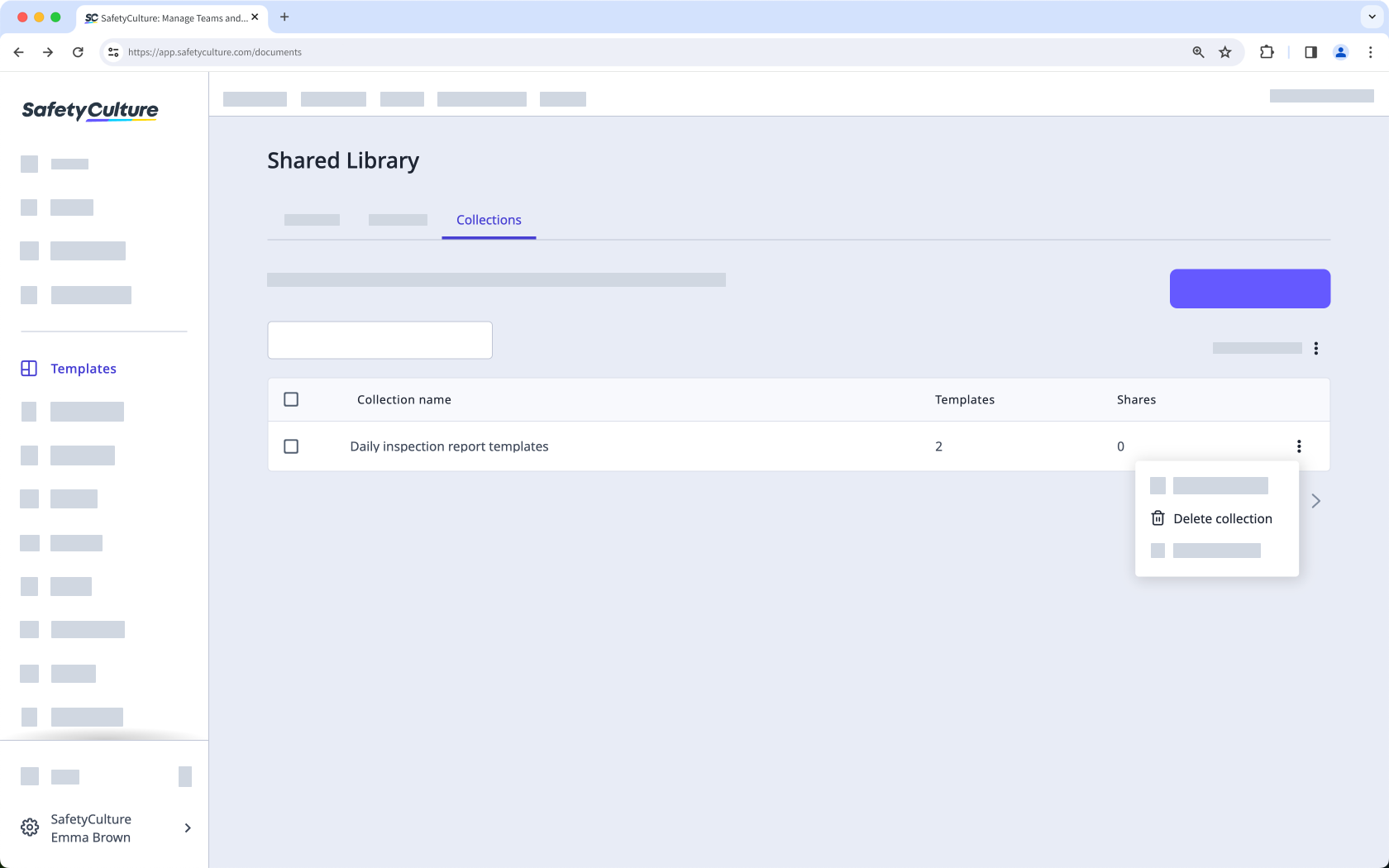
Select Shared Library at the top of the page, and click Collections.
Click on the right-hand side of the collection's name and select Delete collection.
In the pop-up window, click Delete collection.
Frequently asked questions
Need more help?
Was this page helpful?