Last updated: August 11, 2026
What are company types?
Company types allow you to categorize and organize the contractor companies you work with based on their industries or services. By creating custom company types, you can simplify tracking, maintain compliance oversight, and ensure contractors are classified in a way that supports your organization's operational needs.
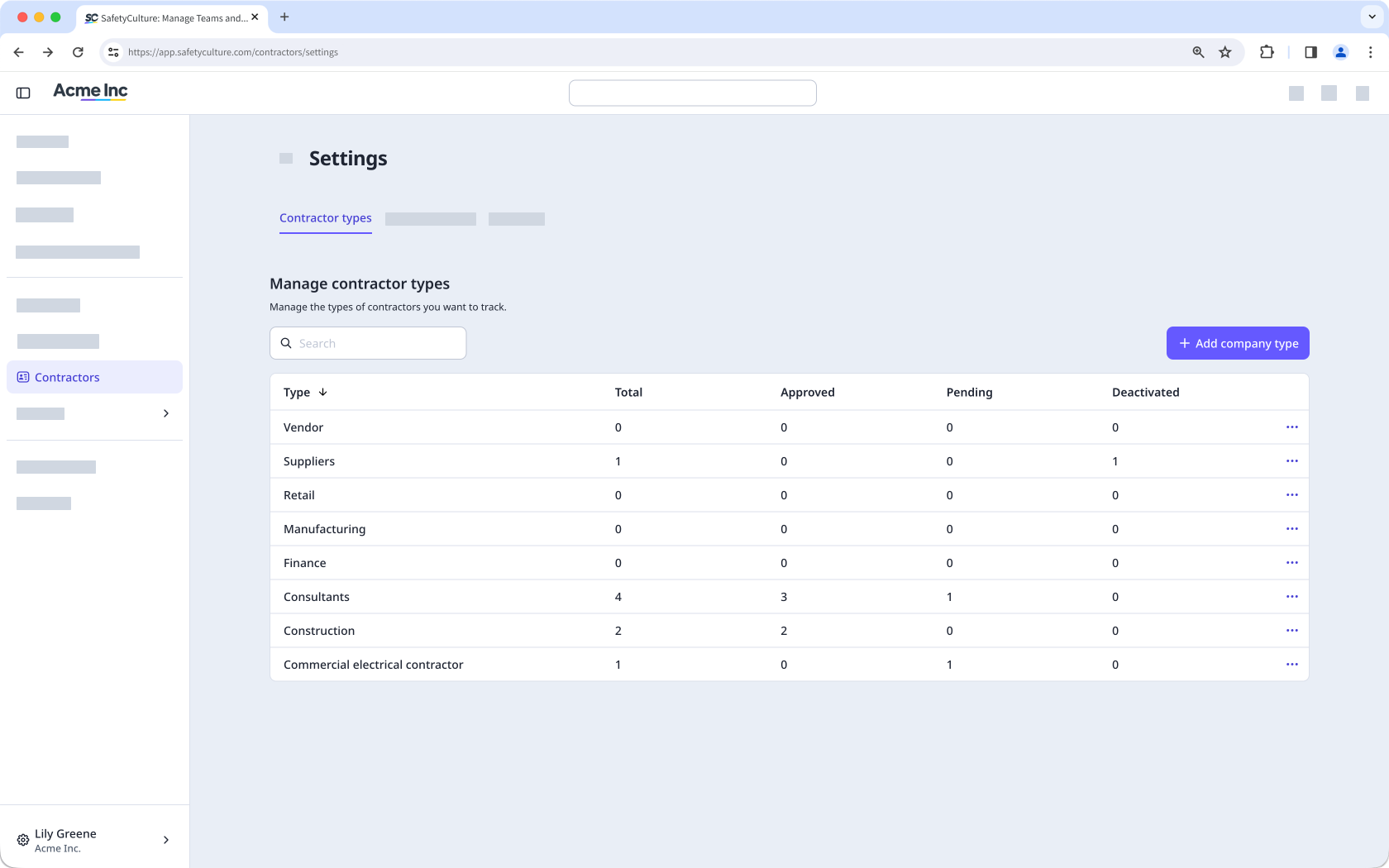
Create a company type
You can create a company type while adding a new company.
Click Contractors from the sidebar or in More.
Click Settings on the upper-right of the page.
Select Contractor types at the top of the page.
Click Add company type on the upper right-hand side of the page.
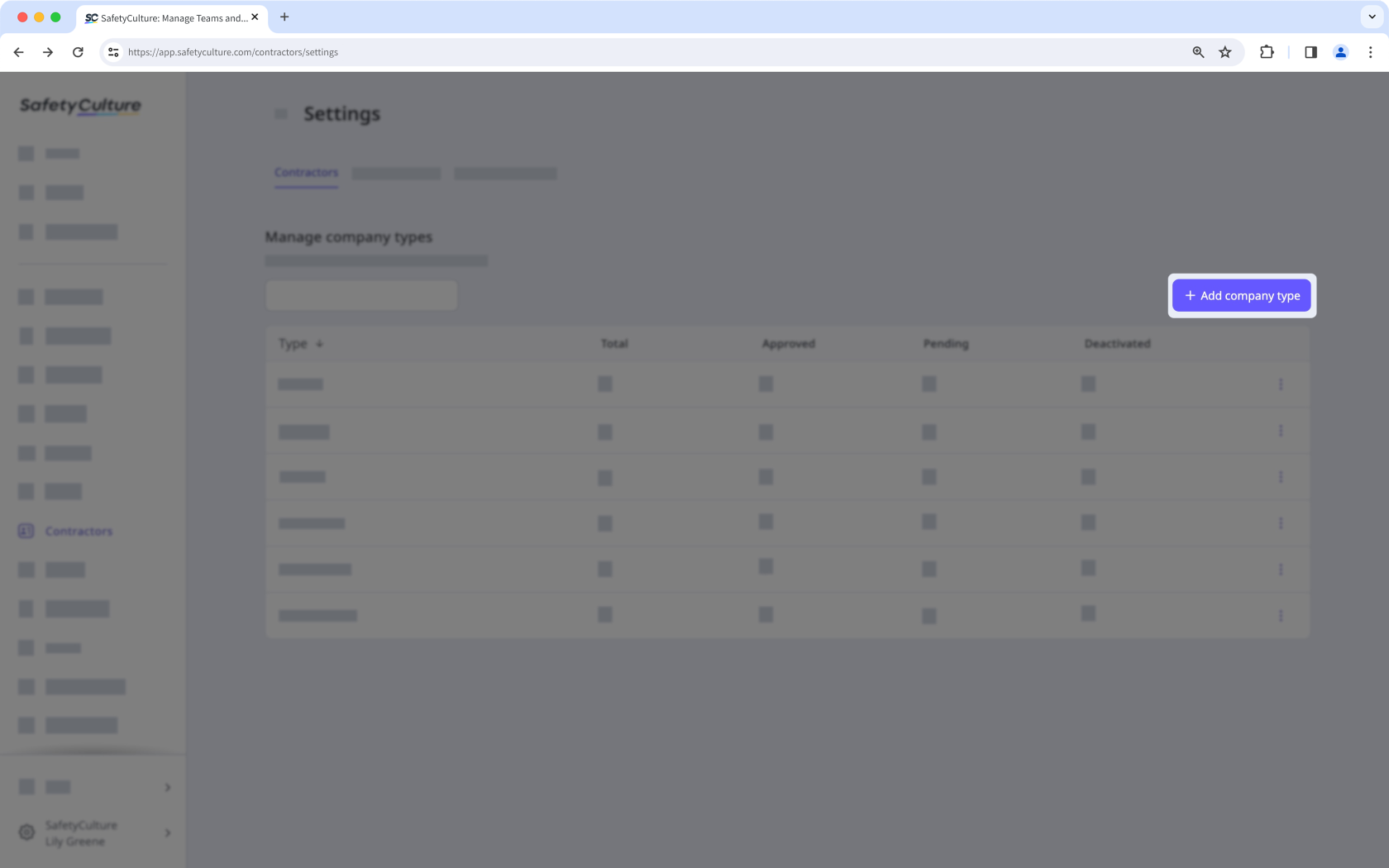
In the pop-up window, enter the name of the type and click Create.
View a company type
Click Contractors from the sidebar or in More.
Click Settings on the upper-right of the page.
Select Contractor types at the top of the page.
On this page, you can view all the company types created in your organization.
Rename a company type
Click Contractors from the sidebar or in More.
Click Settings on the upper-right of the page.
Select Contractor types at the top of the page.
Click on the right-hand side of the company type and select Edit.
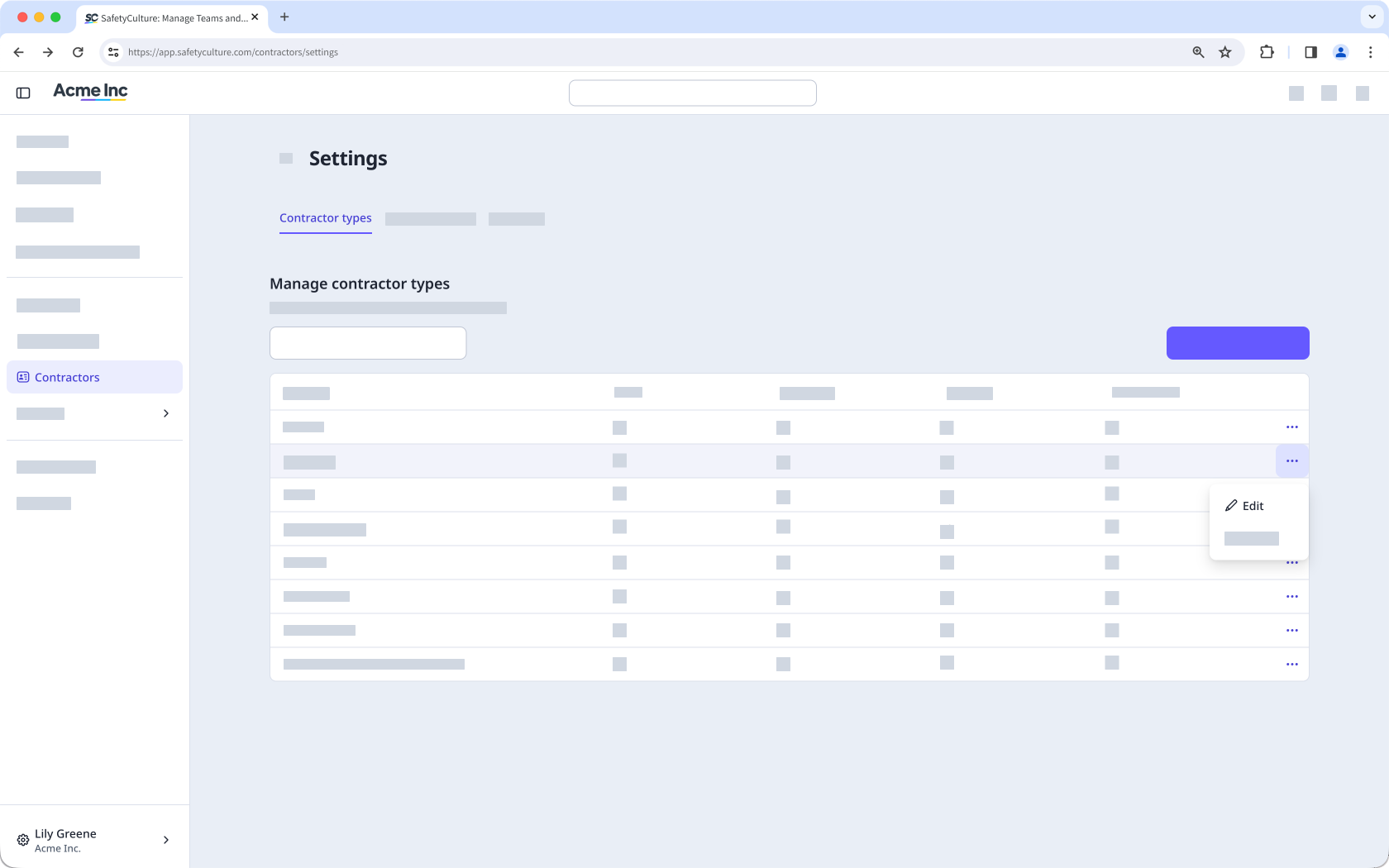
In the pop-up window, rename the type accordingly and click Rename.
Deleting is irreversible, and we cannot restore permanently deleted items. Confirmation is always required before any deletion, so be sure you're not accidentally deleting the wrong item.
Delete a company type
Click Contractors from the sidebar or in More.
Click Settings on the upper-right of the page.
Select Contractor types at the top of the page.
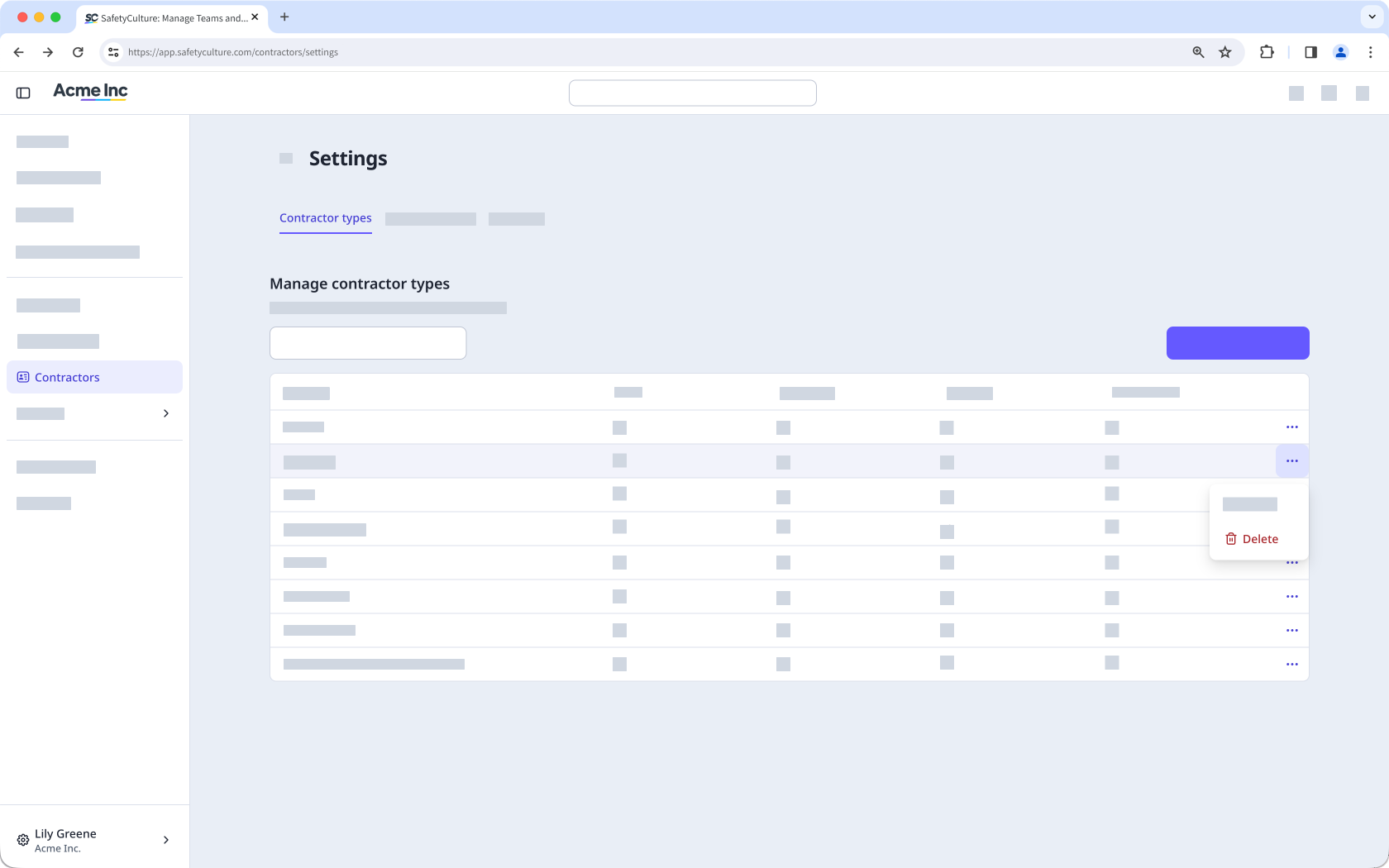
Click on the right-hand side of the company type and select Delete.
Need more help?
Was this page helpful?
