Last updated: September 8, 2026
What are linked items?
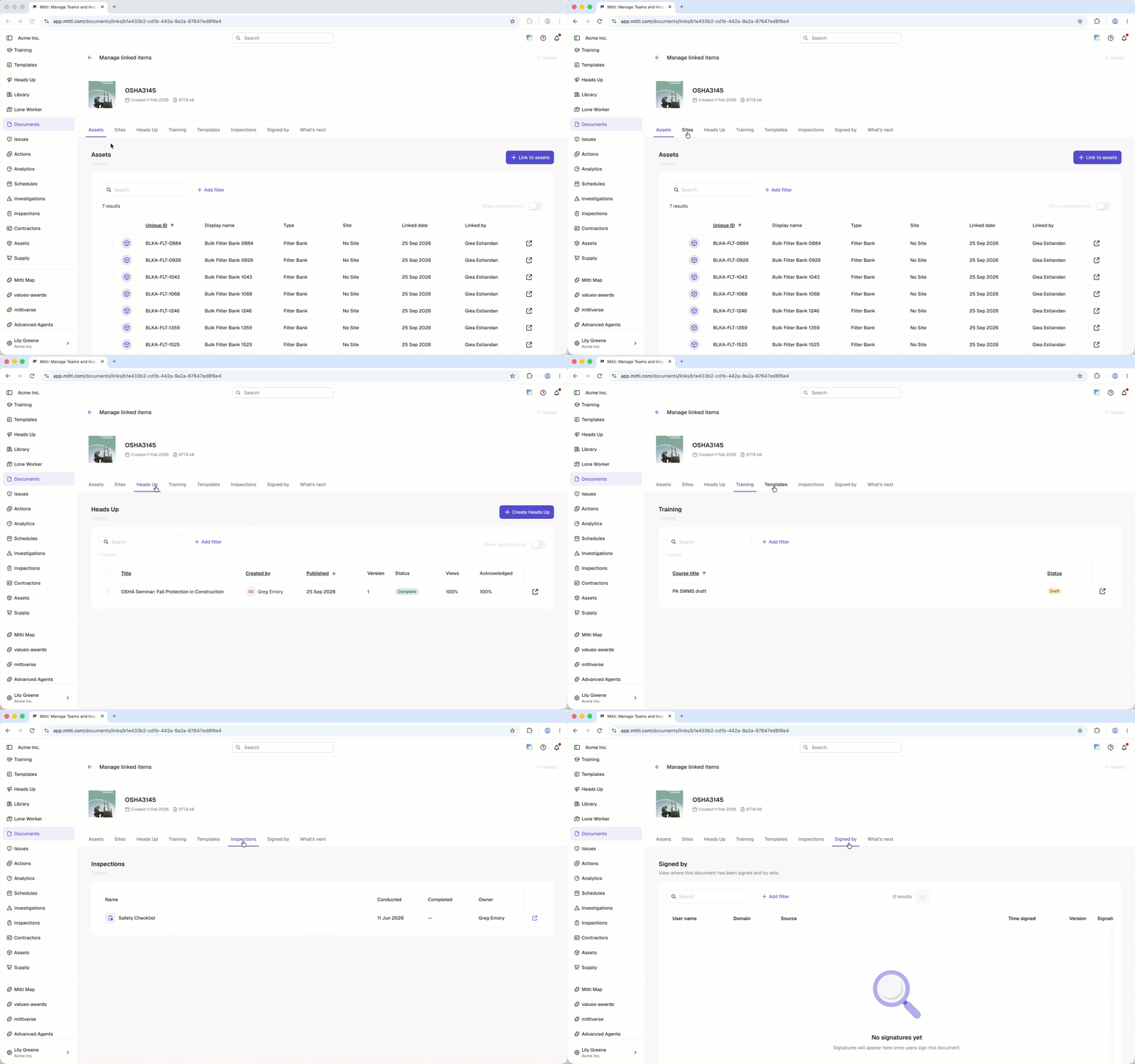
Linked items are assets, sites, heads ups, courses, templates, and inspections that have a file from Documents linked to them. When you link a file to an item, the file stays stored in Documents but becomes accessible directly from that item, without uploading it again. Managing linked items in Documents gives you a full view of where each file is used across your organization, so you can review and unlink items from one place.
You can only view items you have access to.
View linked items
Click Documents from the sidebar or in More.
Click on the right-hand side of the file and select Manage linked items.
Click Assets, Sites, Heads Up, Training, Templates, or Inspections to view linked items.
Need more help?
Was this page helpful?
