Last updated: November 5, 2025
Chat
Click on the lower-right corner of the page.
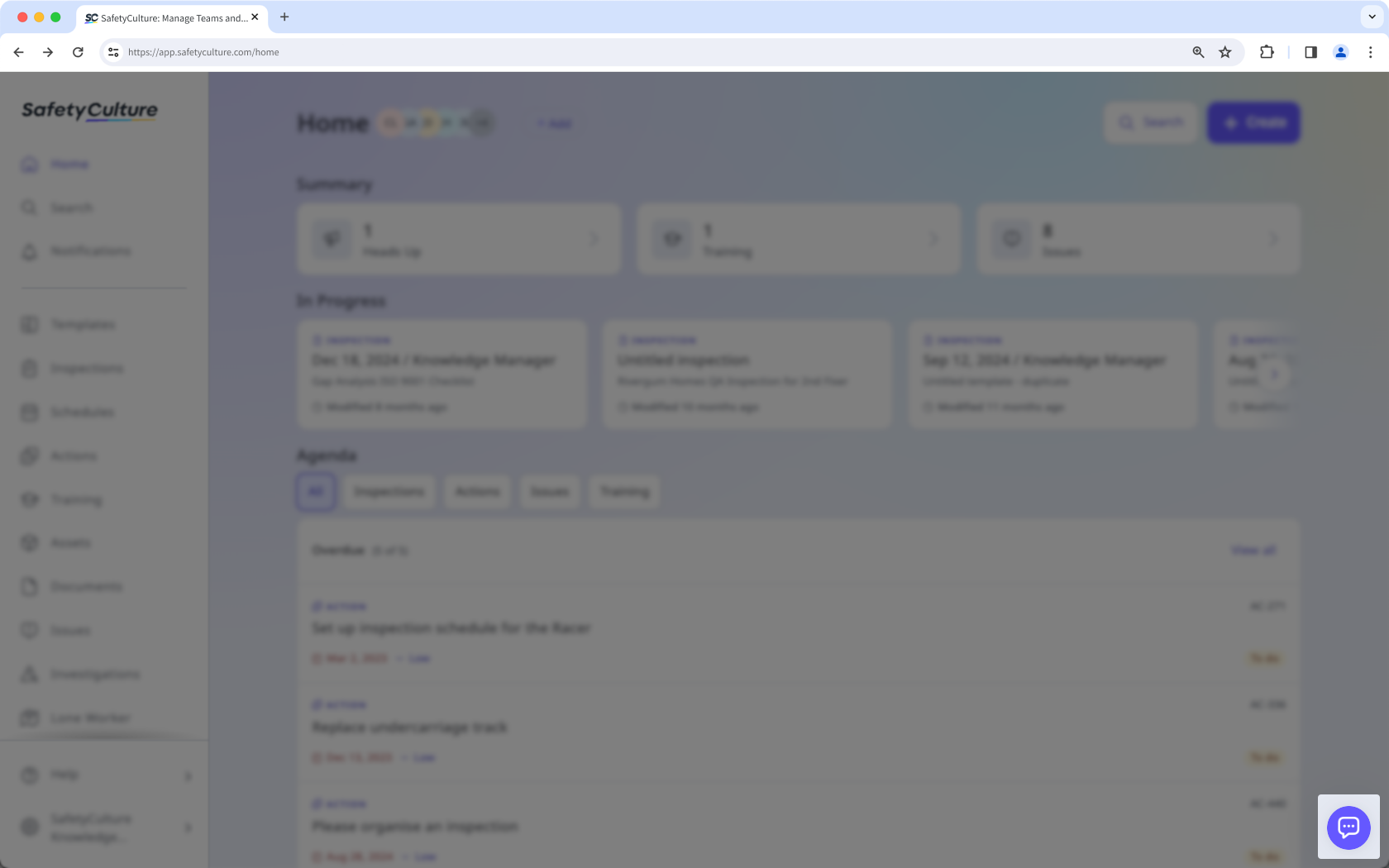
Click Ask a question to start a new chat, or go to Messages to continue an existing one.
Open the mobile app.
Tap Home at the bottom of your screen, then tap your user profile icon at the upper-right corner.
In the pop-up menu, select Live chat with support.
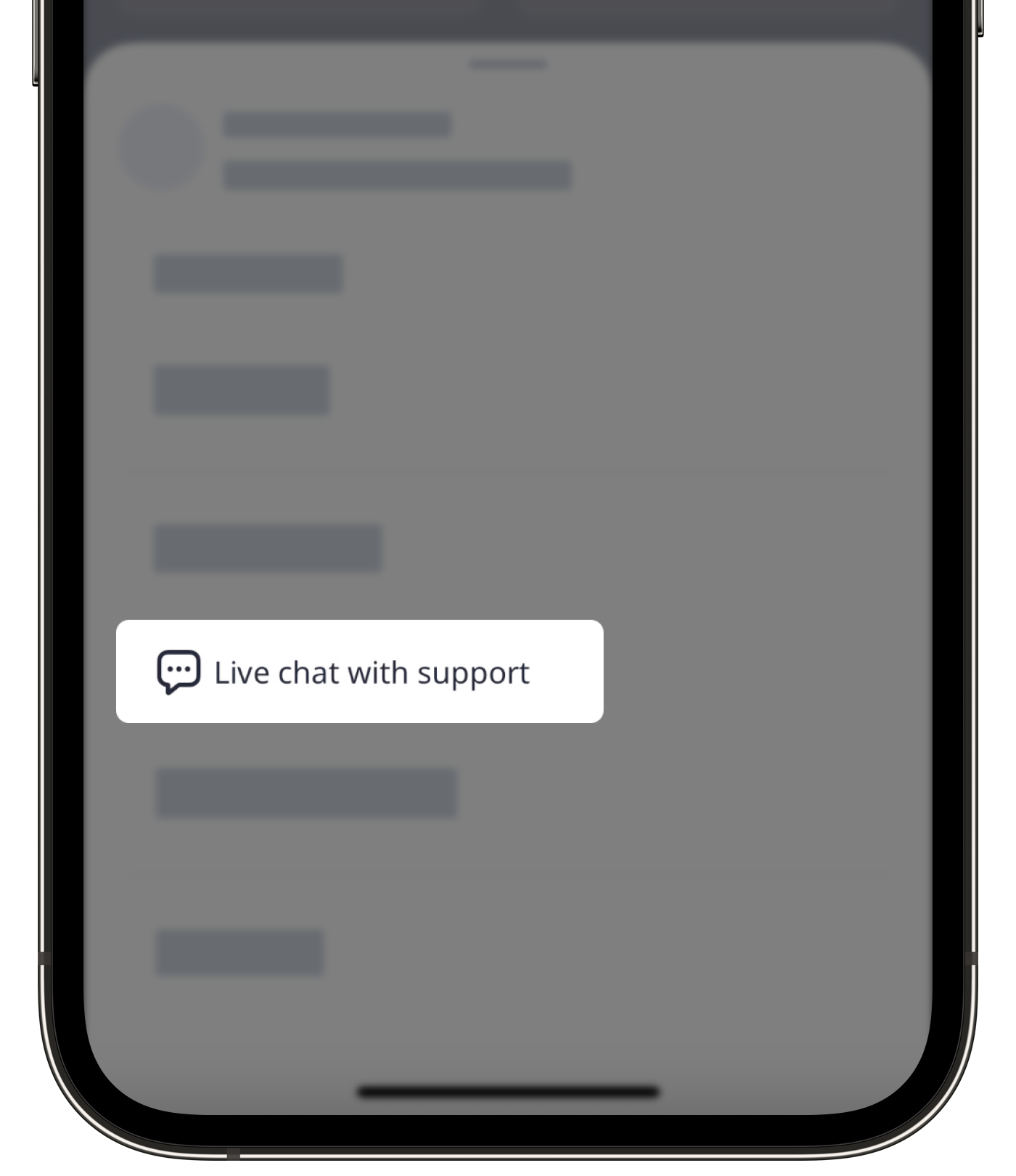
Tap Ask a question to start a new chat or tap Messages to continue an existing one.
Go to mitti.com (opens in new tab) or help.mitti.com (opens in new tab).
Click on the lower-right corner of the page.
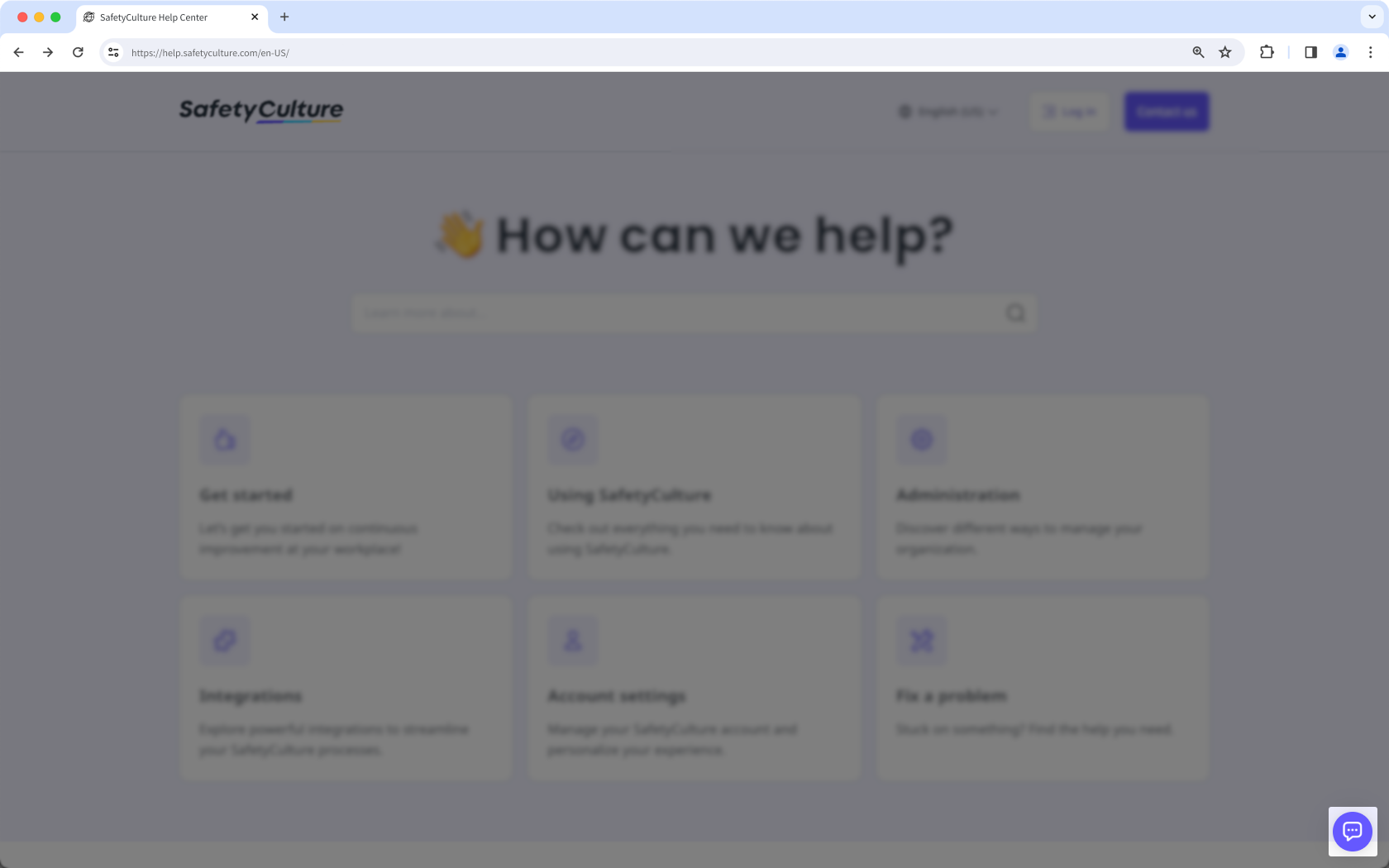
Click Ask a question to start a new chat, or go to Messages to continue an existing one.
Our friendly AI assistant is here to help all our customers and users. But if you’d like to chat with one of our human agents, just log in to Mitti on either the web or mobile app and start a chat.
Email Mitti Support at support@mitti.com, and the team will respond as soon as they are available.
Phone call
To find the best phone number for your region, log in to Mitti (opens in new tab) to start a chat, and our team will guide you.
Please note that phone support is only available in English.
Need more help?
Was this page helpful?