Dernière mise à jour: 3 juillet 2024
Ce dont vous aurez besoin
autorisation « Formation : Créer des cours (restreint) »
Afficher un aperçu d'un cours
Select Formation in the sidebar or in Plus.
If you're on the "Learn" page, click Contenu at the top of the page and select Cours.
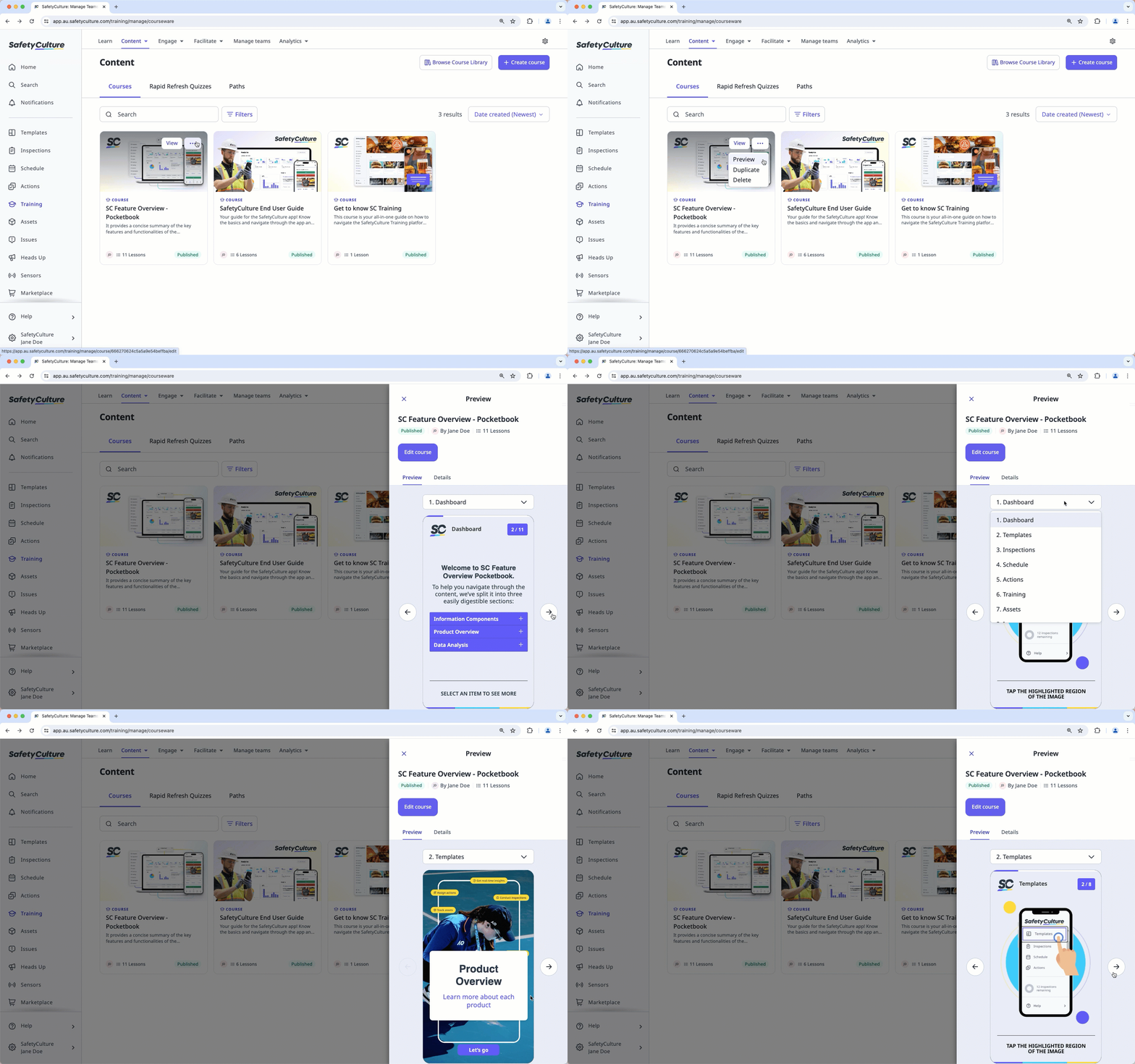
Hover your cursor over the course, then click , and select Aperçu.
In the side panel, preview the course. You can use the dropdown menu above the preview to navigate between lessons.
Besoin d'aide supplémentaire?
Cette page vous a-t-elle été utile?