Last updated: November 10, 2024
What you'll need
Check and make sure your mobile device meets our hardware and software requirements to run the Mitti mobile app beforehand.
Download and log in to the Mitti mobile app
Download the Mitti mobile app on your Android (opens in new tab) or iOS (opens in new tab) device.
Open the Mitti mobile app once the download completes.
Tap Log in in the navigation bar or select it from More.
Type in your account email.
Tap Continue.
At this stage, you can either:
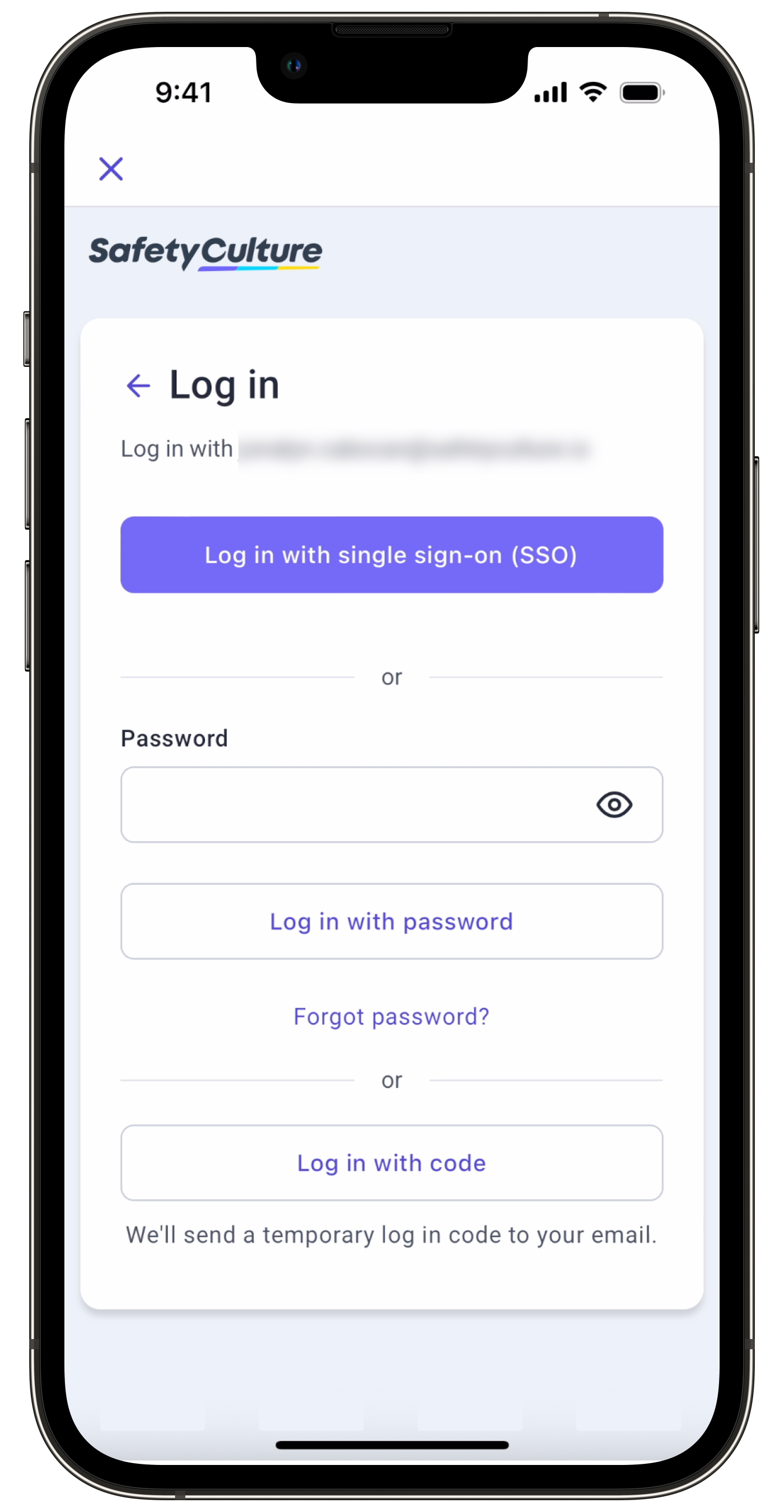
Enter your account password, then tap Log in with password.
Tap Log in with single sign-on (SSO) if your organization uses it, and follow the prompts on your screen.
Tap Log in with code, enter the login code sent to your email, then tap Continue.
You can log in to the web app at any time via a web browser.
Need more help?
Was this page helpful?
