Last updated: August 27, 2026
Mobile devices
We recommend using one of the following mobile devices and keeping the device operating system (OS) version as up-to-date as possible.
Although devices and operating systems (OS) within our minimum requirements can run Mitti, it's best to use our recommended devices and operating systems (OS) for an optimal experience.
Recommended
Android | iOS |
|---|---|
Phones: Devices equivalent to Google Pixel 8, Samsung Galaxy S24, or above Tablets: Devices equivalent to Galaxy Tab S9/A9 or above OS: Android 16.0 or above | iPhones: iPhone 13 or above iPads: iPad (9th generation), iPad Air (5th generation), or above OS: iOS/iPadOS 26 or above |
Minimum
Android | iOS |
|---|---|
Phones: Devices running Android 10.0 or above Tablets: Devices running Android 10.0 or above OS: Android 10.0 RAM: 4GB or more | iPhones: iPhone XR, iPhone XS, or equivalent iPads: iPad (6th generation), iPad mini (5th generation), or equivalent OS: iOS 17 or iPadOS 17 |
Chrome OS as part of Android and iPhone SE (1st generation) are not supported.
Check your mobile app version
Keep the Mitti mobile app consistently up to date by enabling automatic updates on your Android or iOS device.
We recommend running Mitti app version 26.32 or later for the best experience. If your device is company-managed, your app version and your device's operating system version are separate. Work with your IT admin to push app updates across your fleet, even if the OS itself isn't due for an update.
Open the mobile app.
Tap Home at the bottom of your screen.
Tap your user profile icon at the upper-right of your screen.
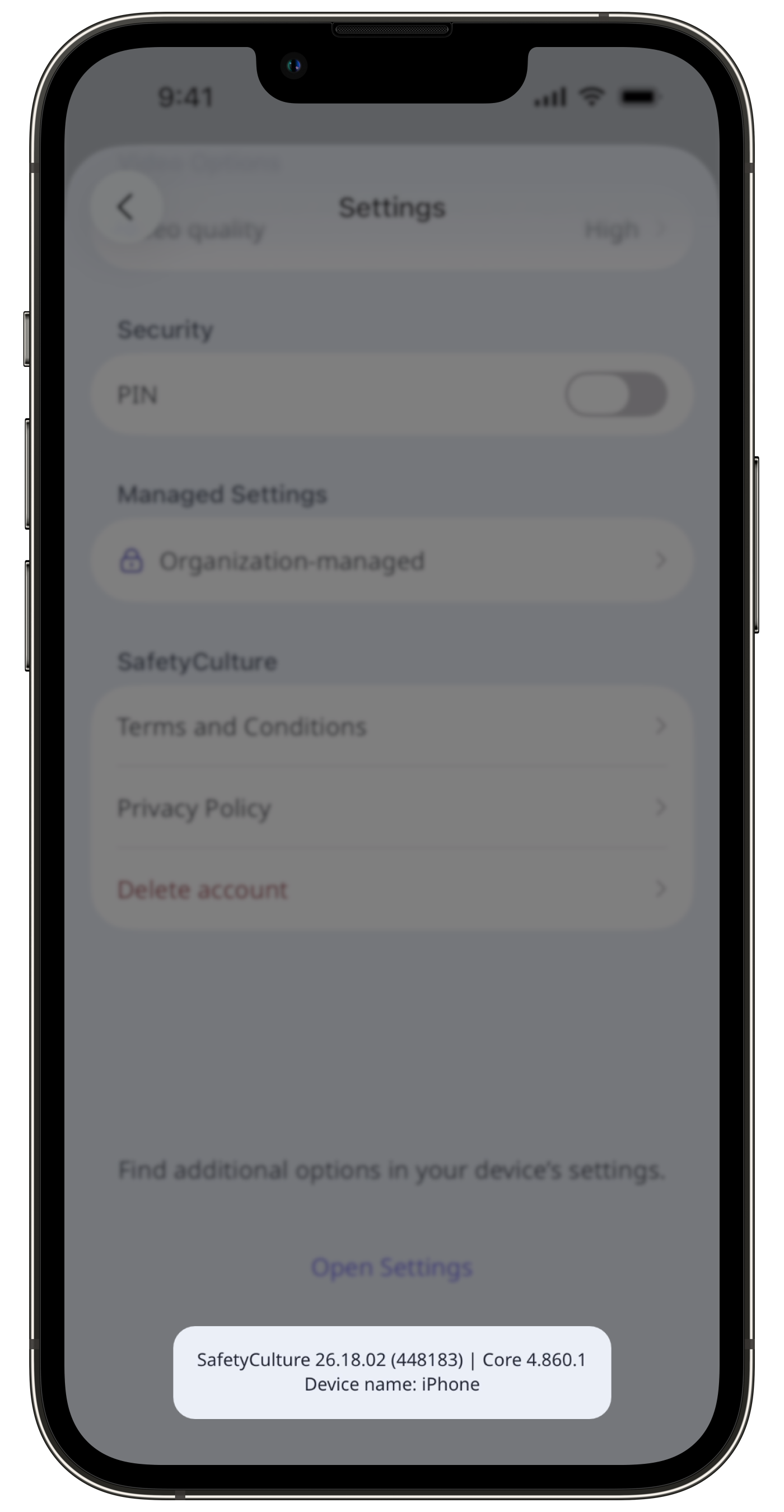
Tap Settings.
Scroll down to check your mobile app version.
Need more help?
Was this page helpful?
