Last updated: March 25, 2024
What you'll need
Save photos to your mobile device
Open the mobile app.
Tap your user profile icon at the upper-right corner of your screen.
In the pop-up menu, select Settings.
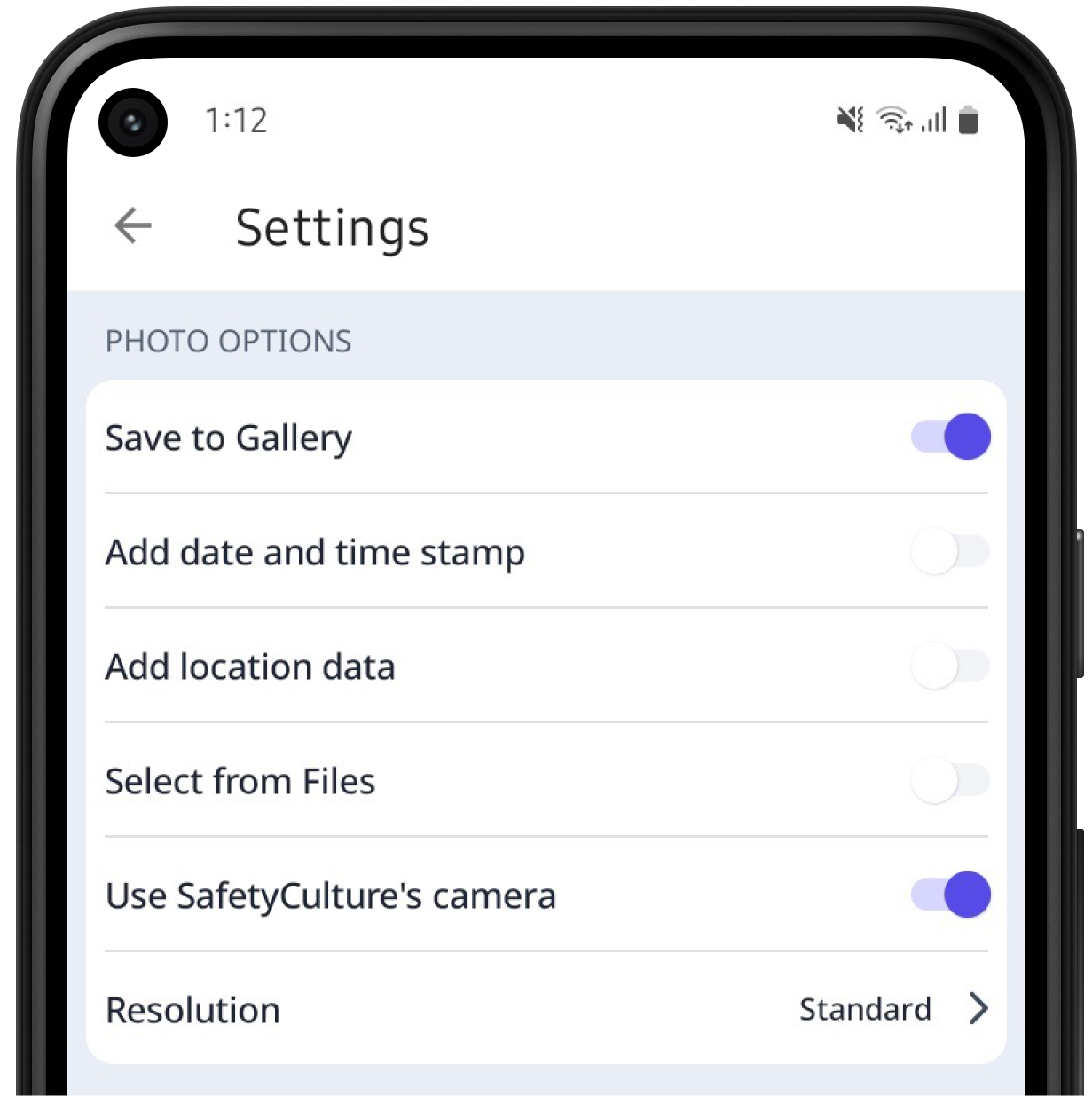
Under the “PHOTO OPTIONS” section, t urn Save to Gallery on.
Open the mobile app.
Tap your user profile icon at the upper-right corner of your screen.
In the pop-up menu, select Settings.
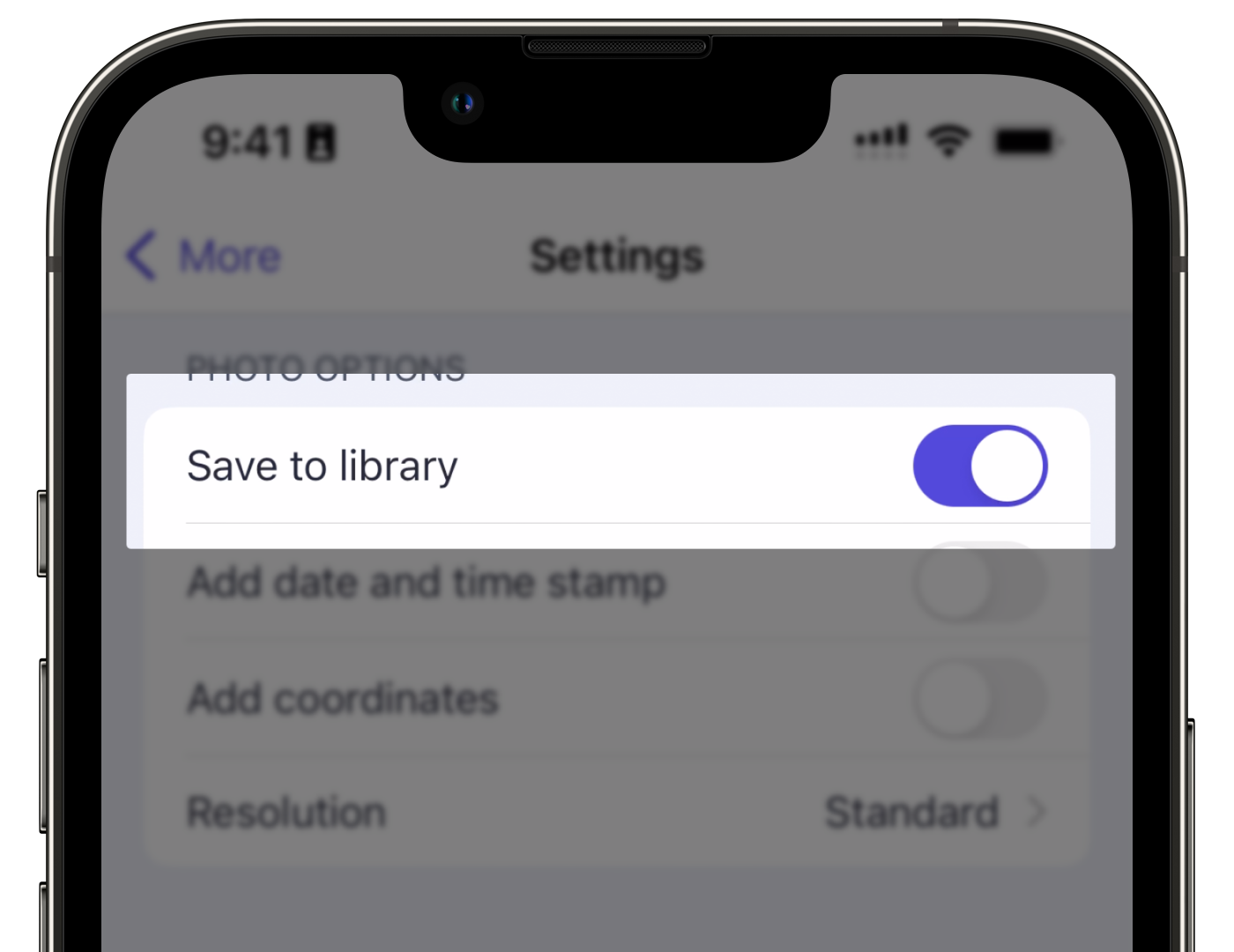
Under the “Photo Options” section, turn Save to library on.
Saving photos taken in the Mitti mobile app can take up storage space on your device over time. We recommend periodically removing old photos to optimize your device storage.
Need more help?
Was this page helpful?
