Last updated: August 12, 2025
What you'll need
Move a chart
Select Analytics in the sidebar or in More.
Click Edit on the upper-right of the page.
Click and hold on the upper-left of the chart and drag accordingly.
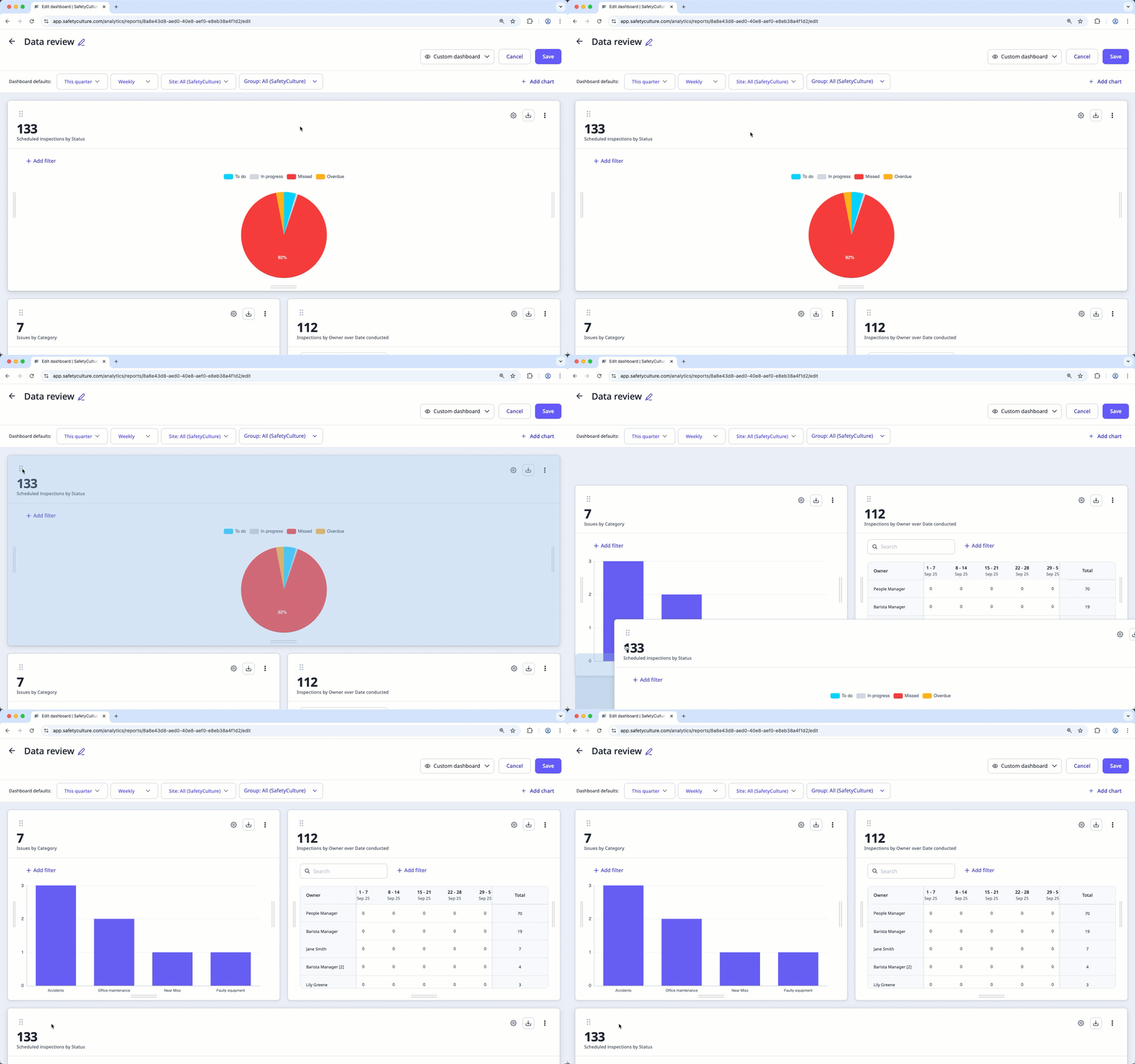
Click Save on the upper-right of the page.
Need more help?
Was this page helpful?
