Last updated: July 28, 2024
Why calibrate sensor devices?
Calibrating your sensor device helps ensure that the data you receive in Mitti is accurate and reliable. Sensors can have slight variations due to differences in the way that devices are manufactured. So, if you use different hardware models, some discrepancies are expected.
Two sensors may also show different readings as they capture data from different areas with varying air qualities. Calibration reduces these discrepancies and gives you a more consistent and trustworthy dataset for safety and quality assessments.
This article does not apply to data feeds, such as weather readings.
Calibrate a sensor device
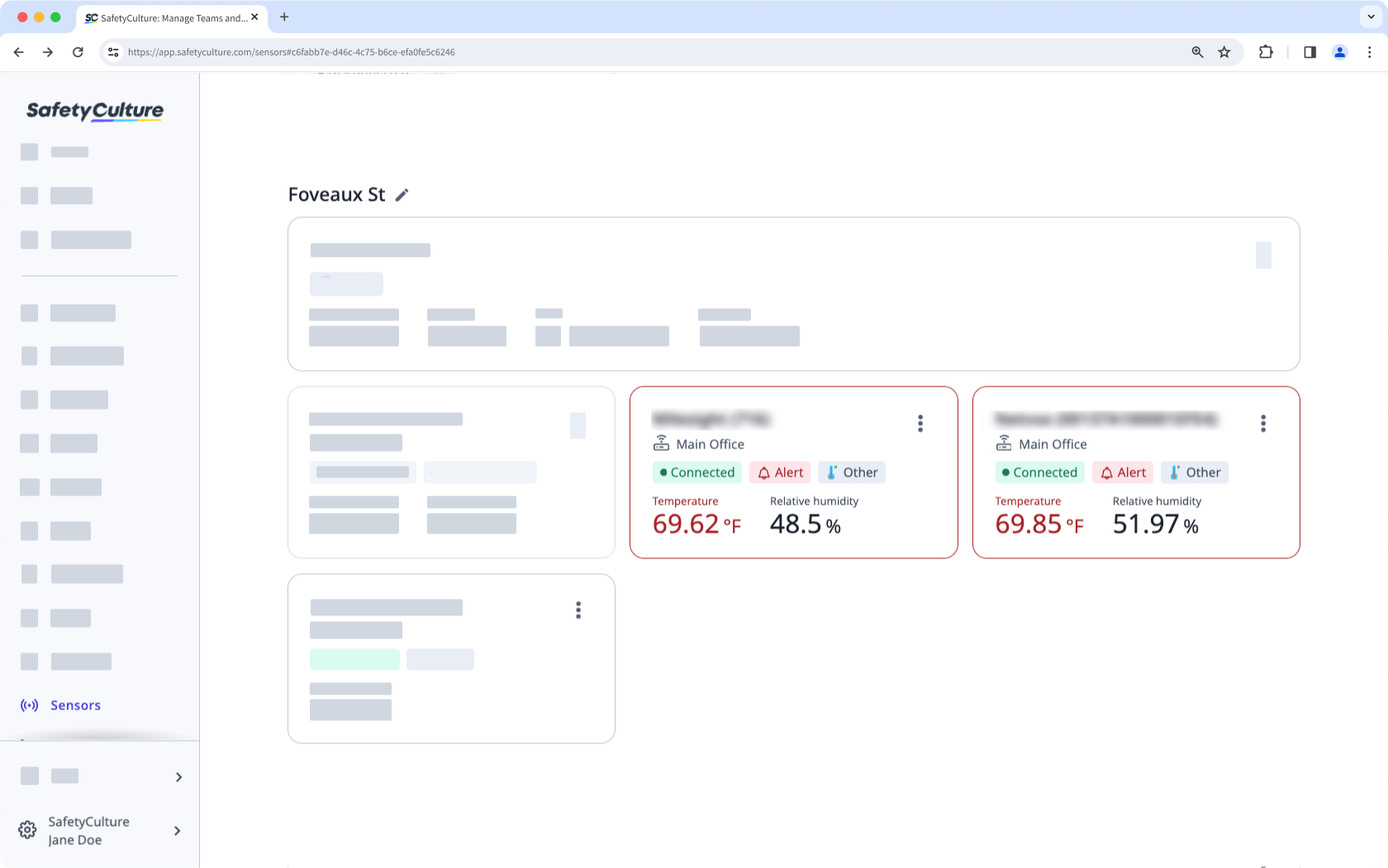
Select Sensors in the sidebar or in More.
Click the sensor.
Click on the upper-right of the page.
Select Calibrate device.
In the pop-up window, calibrate the device accordingly.
Once you're ready, click Confirm.
Open the mobile app.
Tap More at the lower-right corner of your screen.
Select Sensors from the list of options.
Tap the sensor.
Tap at the upper-right corner of your screen.
Select Calibrate device.
In the pop-up window, calibrate the device accordingly.
Once you're ready, click Confirm.
Need more help?
Was this page helpful?
