Last updated: May 28, 2024
Why request a full seat?
Requesting a full seat helps your management team understand when you need full Mitti functionality. As a user in a guest seat or lite seat, you can only use Mitti's features to a limited degree. Upgrading to a full seat means you can unlock access to even more Mitti features than before, allowing you to raise your team's workplace operations standards without limitations.
Request a full seat for your account
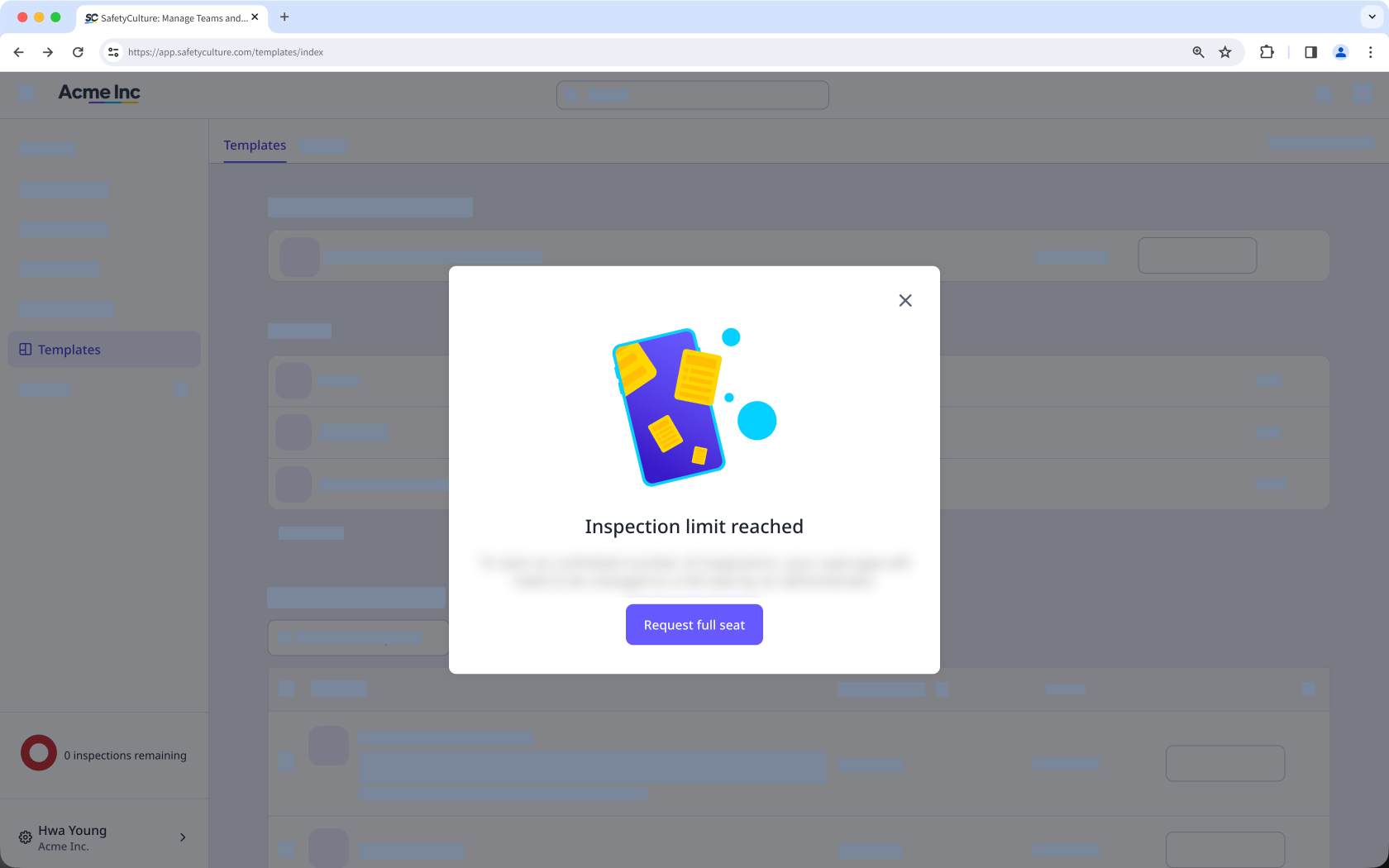
Click the inspection limit counter on the lower-left of the page.
In the pop-up window, click Request full seat. This sends a full seat request to any users in your organization that have the "Platform management: Users" permission.
Open the mobile app.
Tap Inspections in the navigation bar or select it from More.
You can check the number of remaining inspections at the top of your screen.
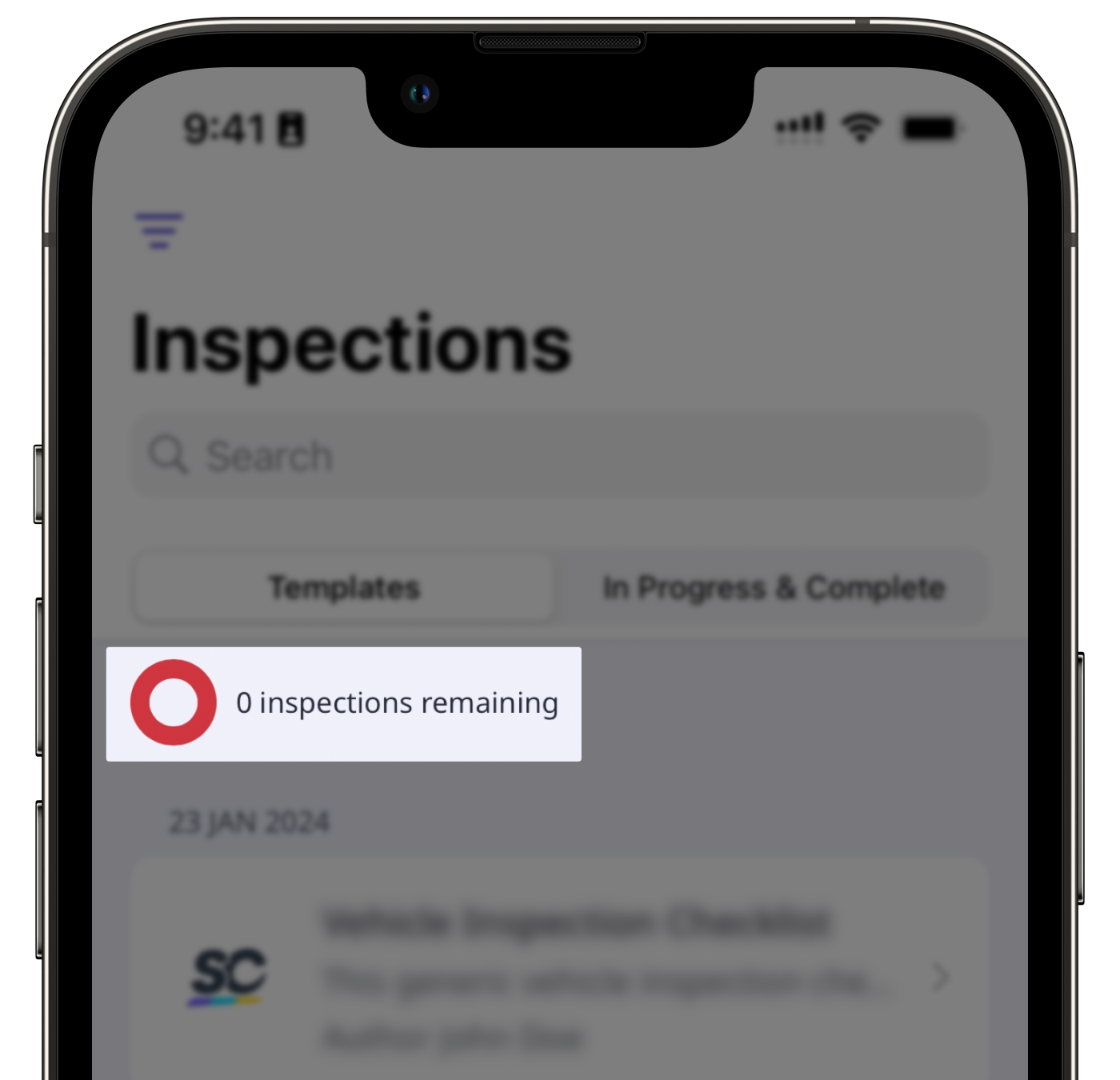
If you've reached the limit, select any template and tap Start inspection.
In the pop-up window, tap Request upgrade. This sends a full seat request to any users in your organization that have "Platform management: Users" permission.
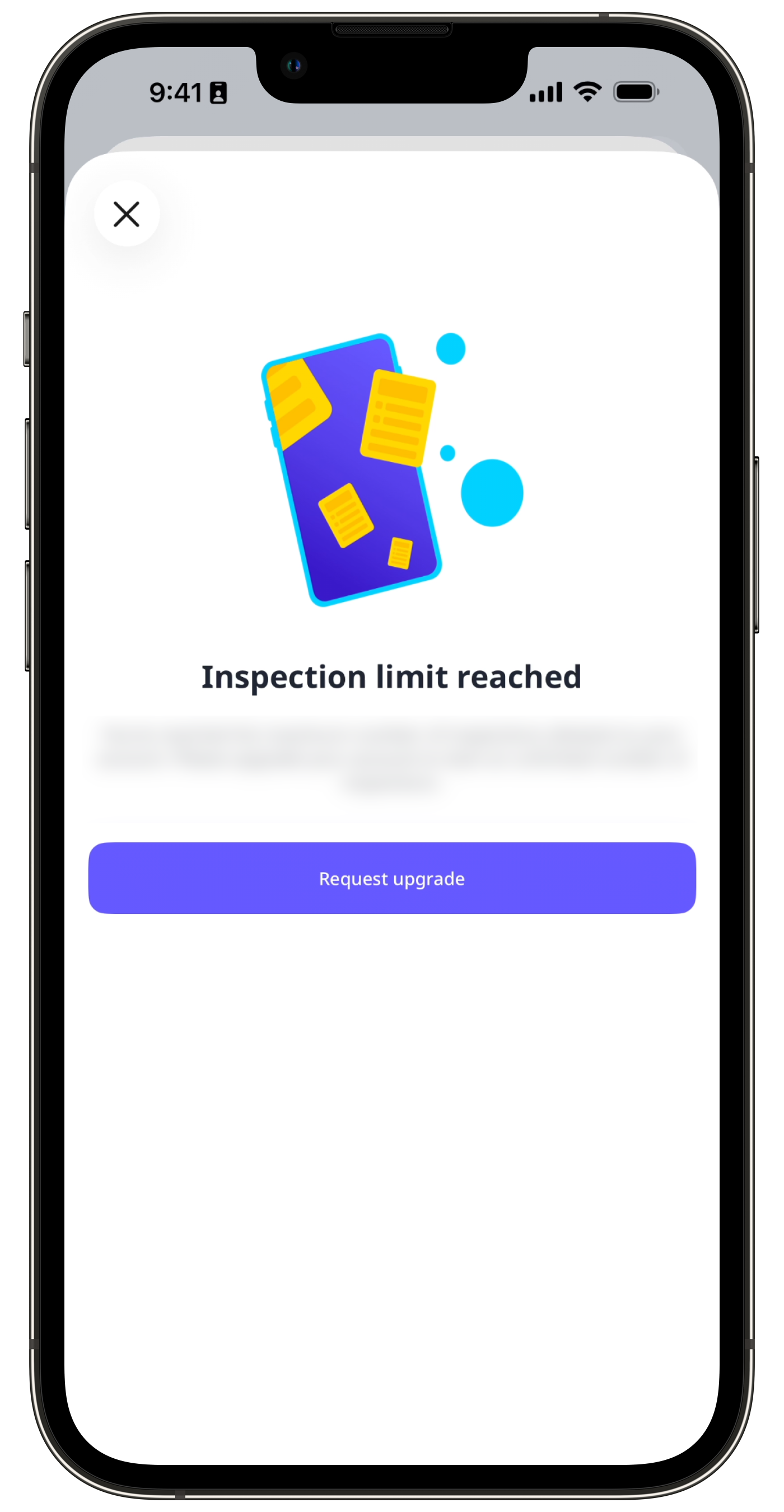
On the mobile app, you can only request a full seat when you’ve reached the inspection limit as a user in a guest seat or lite seat.
Need more help?
Was this page helpful?
