Last updated: September 8, 2026
If you have "Documents: Administrator" permission, you can download any files in your organization.
Download a file
Select Documents in the sidebar or in More.
Select a folder if you want to download a file in it.
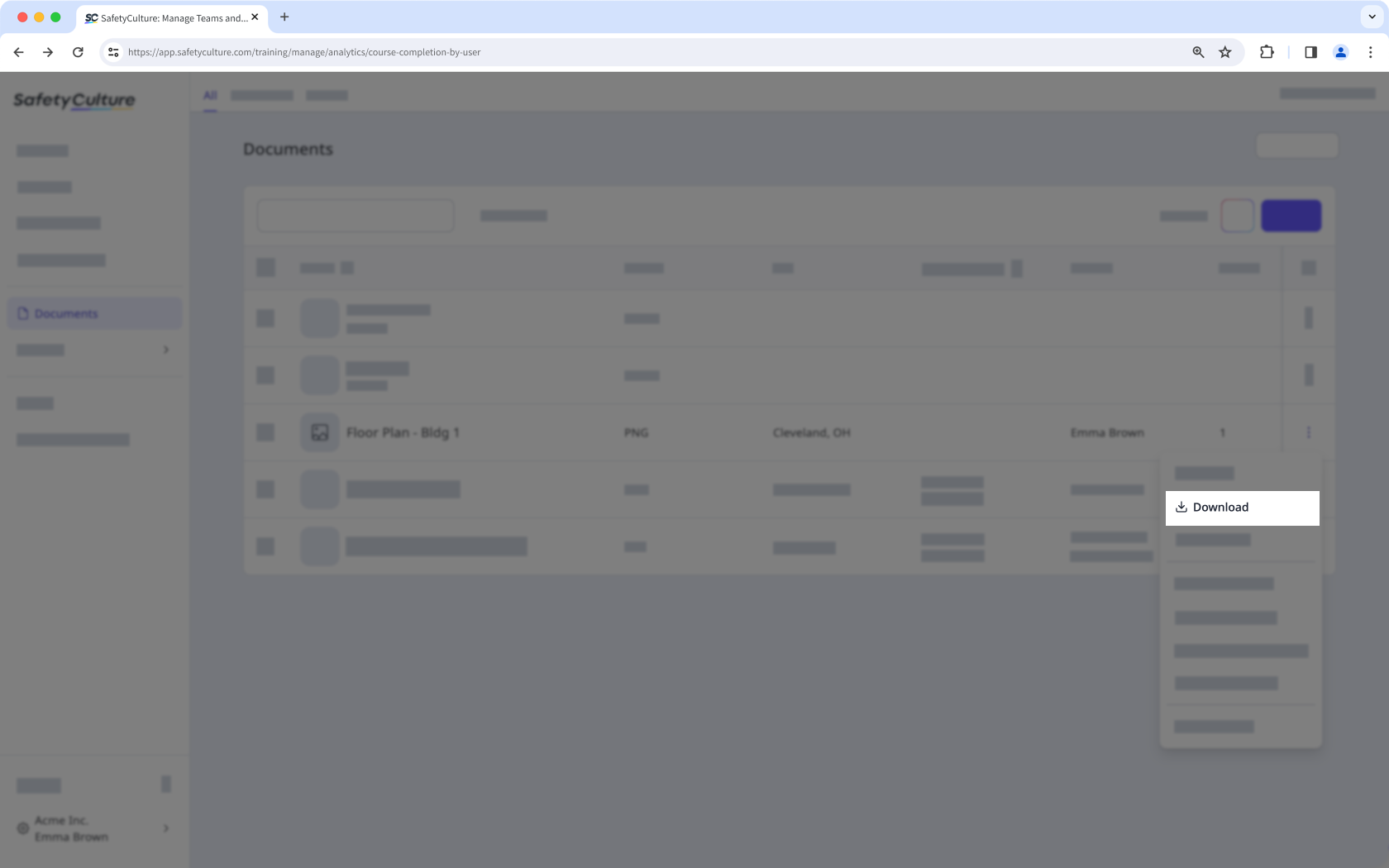
Click on the file's right-hand side and select Download.
Need more help?
Was this page helpful?
