Last updated: August 28, 2025
What is AT&T Fleet Management?
AT&T Fleet Management for Enterprise and Government (opens in new tab) is a comprehensive GPS-based fleet management solution designed to optimize the efficiency, safety, and compliance of vehicle fleets. The system provides near real-time data through a cloud-based platform, enabling fleet managers to monitor vehicle locations, engine performance, and driver behavior.
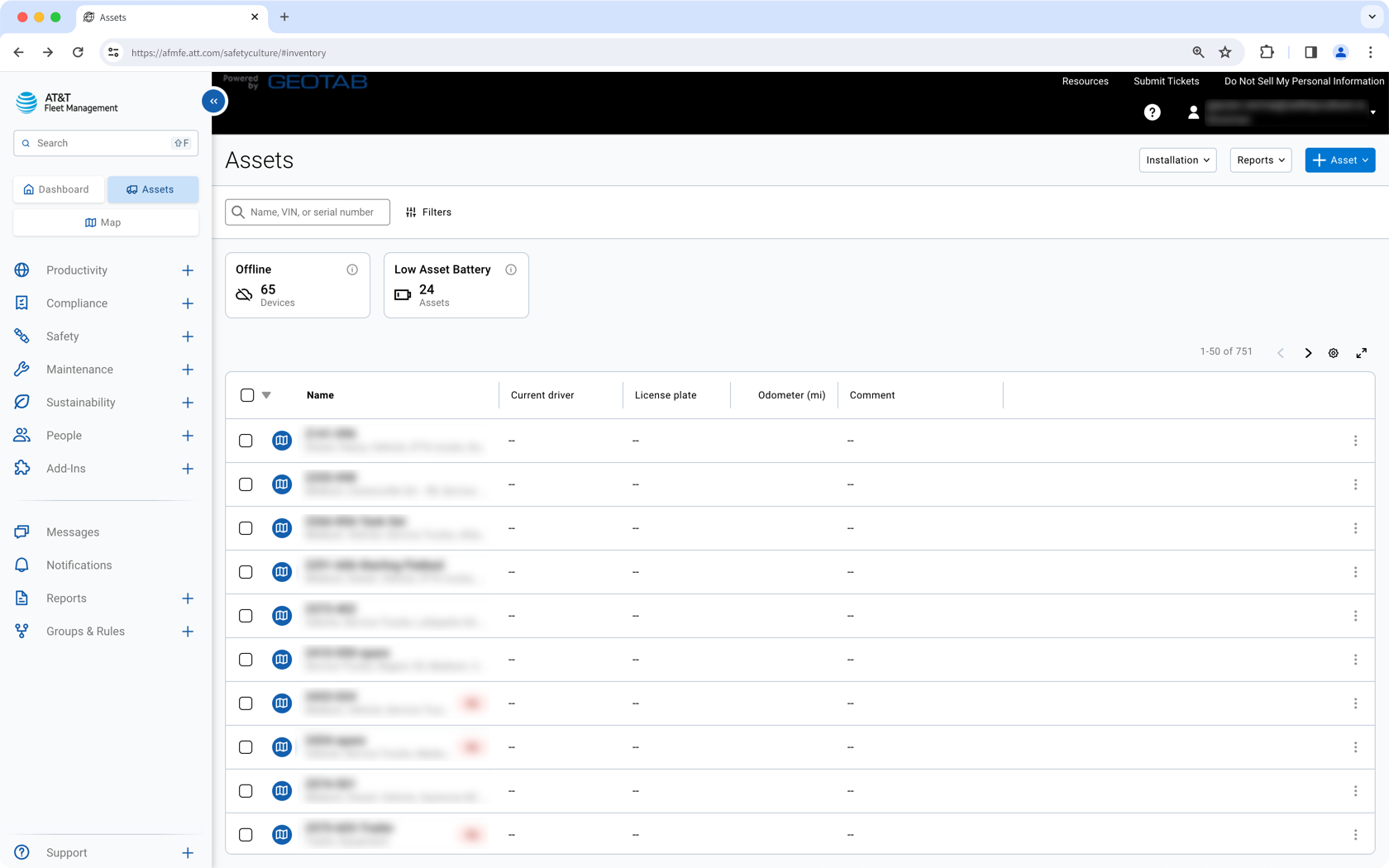
With Mitti, you can set up an integration that automatically creates your AT&T fleet vehicles as assets (opens in new tab). You can bring in your odometer, engine runtime, and GPS location data. Then a s details change in AT&T, matching assets stay in sync so you can schedule service on time, track utilization, and find vehicles fast.
This integration currently doesn't support AT&T trailers and equipment without an AT&T Fleet deviceinstalled.
What you'll need
Automatically create AT&T fleet vehicles as assets in Mitti
Click your organization name on the lower-left corner of the page and select Integrations.
Search for "AT&T Fleet Management" and select the integration.
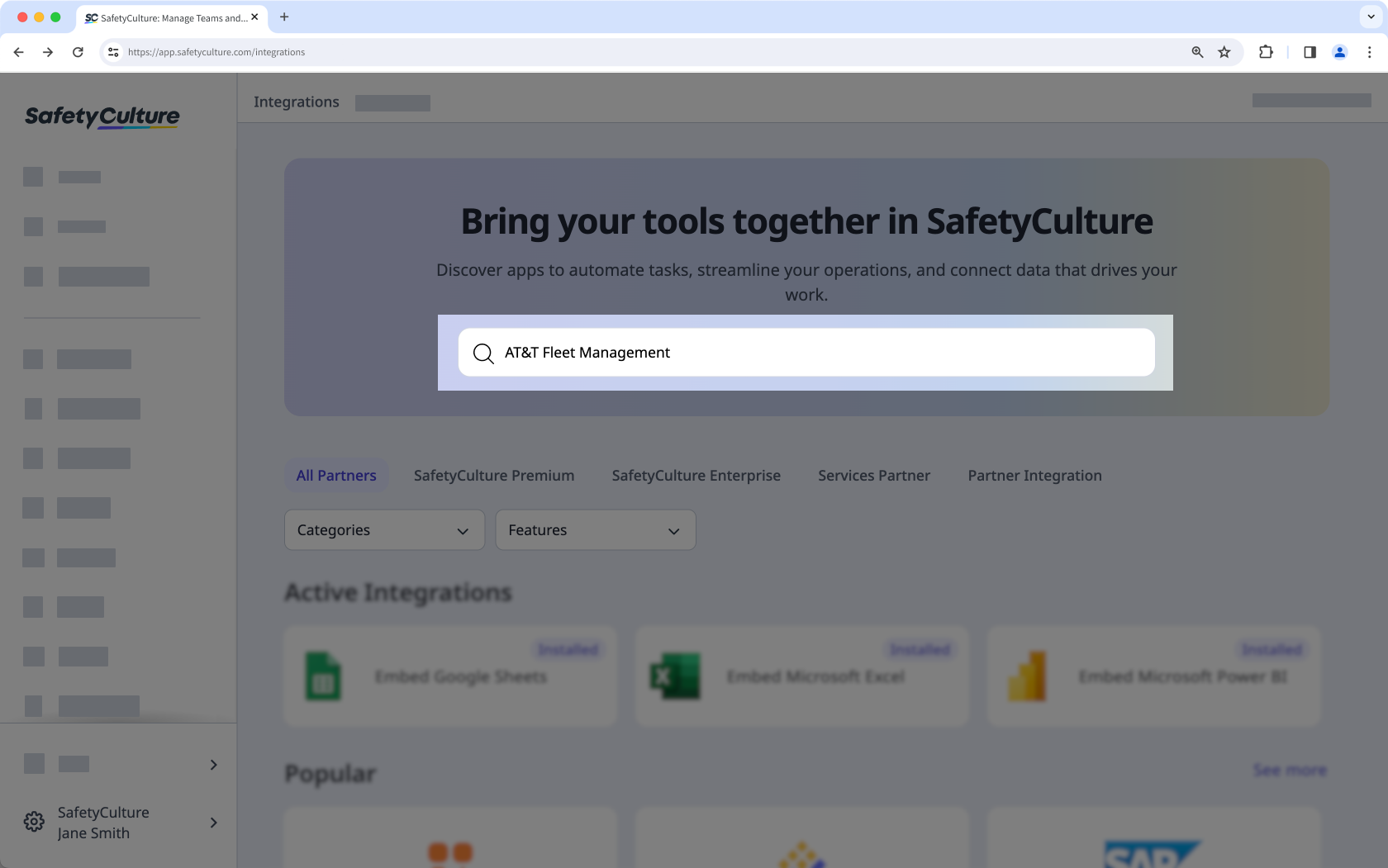
Click Install at the center of the page.
In the pop-up window, click Install.
Enter your AT&T Fleet Management account details and the database. You can find the database in your AT&T Fleet Management app's URL. For example, if your URL is "https://afmfe.att.com/assets/", then your database is "assets".
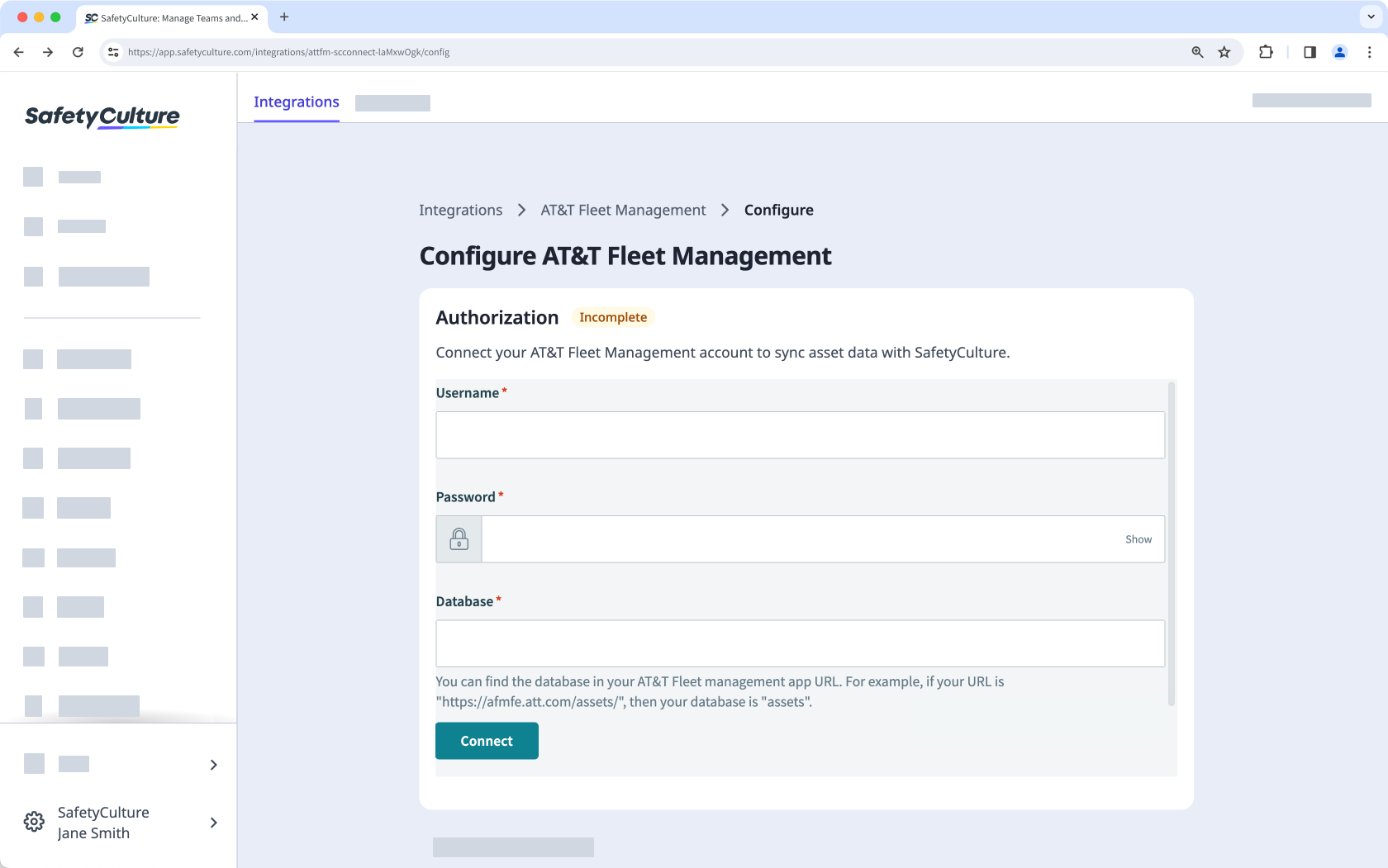
Click Connect.
The integration will now perform the following tasks:
Create an "AT&T Fleet vehicle"asset type with all the AT&T vehicle details as custom fields. If an asset type named "AT&T Fleet vehicle" already exists, that type will be updated with the required custom fields.
Check if each AT&T Fleet vehicle already exists in Mitti by checking its "Vehicle Name" against each asset's "Unique ID":
If a match is found, update the asset's type with the fields required for the integration and update the asset itself with the vehicle details.
If a match is not found, create the vehicle as a new asset.
When installing for the first time, the integration may take some time to sync data into Mitti as assets.
Frequently asked questions
Need more help?
Was this page helpful?
