Last updated: September 15, 2026
What you'll need
Make sites required for actions
Select Actions in the sidebar or in More.
Click Settings at the top of the page.
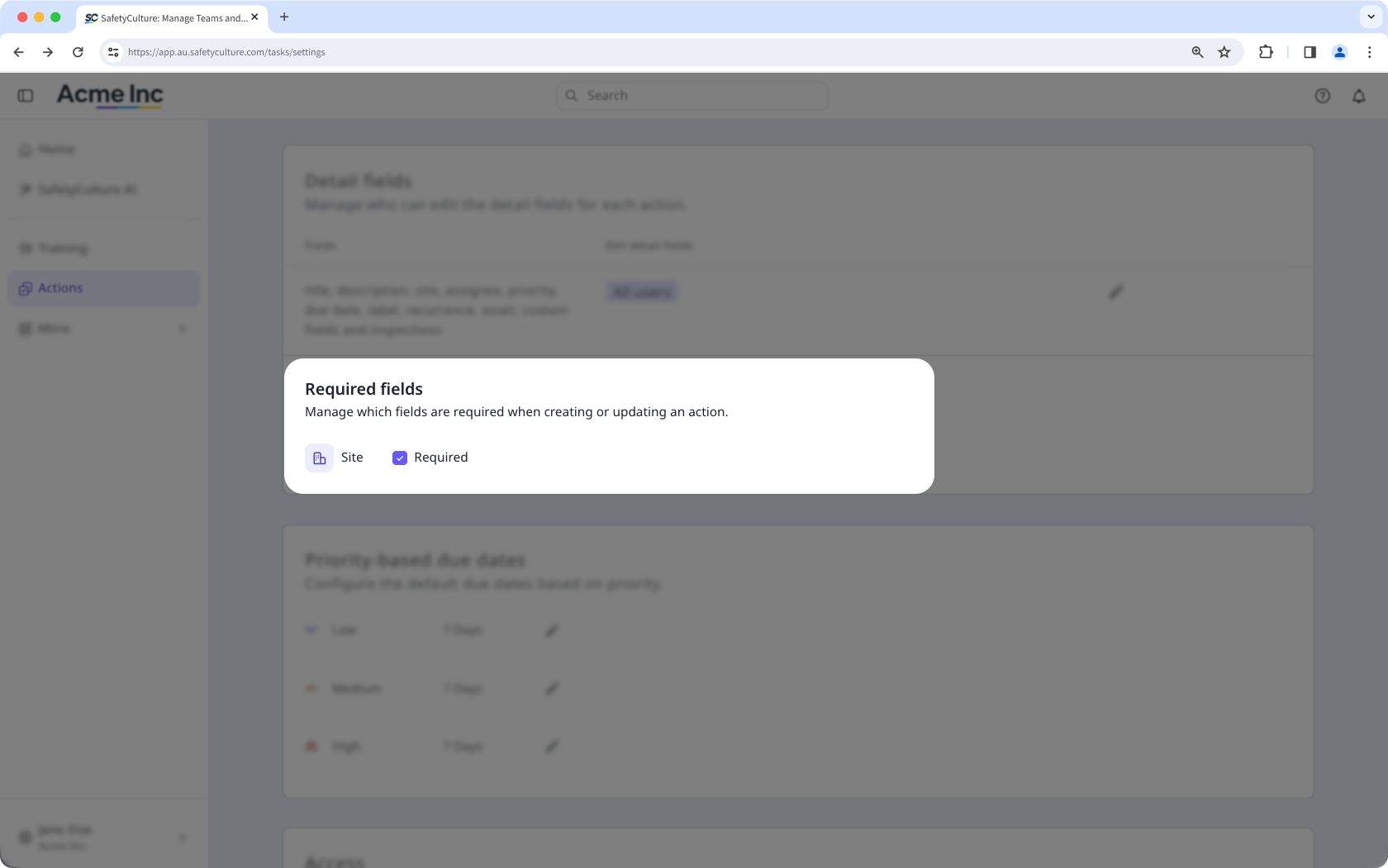
Scroll down to the "Required fields" section and check the Required box for Site.
Actions created from inspections, inspection reports, issues, assets, and asset maintenance plans automatically inherit the item’s site, so users creating actions from those features won't be affected by this setting.
Need more help?
Was this page helpful?
