Last updated: July 1, 2026
You need to have "Platform management: Users" permission to manage another user's credentials.
View a credential's approval status
Click your organization name on the lower-left corner of the page and select Credentials.
Select the credential type.
Select the credential.
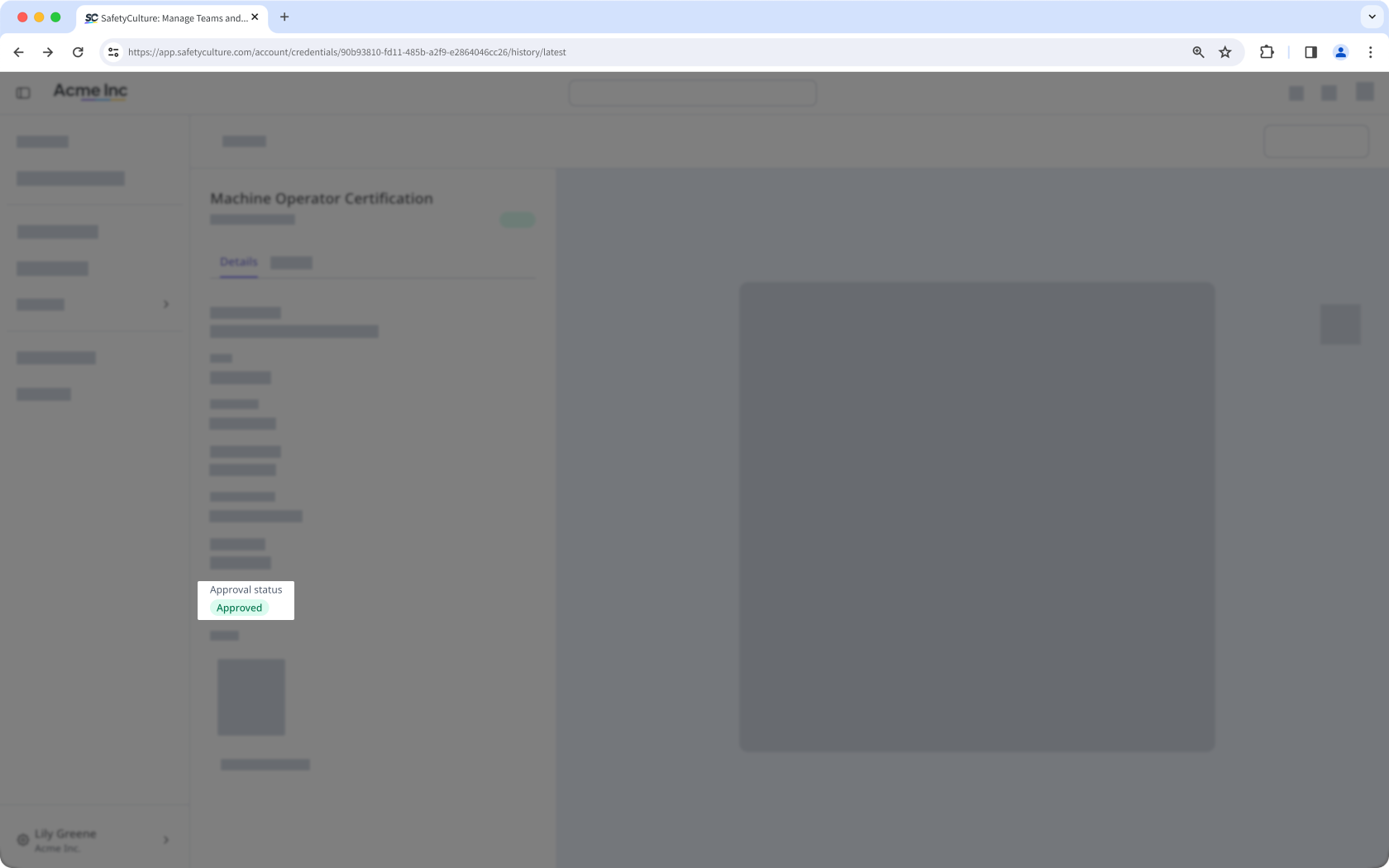
Click Details from the tab on the left-hand side of the page and view the approval status.
Need more help?
Was this page helpful?
