Última actualización: 1 de julio de 2024
Ver una acción asignada
Select Acciones in the sidebar or in Más.
Click Asignada a mí at the top of the page.
Select the action you want to view.
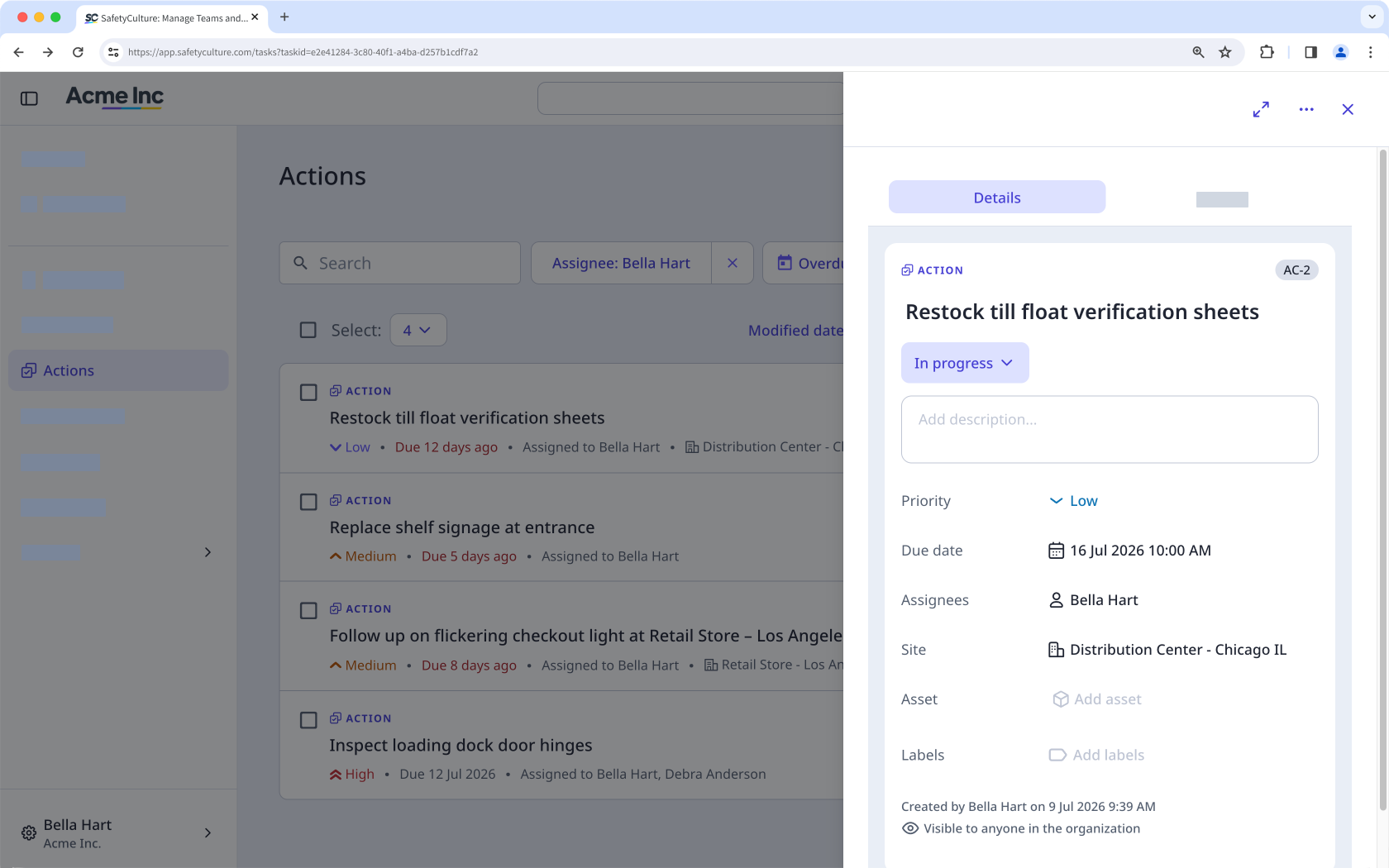
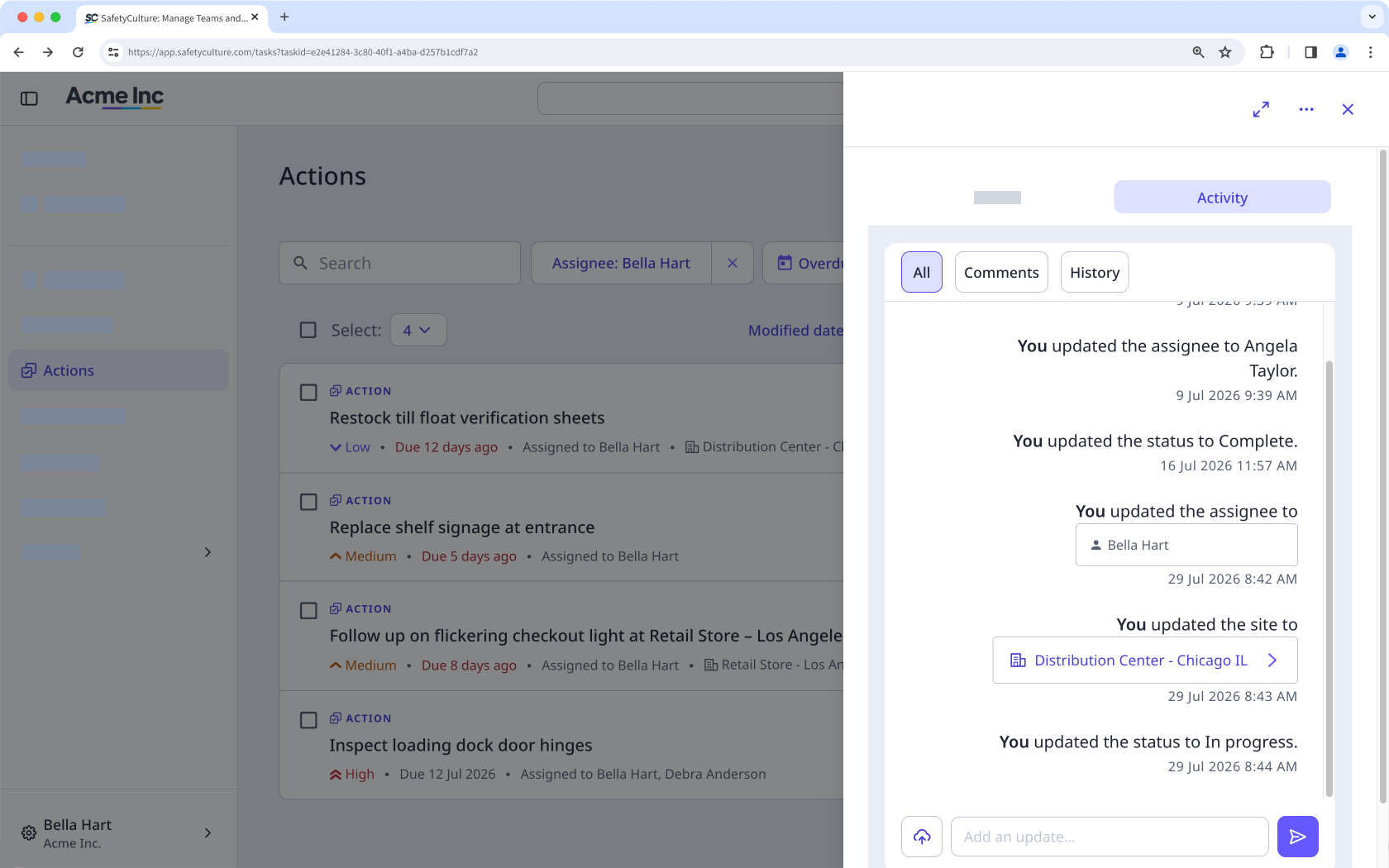
In the side panel, select any of the following tabs:
Detalles: Use this tab to view the primary details about the action. You can also scroll down to see if the action came from an inspection, action, issue, or inspection report.
Actividad: Use this tab to view any changes made to the action, including comments and media. You cannot edit or delete action activity items.
Open the mobile app.
Tap Acciones in the navigation bar or select it from Más.
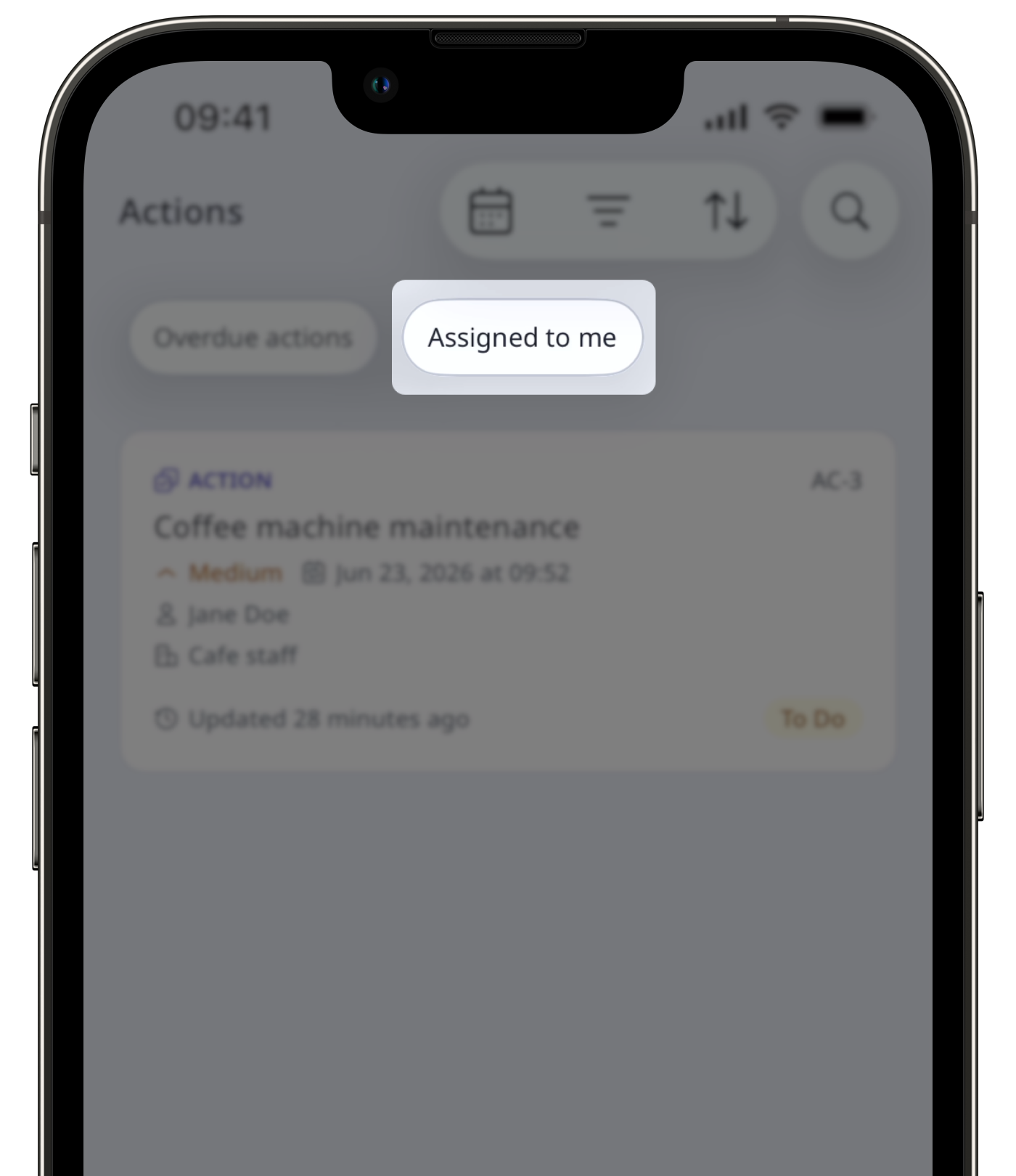
At the top of your screen, next to , swipe to the right and tap Asignada a mí.
Select the action you want to view.
Tap any of the following tabs:
Detalles: Use this tab to view the primary details about the action. You can also scroll down to see if the action came from an inspection, action, issue, or inspection report
Actividad: Use this tab to view any changes made to the action, including comments and media. You cannot edit or delete action activity items.
Los usuarios pueden necesitar acceso para realizar lo siguiente al ver las acciones:
Ver inspección: acceso de nivel "Ver» como mínimo para ver la inspección desde la que se creó una acción.
Iniciar inspección: acceso de nivel "Realizar» como mínimo para iniciar una inspección desde una plantilla vinculada.
¿Necesitas más ayuda?
¿Fue útil esta página?
