Last updated: September 14, 2026
What you'll need
Report layout types
You can create, edit, or delete report layouts for either a specific template or for all templates within an organization. Depending on what action you want to take on a report layout, you may require certain permissions and template access levels:
Report layouts for specific templates: You must have the "Conduct, edit" template access level at a minimum.
Report layouts for all templates: You must have the "Conduct, edit" template access level at a minimum for at least one template in your organization and the "Templates: Report layouts" permission.
Deleting is irreversible, and we cannot restore permanently deleted items. Confirmation is always required before any deletion, so be sure you're not accidentally deleting the wrong item.
Delete a report layout
Click Templates from the sidebar or in More.
Click the template and select Edit report in the side panel.
In the side panel, click on the right-hand side of the layout's name and select Delete. Alternatively, if you're editing a layout, click Delete on the lower-left of the page.
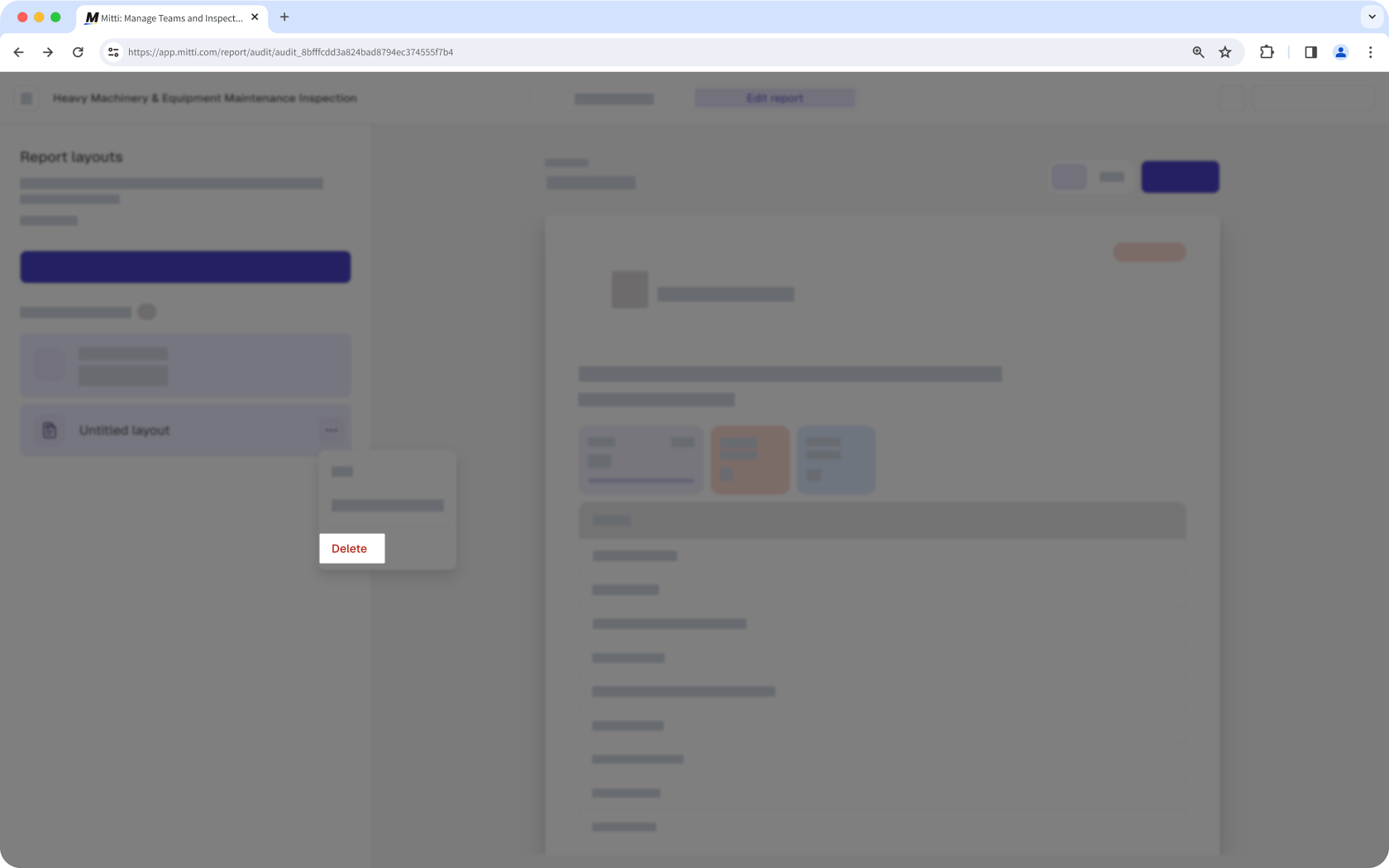
In the pop-up window, click Delete.
Open the mobile app.
Tap Inspections from the navigation bar or in More.
Select Templates tab at the top of your screen.
Tap the template.
Tap and select Edit template from the pop-up options.
Tap Report at the top of your screen.
Tap All layouts at the upper-right of your screen.
Tap on the right-hand side of the layout's name and select Delete. Alternatively, if you're editing a layout, tap Delete at the lower-left of your screen.
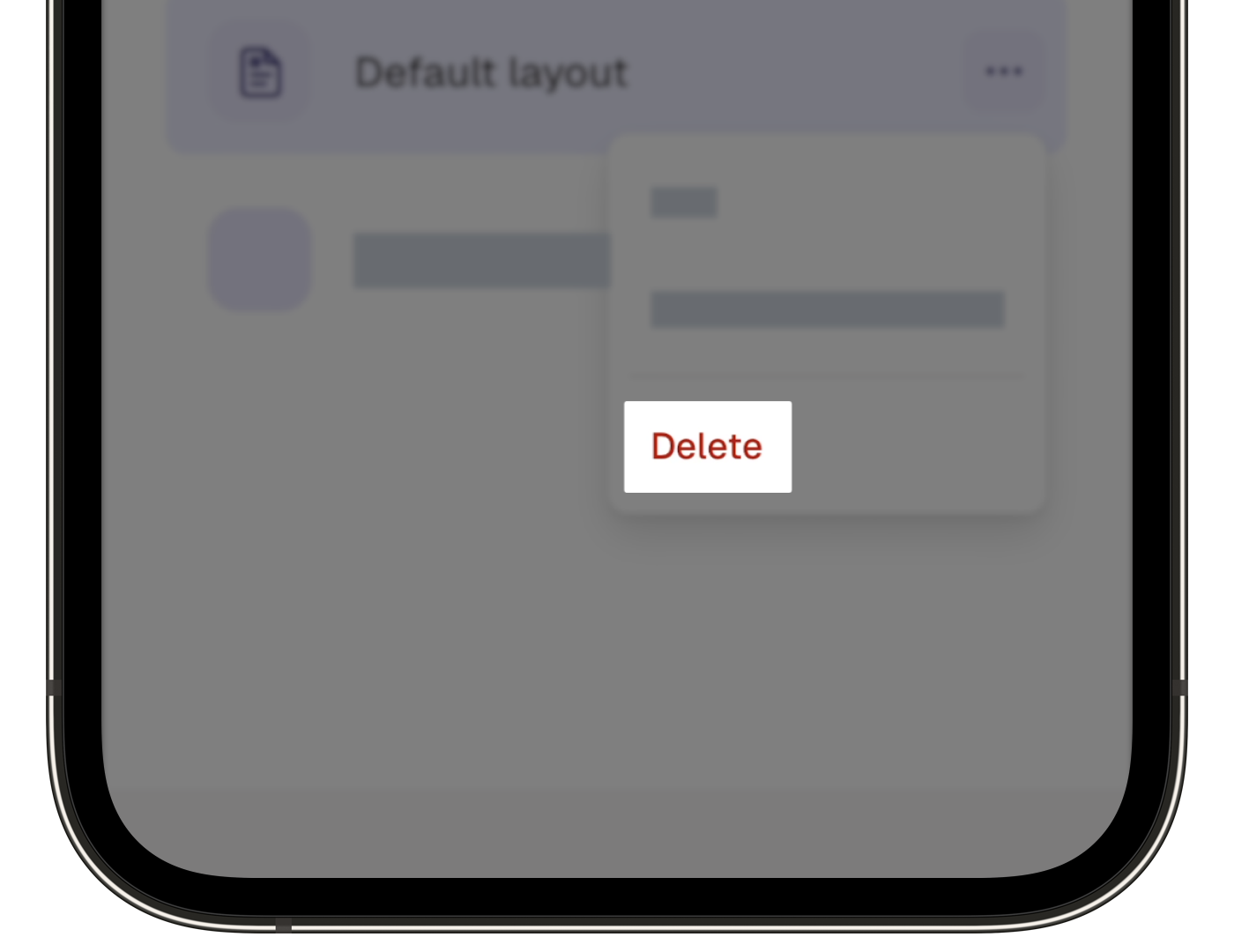
In the pop-up window, tap Delete.
Need more help?
Was this page helpful?
