Last updated: September 7, 2026
We may add new language support over time. Keep your mobile app updated to the latest version to access the latest supported languages.
Supported languages
Web app | Mobile app |
|---|---|
Dutch English (UK) English (US) French German Italian Portuguese (Brazil) Spanish (Mexico) Spanish (Spain) | Chinese (Simplified) Dutch English (US) French German Italian Japanese Korean Norwegian (Bokmål) Portuguese (Brazil) Portuguese (Portugal) Romanian Russian Spanish (Mexico) Spanish (Spain) Turkish |
If you would like us to support additional languages, please let us know by providing your feedback.
Change the language setting for your organization
Click your organization name on the lower-left corner of the page and select Organization settings.
Click Edit on the upper-right of the "Formats" section.
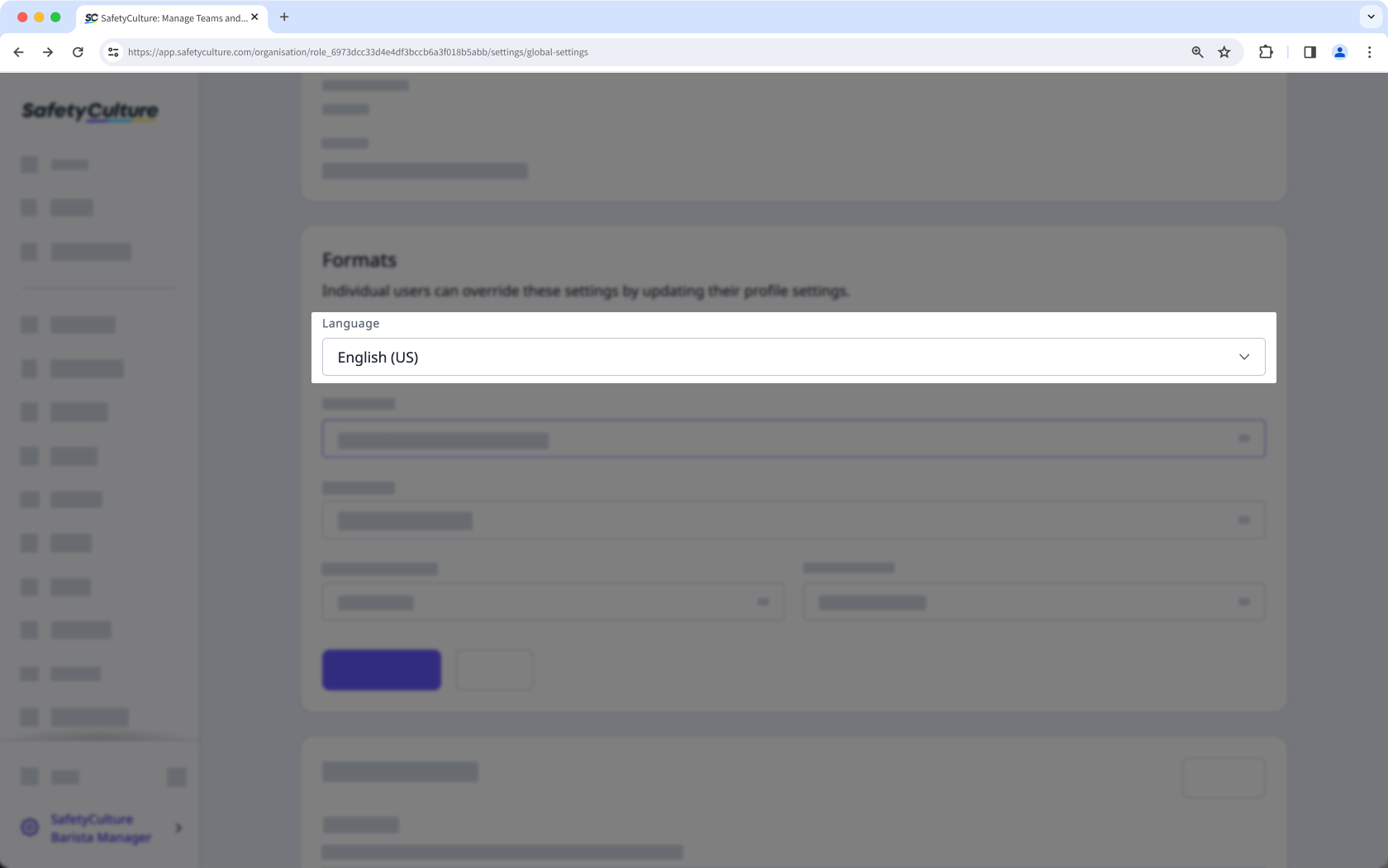
Under "Language", select the default language for your organization from the dropdown menu.
Click Save changes.
Limitations
The language setting only applies to the user interface, not documents such as templates and inspections. However, you can set up different languages for your templates instead.
By default, your users' web app follows your organization's language setting. However, they can override and select a different language that applies only to their account.
Need more help?
Was this page helpful?
