Last updated: February 24, 2025
By default, your users' web app follows your organization's metric settings. However, they can override and select a different metric that applies only to their account.
Change your organization's metric settings
Click your organization name on the lower-left corner of the page and select Organization settings.
Click Edit on the upper-right of the "Formats" section.
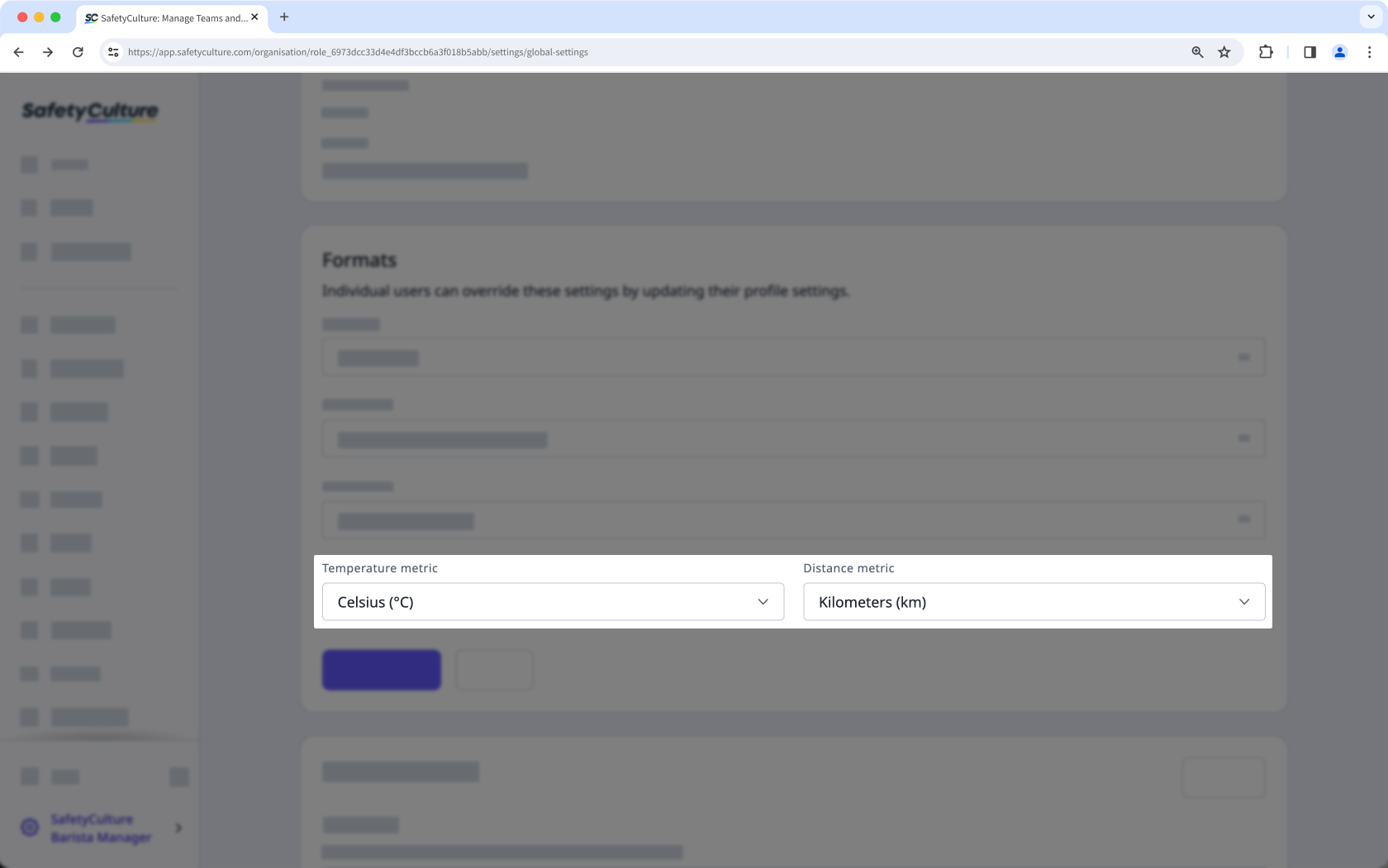
Select your organization's default metrics from the dropdown menu.
Click Save changes.
Need more help?
Was this page helpful?
