Last updated: April 15, 2026
What are issue reports?
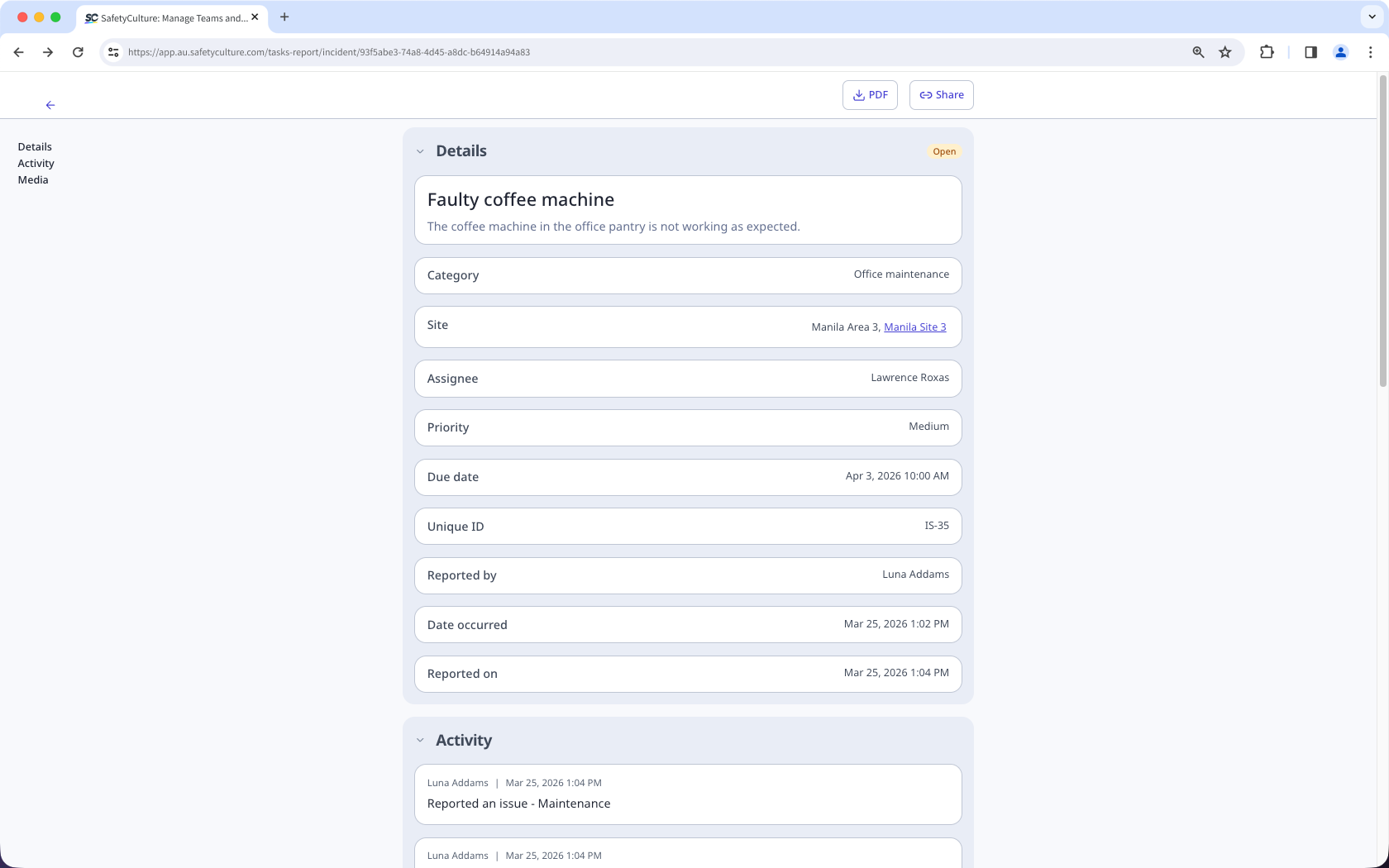
Issue reports are detailed summaries that document all relevant information and the full activity timeline for each reported issue. These reports help teams and stakeholders stay informed, maintain accurate records, and ensure visibility across the organization.
You can share issue reports by generating public links for real-time access or download them as PDF files for record-keeping. This promotes transparency and ensures teams can collaborate efficiently to track and resolve workplace issues.
Download an issue report as PDF
Select Issues in the sidebar or in More.
Select the issue.
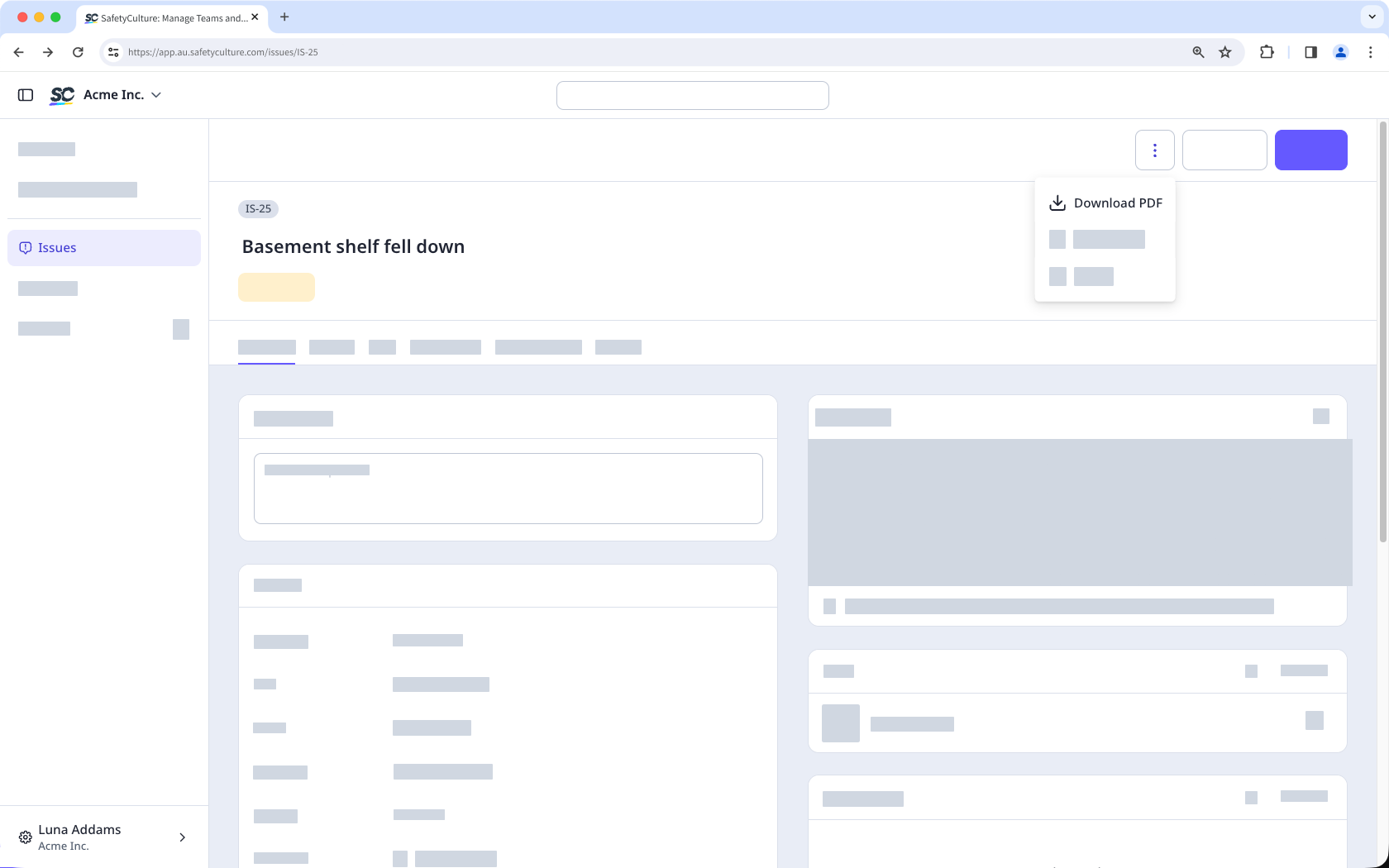
In the issue profile, click on the upper-right corner.
Click Download PDF.
Open the mobile app.
Tap Issues in the navigation bar or select it from More.
Tap the issue.
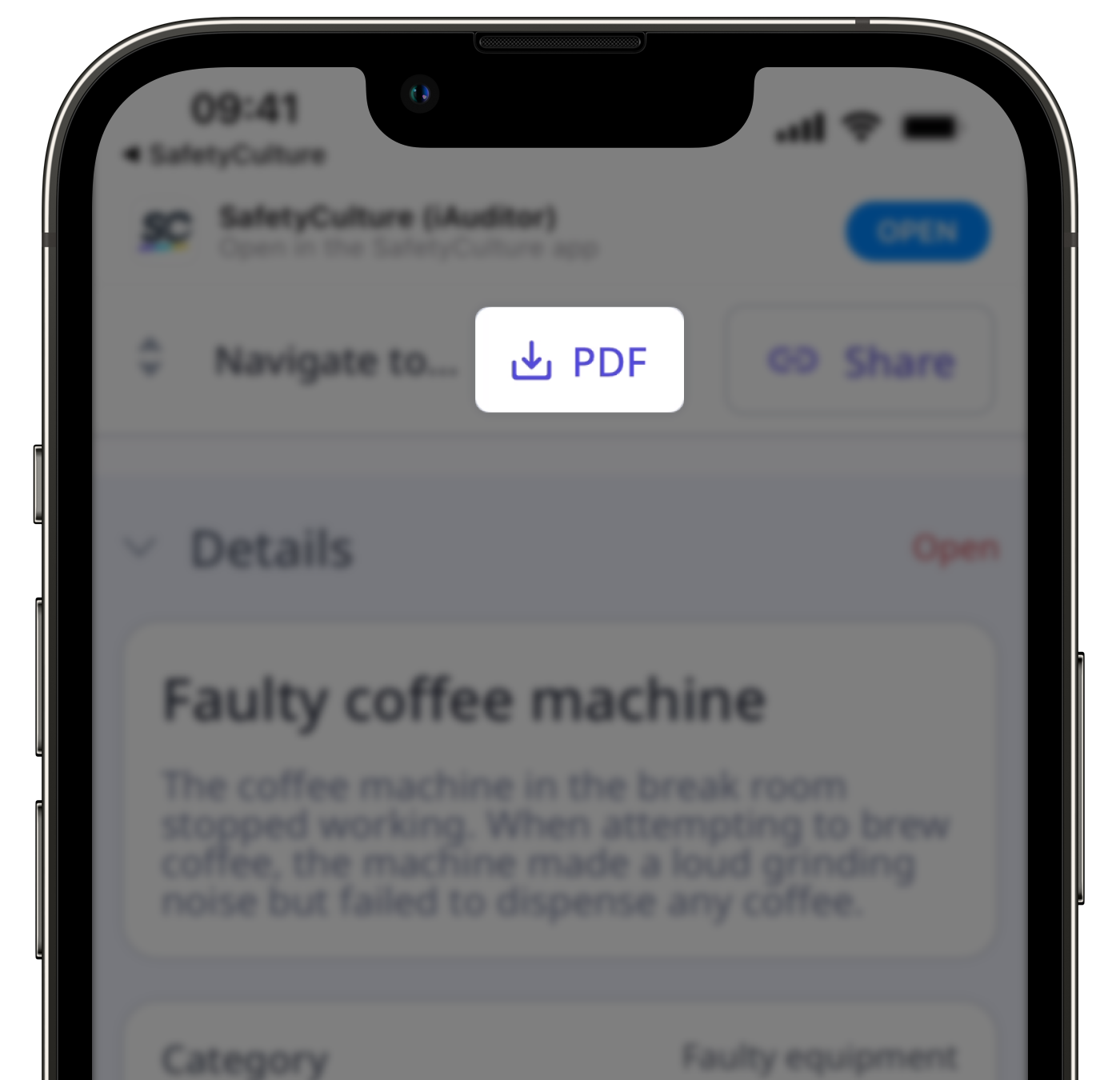
In the issue profile, tap on the upper-right corner of your screen and select View report.
Tap PDF.
Need more help?
Was this page helpful?
