Last updated: August 28, 2025
What is the Integration Builder?
The Integration Builder is an integration platform that allows you to build and run integration workflows connecting Mitti to other business systems.
With an extensive connector library, including customizable API and database connection tools, the Integration Builder makes it possible to integrate with virtually any cloud or on-premise system.
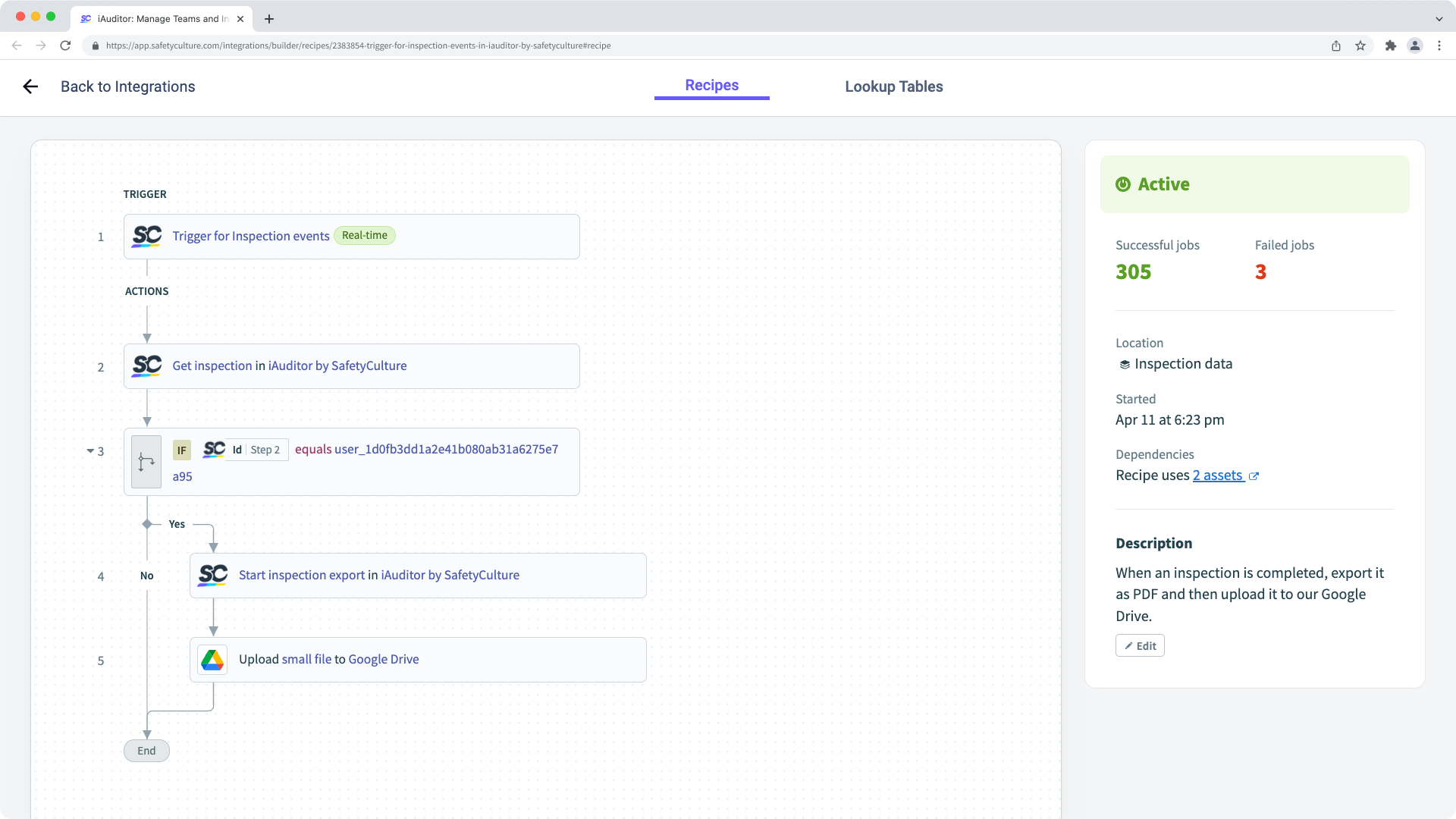
The Integration Builder is powered by Workato (opens in new tab), but embedded within and fully supported by Mitti.
You may need to turn on third-party cookies for your browser to support this integration.
Install or uninstall the Integration Builder
Click your organization name on the lower-left corner of the page and select Integrations.
Select Integration Builder from the tab at the top of the page.
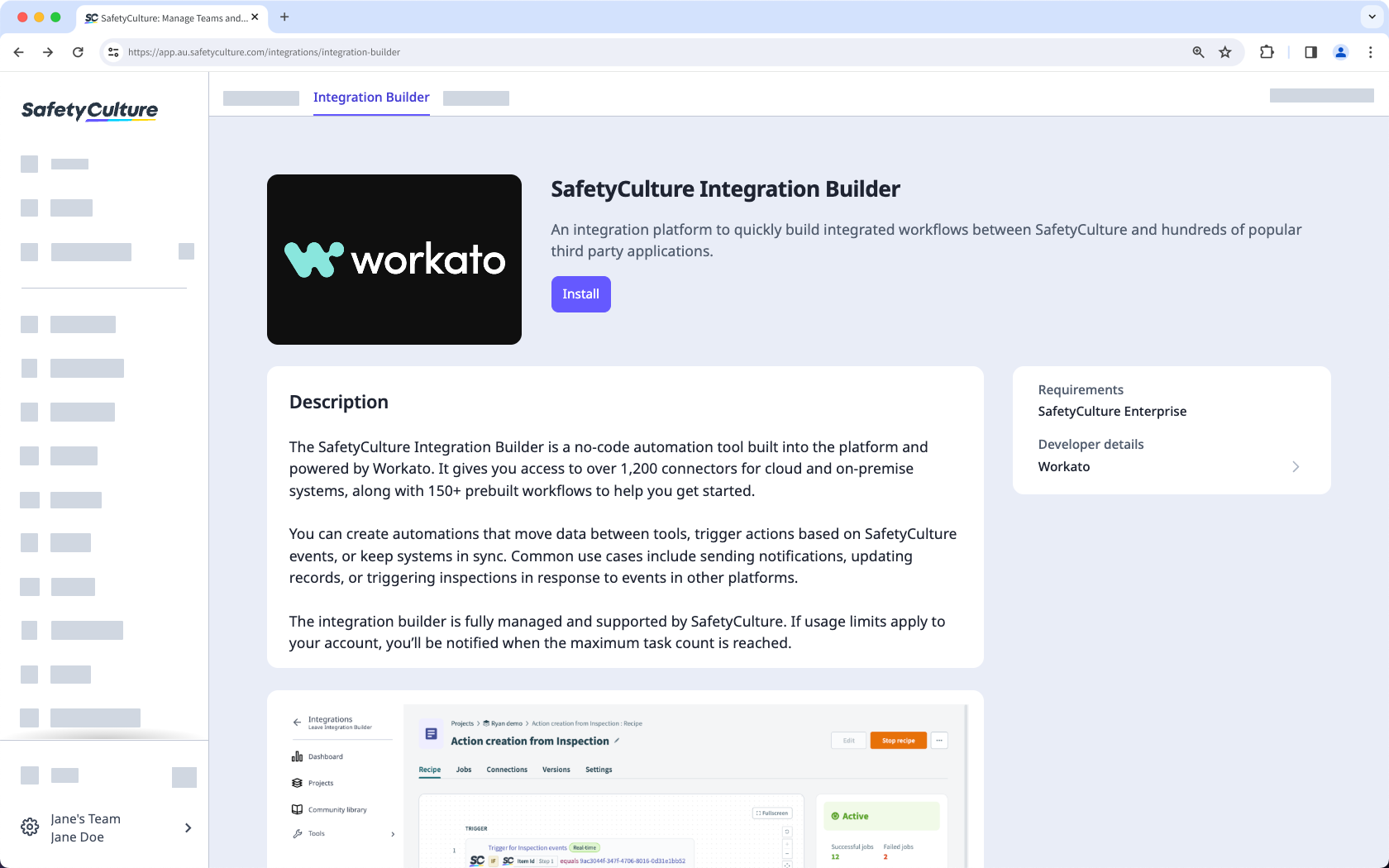
C lick Install.
Once installed, you can start creating recipes.
Please contact your customer success manager to uninstall the Integration Builder for your organization.
Depending on the apps that you use, the ones mentioned in this section can be interchanged with other apps supported by Workato.
Custom integration recipes
Need more help?
Was this page helpful?
