Last updated: October 31, 2024
Purchasing products from Supply is currently only available to customers in Australia and the U.S.
What you'll need
Saved credit cards in the Mitti Supply are separate from the credit card used for your Mitti plan.
Add a credit card
Select Supply in the sidebar or in More.
Click Settings on the upper-right of the page.
Select Saved payments tab at the top of the page.
Click Add Card on the upper-right of the page.
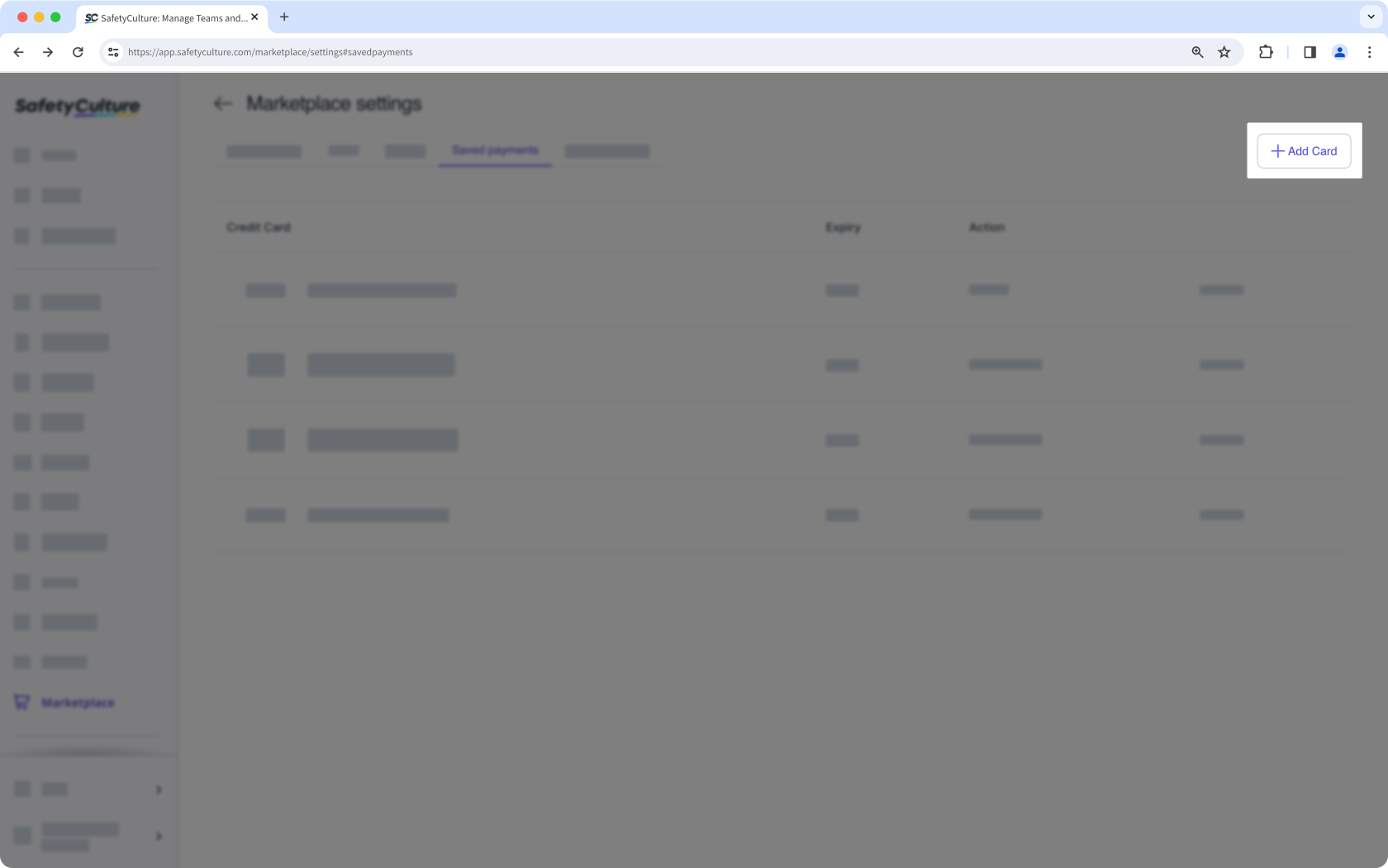
In the side panel, enter your credit card details accordingly.
Click Add Payment Details.
Remove a credit card
Select Supply in the sidebar or in More.
Click Settings on the upper-right of the page.
Select Saved payments tab at the top of the page.
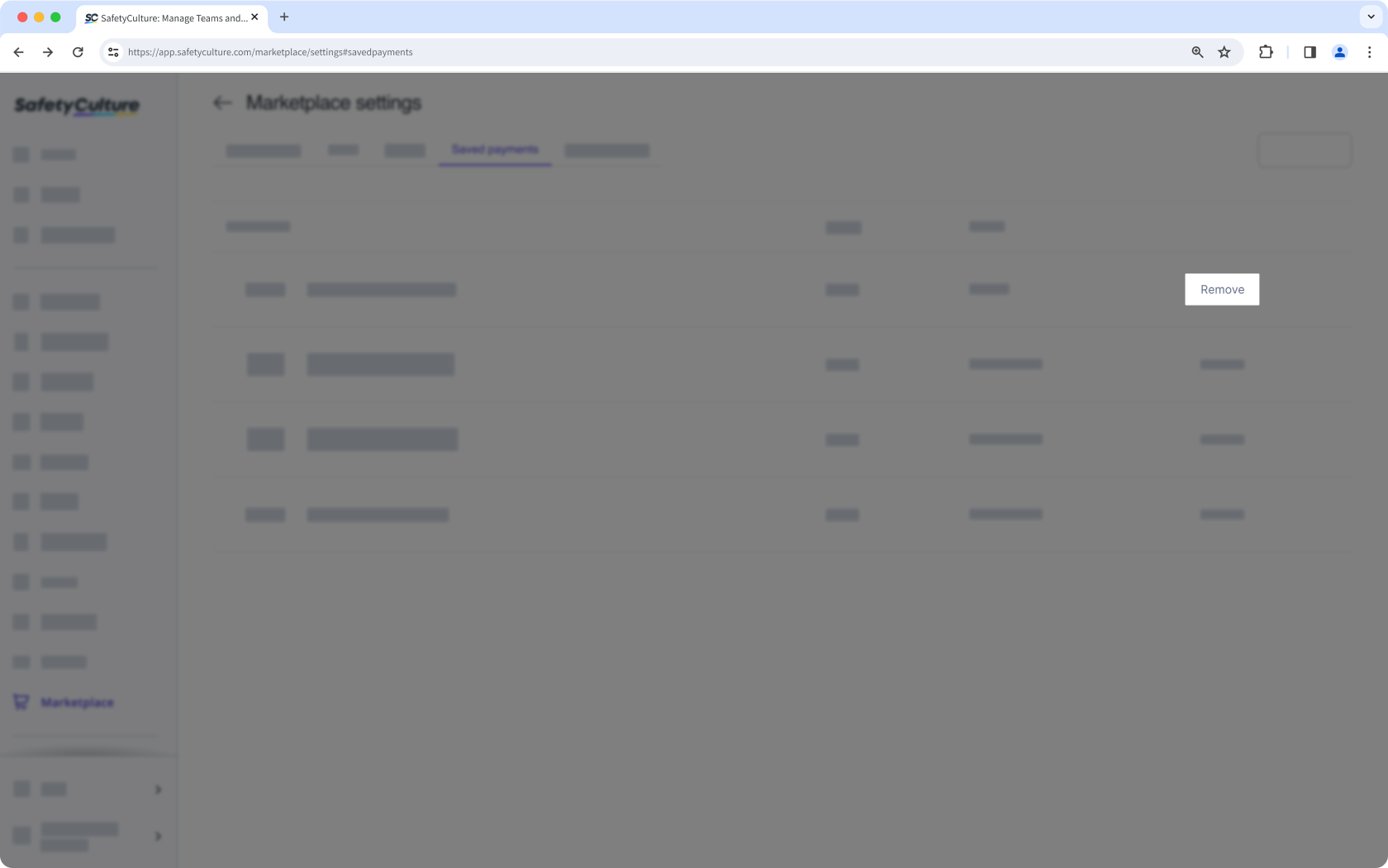
Click Remove next to your credit card details to delete your payment information.
Need more help?
Was this page helpful?
