Last updated: January 2, 2024
Permissions in the Mitti Supply are separate from permission sets that apply to the rest of the platform.
What you'll need
Supply permissions
Each user can be assigned one of the following permissions in the Mitti Supply:
Admin: Gives a user complete control of settings in the Mitti Supply, including managing buying groups and managing other users' Supply permissions.
Manager: Gives a user complete control of the buying group they're a part of, including managing catalogs, budgets, and saved credit cards.
Member: Allows a user to buy products in the Mitti Supply, subject to catalog and budget settings.
By default, all users with the “Platform management: Organization” permission are automatically assigned as Supply admins.
Manage a user's Supply permission
Select Supply in the sidebar or in More.
Click Settings on the upper-right of the page.
Select Users at the top of the page.
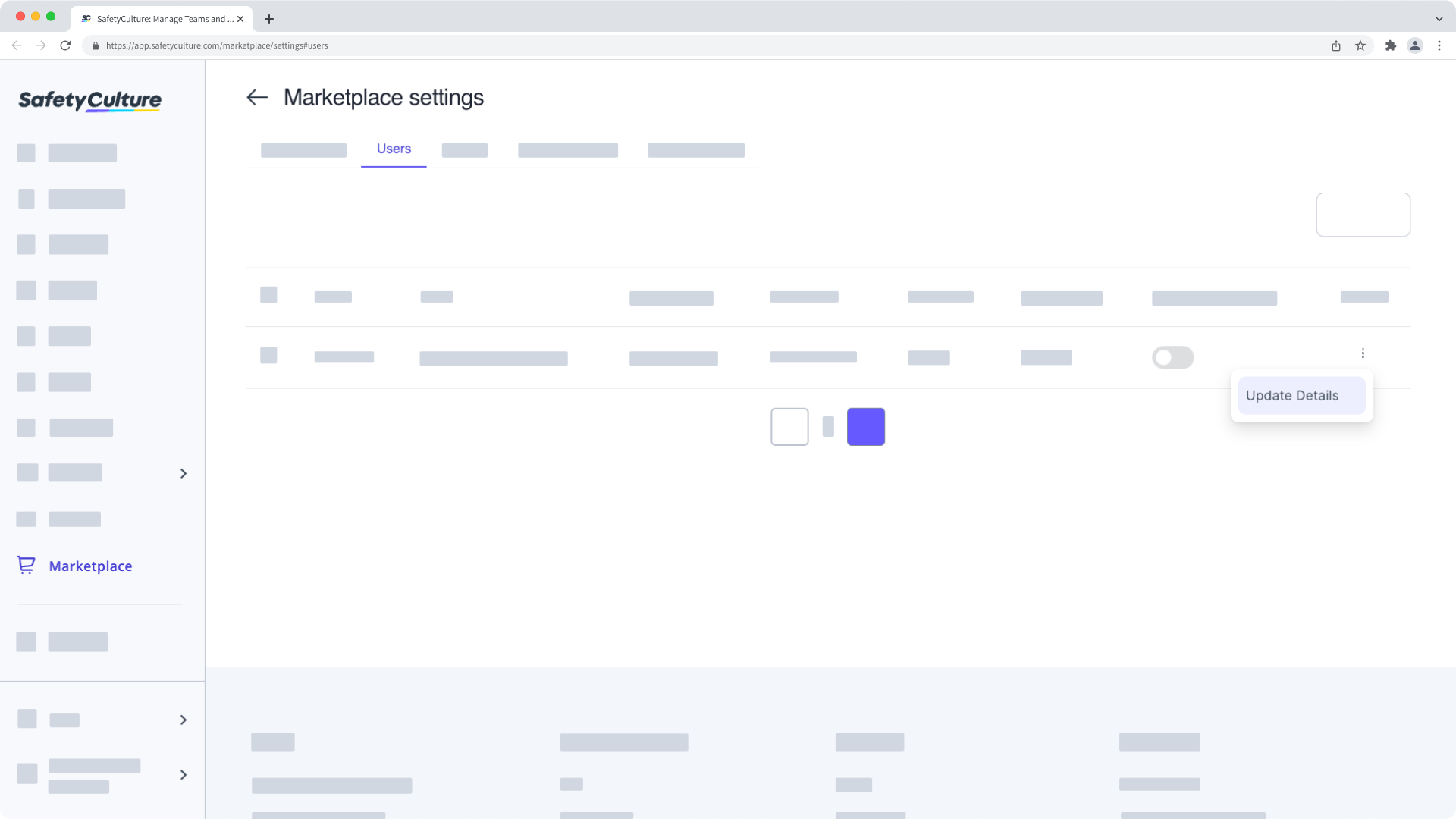
Click on the user's right-hand side and select Update Details.
In the side panel, click the "Permissions" dropdown menu and select the permission.
Click Update.
Need more help?
Was this page helpful?
