Last updated: June 21, 2026
Turn company document approvals on or off
Select Contractors in the sidebar or in More.
Click Settings on the upper-right of the page.
In the Approvals tab, turn "Company document approvals" on or off.
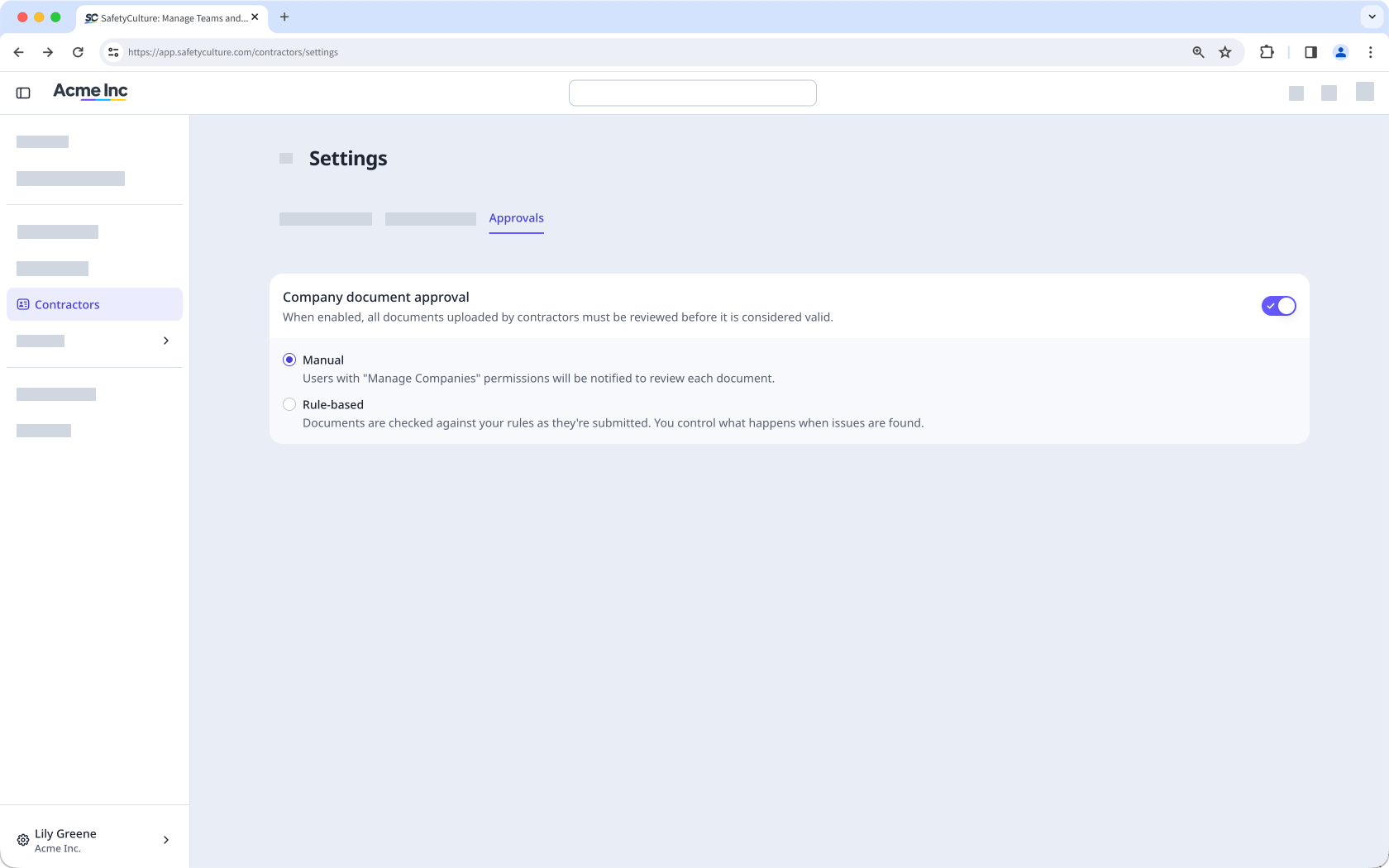
Select how you want to review company documents:
Manual: Review each document and decide whether to approve or reject it.
Rule-based: Use AI to review documents based on rules you set up.
Need more help?
Was this page helpful?
