Last updated: September 7, 2026
What you'll need
This setting is turned on by default for your organization.
Turn file sharing on mobile on or off
Click your organization name on the lower-left corner of the page and select Organization settings.
Select Features at the top of the page.
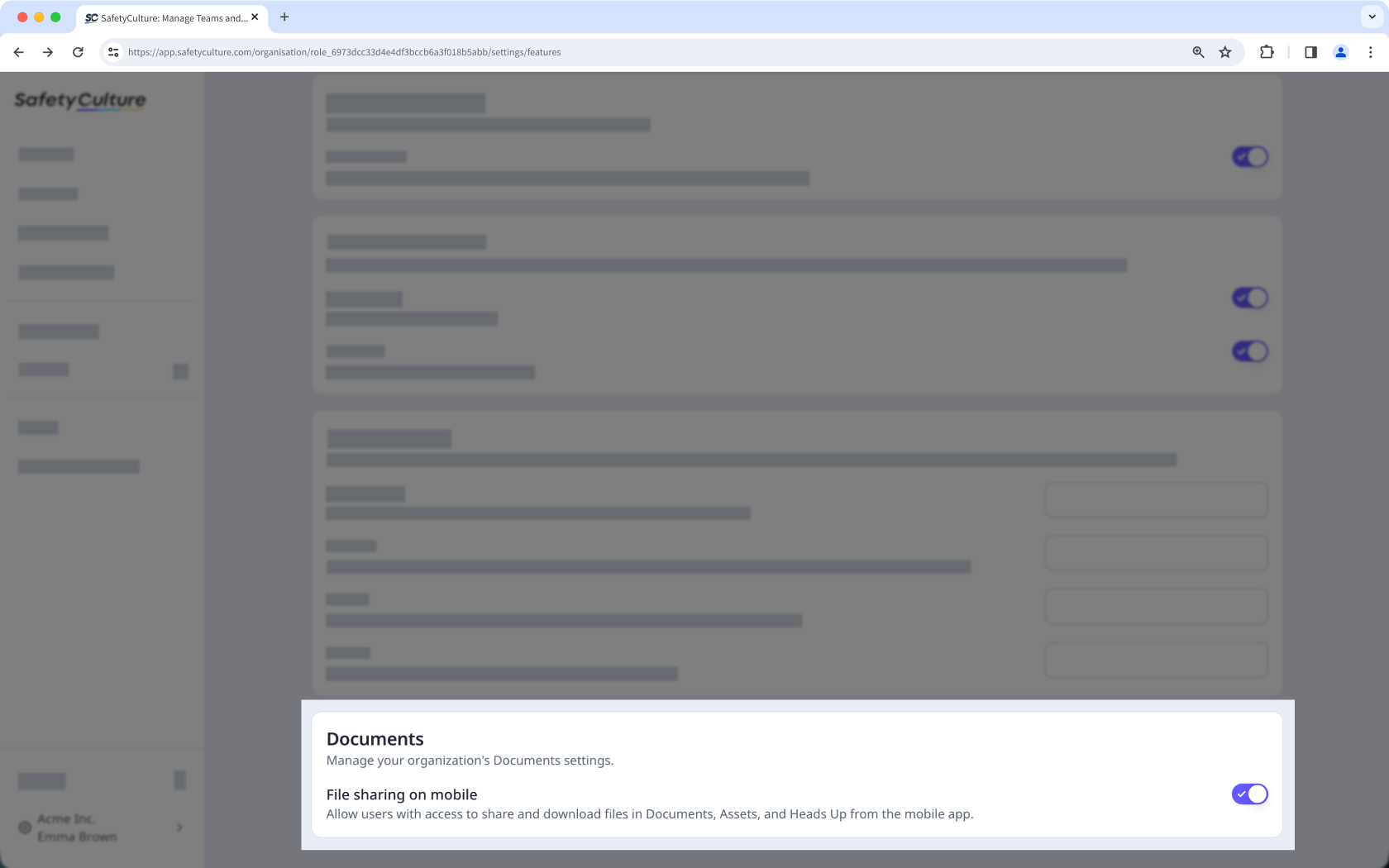
In the "Documents" section, turn "File sharing on mobile" on or off.
Need more help?
Was this page helpful?
