Last updated: September 8, 2026
If you have "Documents: Administrator" permission, you can share any files in your organization.
Turn on file sharing on mobile for your organization to allow users to share files in Documents, Assets, and Heads Up.
Share a file
Open the mobile app.
Tap More and select Documents.
If you're on the Offline tab, tap All at the top of your screen.
Select a folder if the file you want to share is in it.
Tap the file.
Tap at the upper-right of your screen.
Select Share from the pop-up options.
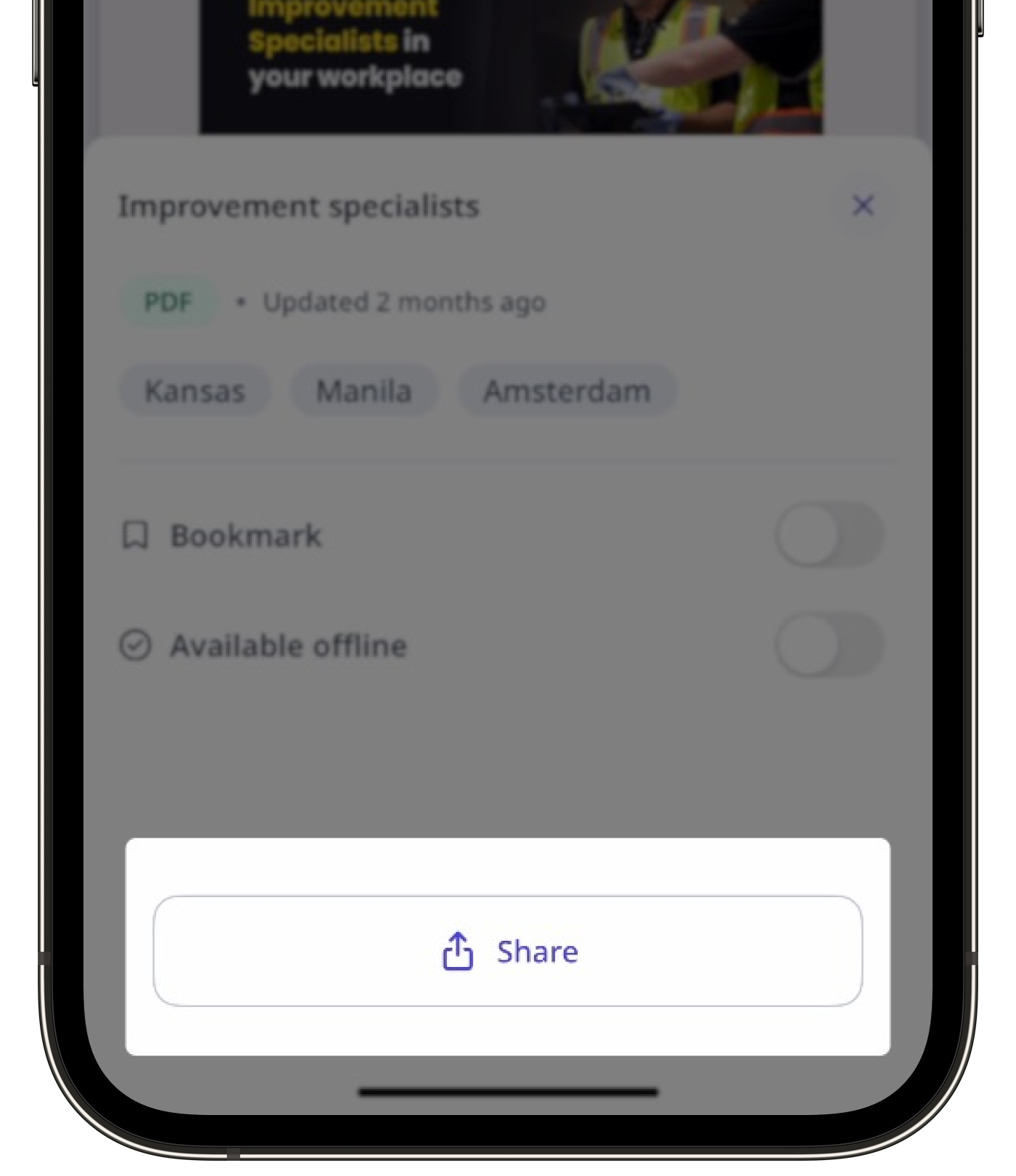
Share the file accordingly.
Sharing files in Documents is available only on the iOS mobile app for users with Mitti version 25.38 and above.
Need more help?
Was this page helpful?
