Last updated: September 6, 2026
What are collections in Library?
Collections are curated sets of templates and training courses organized around specific topics, processes, or use cases. Each collection includes related content tailored to your team’s needs, helping you get started quickly and work more efficiently. You can add templates and courses published within your organization to a collection, making it available in the Library for others to view and download.
Whether you’re introducing workplace safety with inspection checklists and incident reporting courses or exploring resources to improve daily operations, collections provide your team with access to curated, high-quality content tailored to common use cases, making it easier to onboard, adopt best practices, and standardize workflow processes using the right templates and courses.
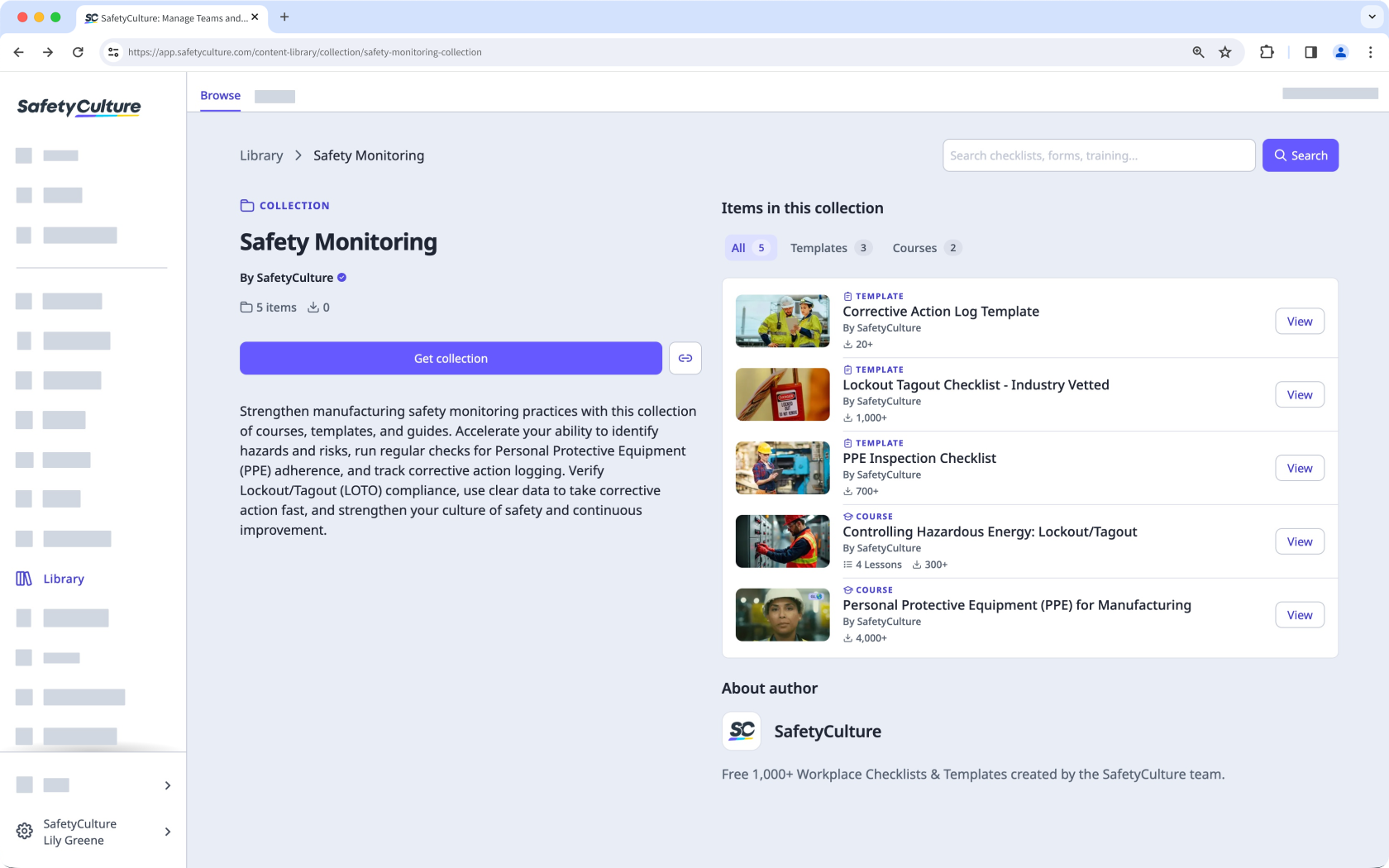
What you'll need
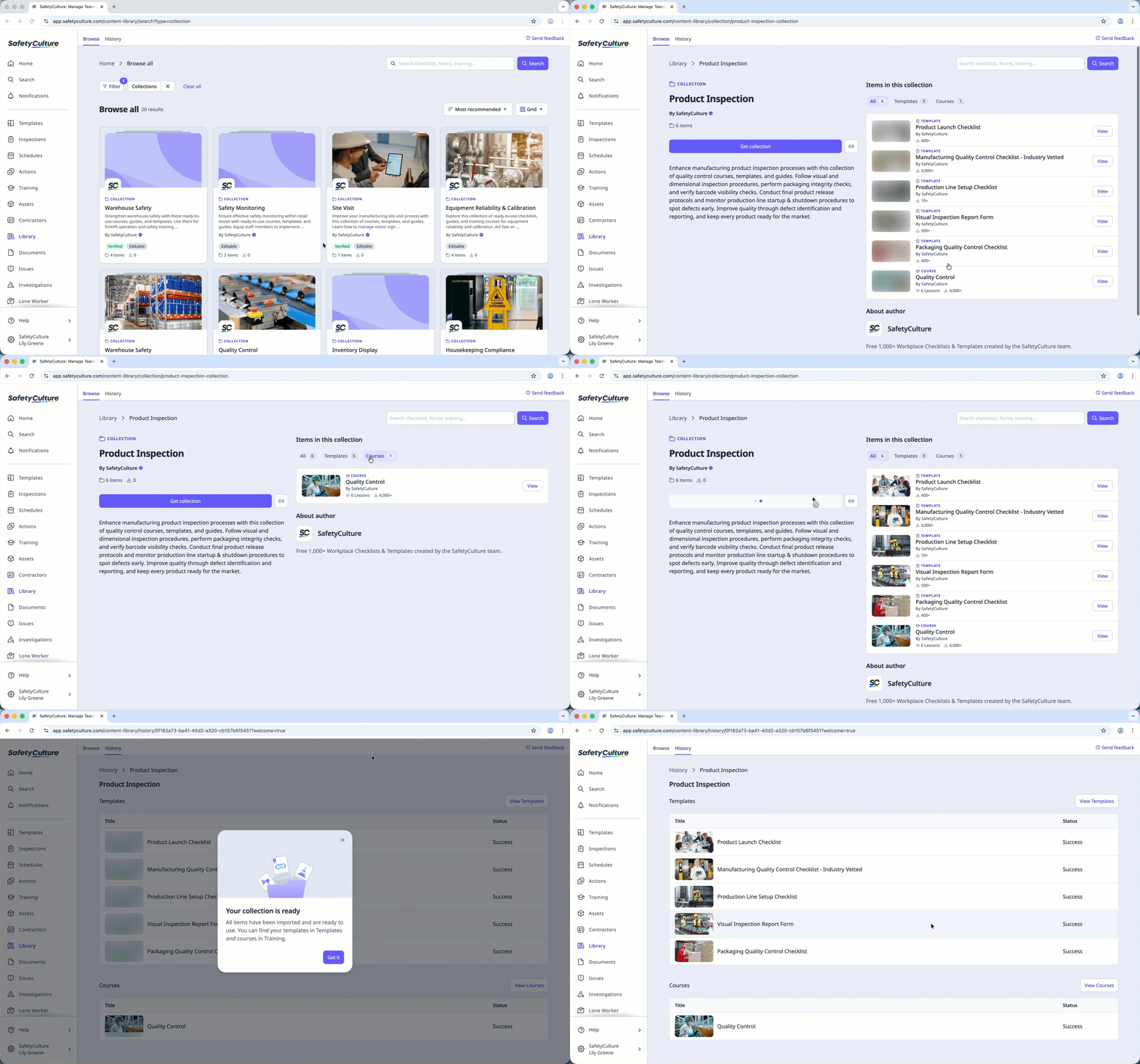
Download a collection from the Library
Select Library in the sidebar or in More.
Select Collections at the top of the page to filter by collections.
Click Filter at the top of the page to filter by industry in the side panel. You can also search by entering keywords or scroll to browse the list.
Select a collection.
C lick Get collection on the left-hand side of the page.
Open the mobile app.
Tap More at the lower-right corner of your screen.
Select Library from the list.
Tap at the top of the screen and select Collections to filter by collections.
Tap at the top of the screen to filter by industry. You can also search by entering keywords or scroll to browse the list.
Tap the collection you want to download.
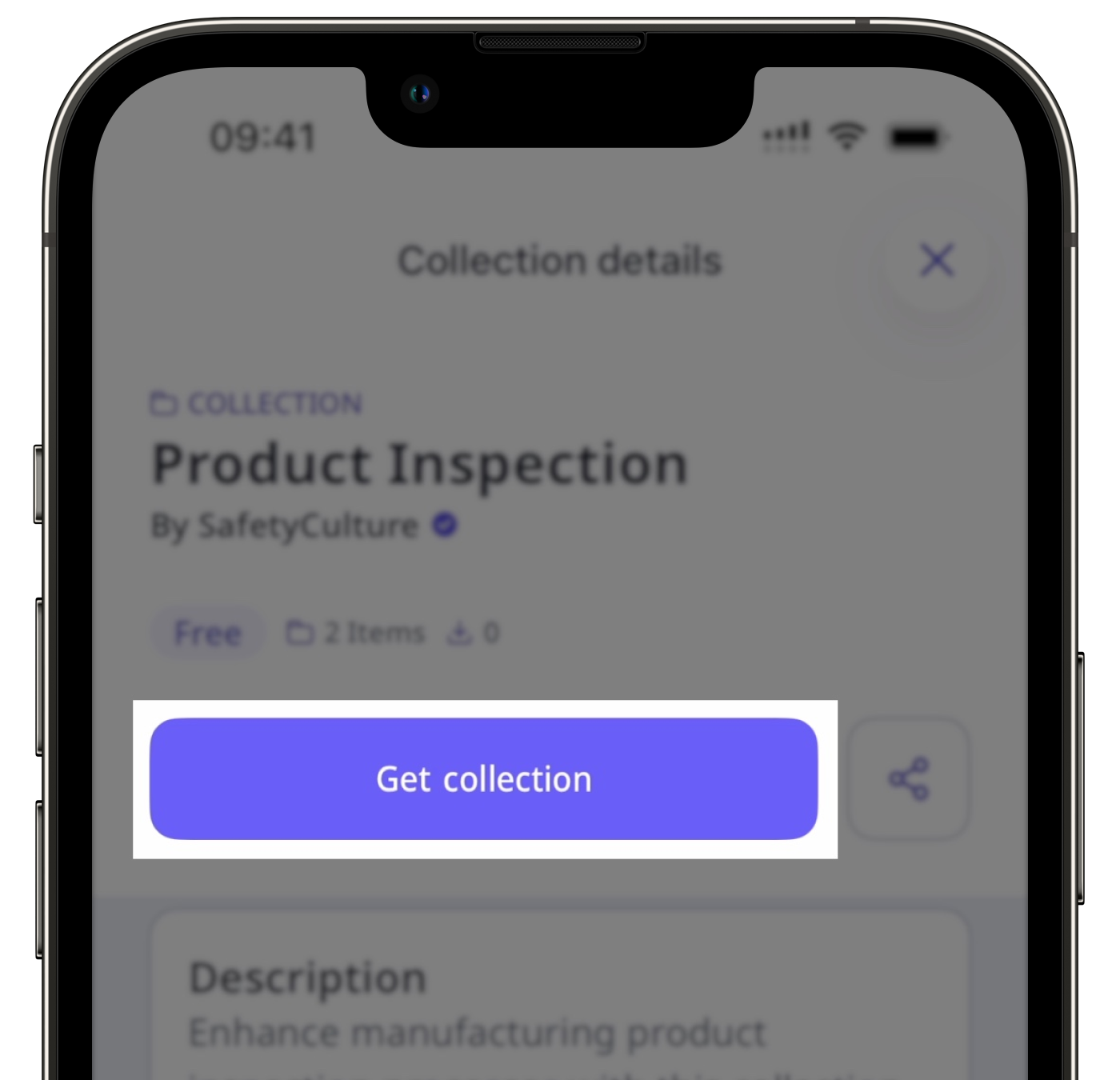
Tap Get collection.
Need more help?
Was this page helpful?
