Last updated: September 6, 2026
What are company audit logs?
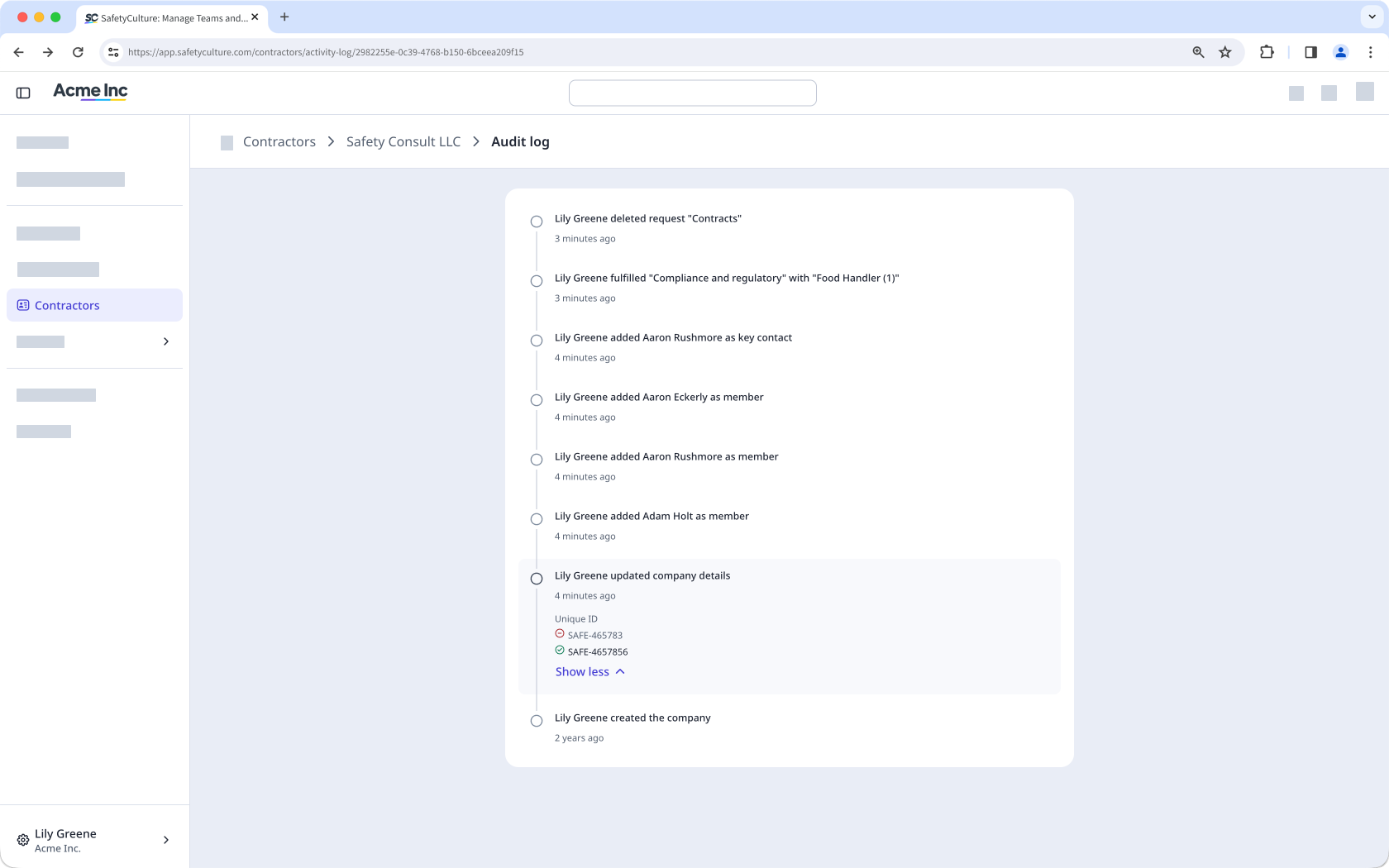
Company audit logs are a real-time record of every change made within a company, capturing who did what and when. The audit log in each company profile helps you track activity across company details, document requests, documents, workers, and approvals, giving you a detailed record of all activity within a company. With a clear trail of every action, you can verify changes, support compliance, and quickly investigate when something changes unexpectedly.
View a company audit log
Select Contractors in the sidebar or in More.
Select a company.
Click on the upper-right of the page and select Audit log.
On this page, you can view all changes made within the company.
Need more help?
Was this page helpful?
