Last updated: September 9, 2026
What you'll need
View site leaderboard
Click 5 Star Benchmarking from the sidebar or in More.
Select Sites at the top of the page.
On this page, you can:
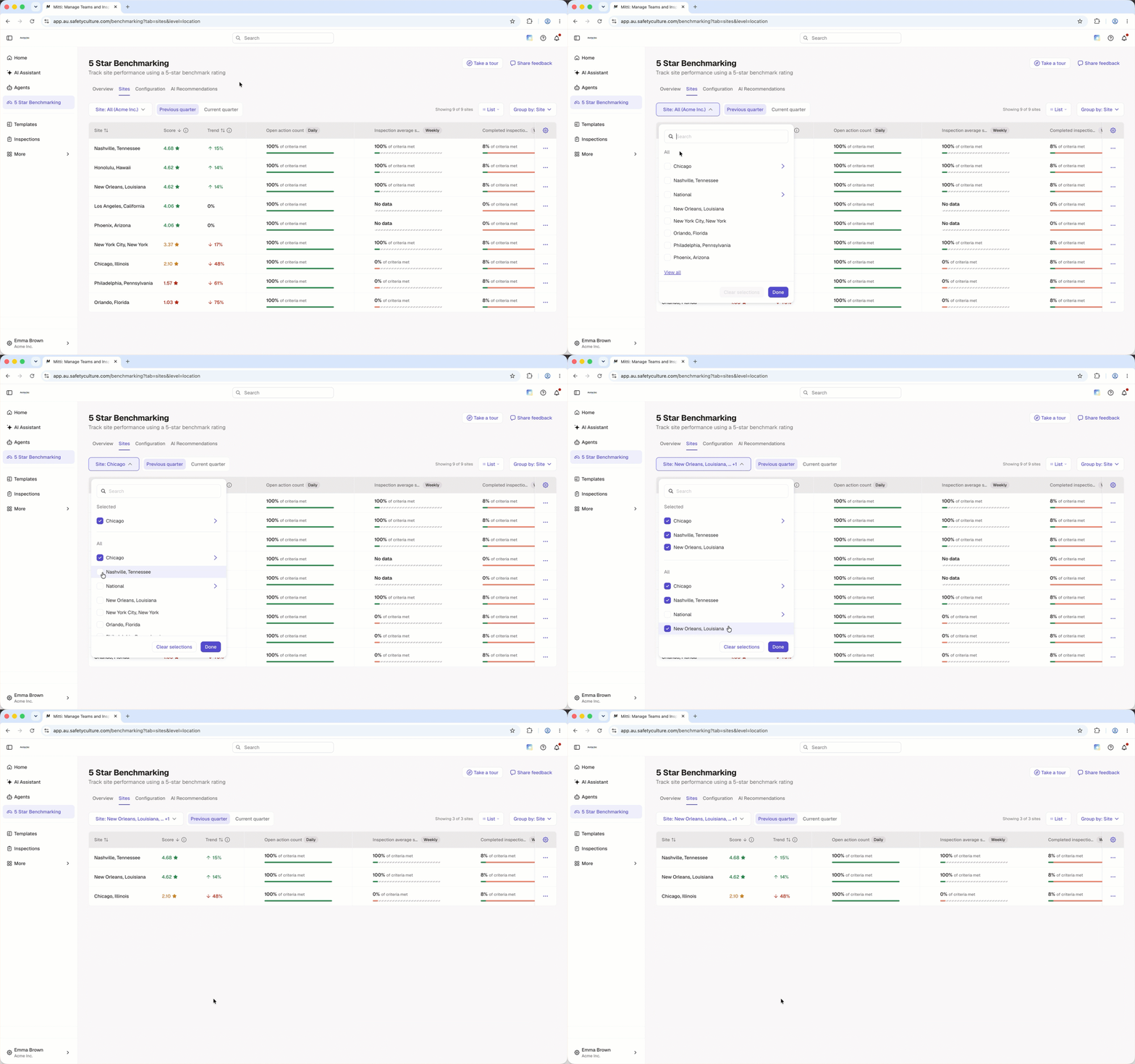
Filter your site leaderboard by sites.
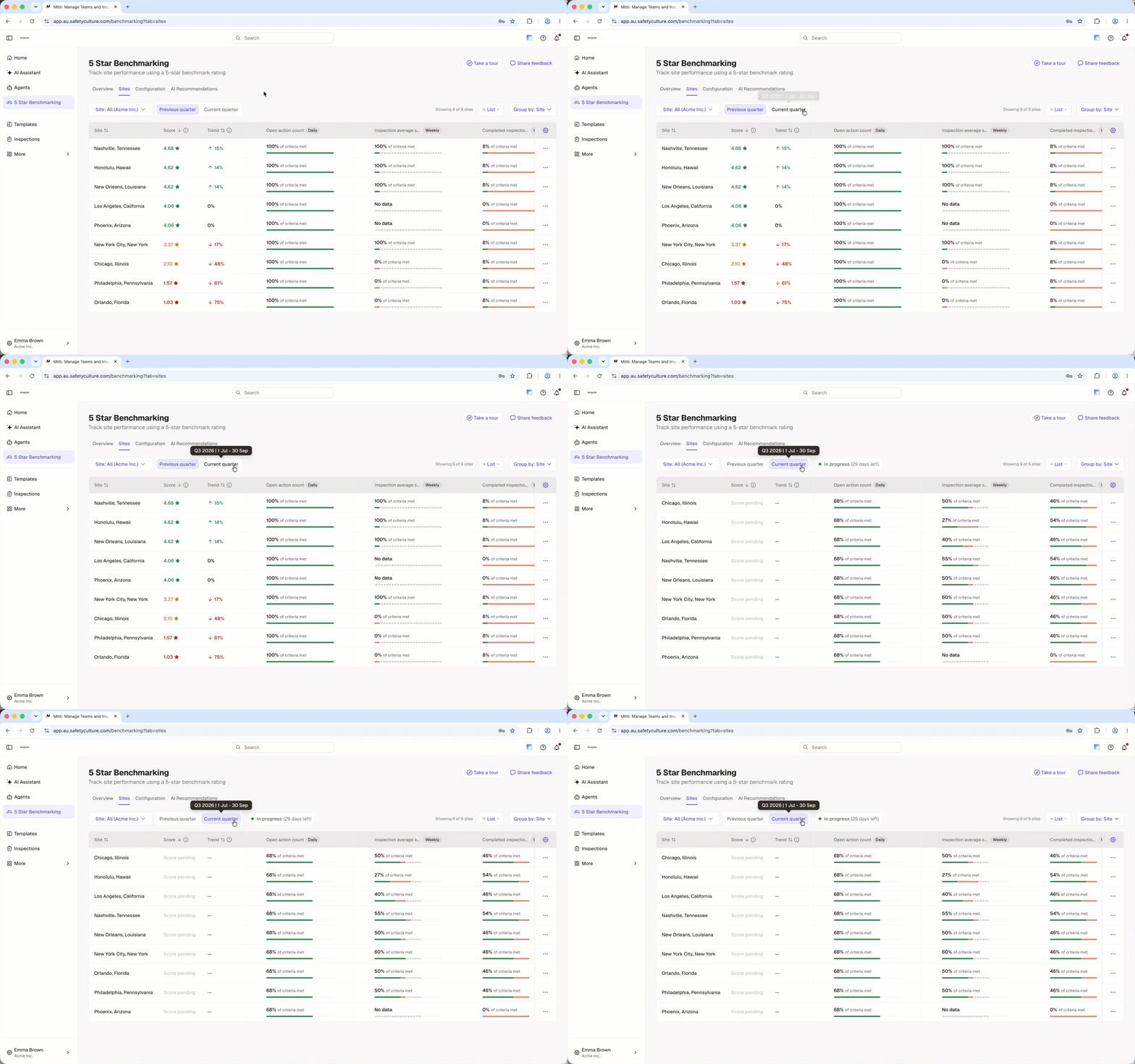
Switch between the previous and current quarter.
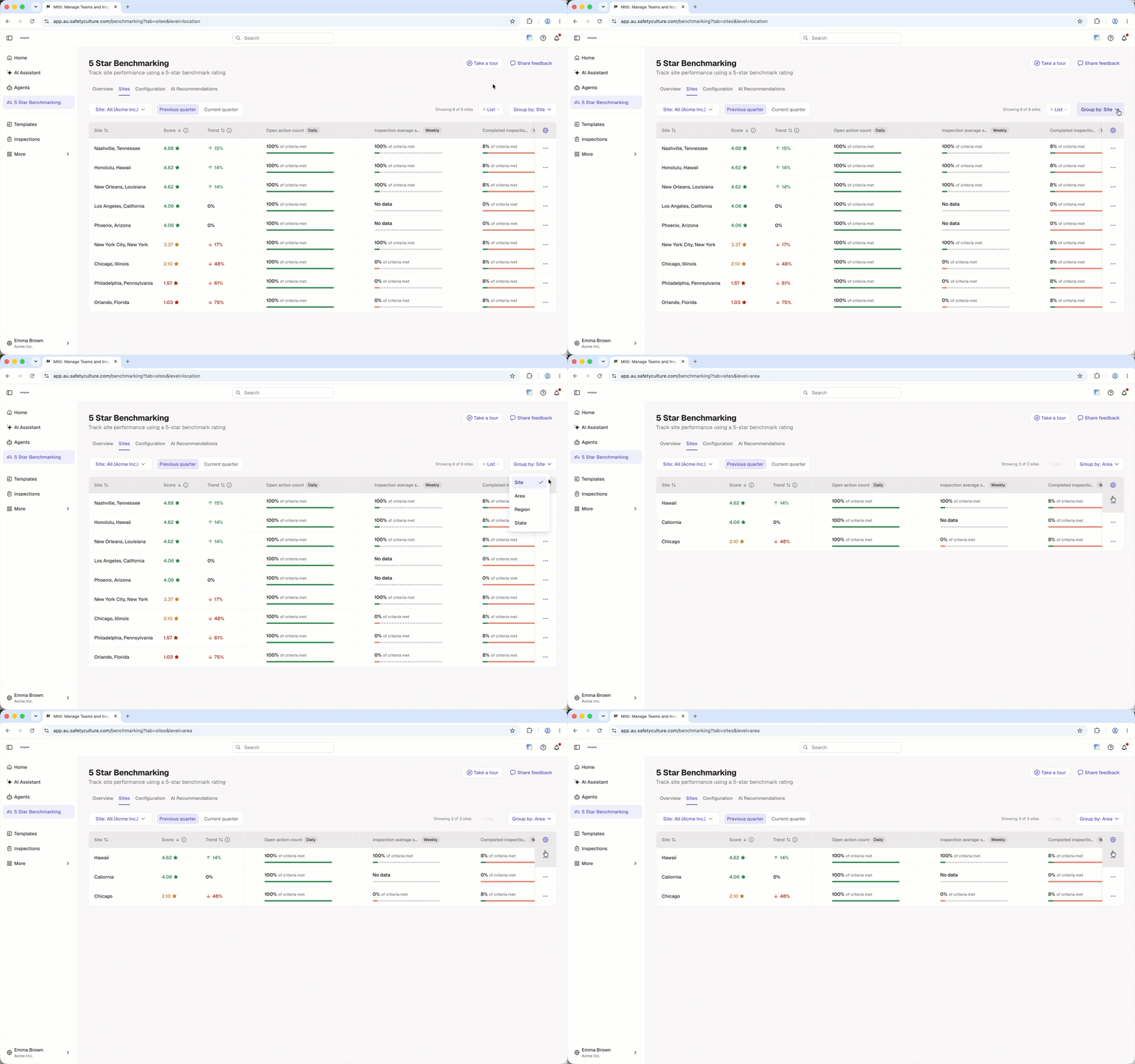
Group sites by hierarchy.
You can click a row in the leaderboard to view the criteria breakdown in the drilldown.
Site filters and hierarchy groupings apply to both the site leaderboard and the Overview tab. Changes you make in either tab apply to both.
View site locations on the map
Click 5 Star Benchmarking from the sidebar or in More.
Select Sites at the top of the page.
On the upper-right of the site list, click List and select Map from the dropdown menu to view the site locations and scores on the map.
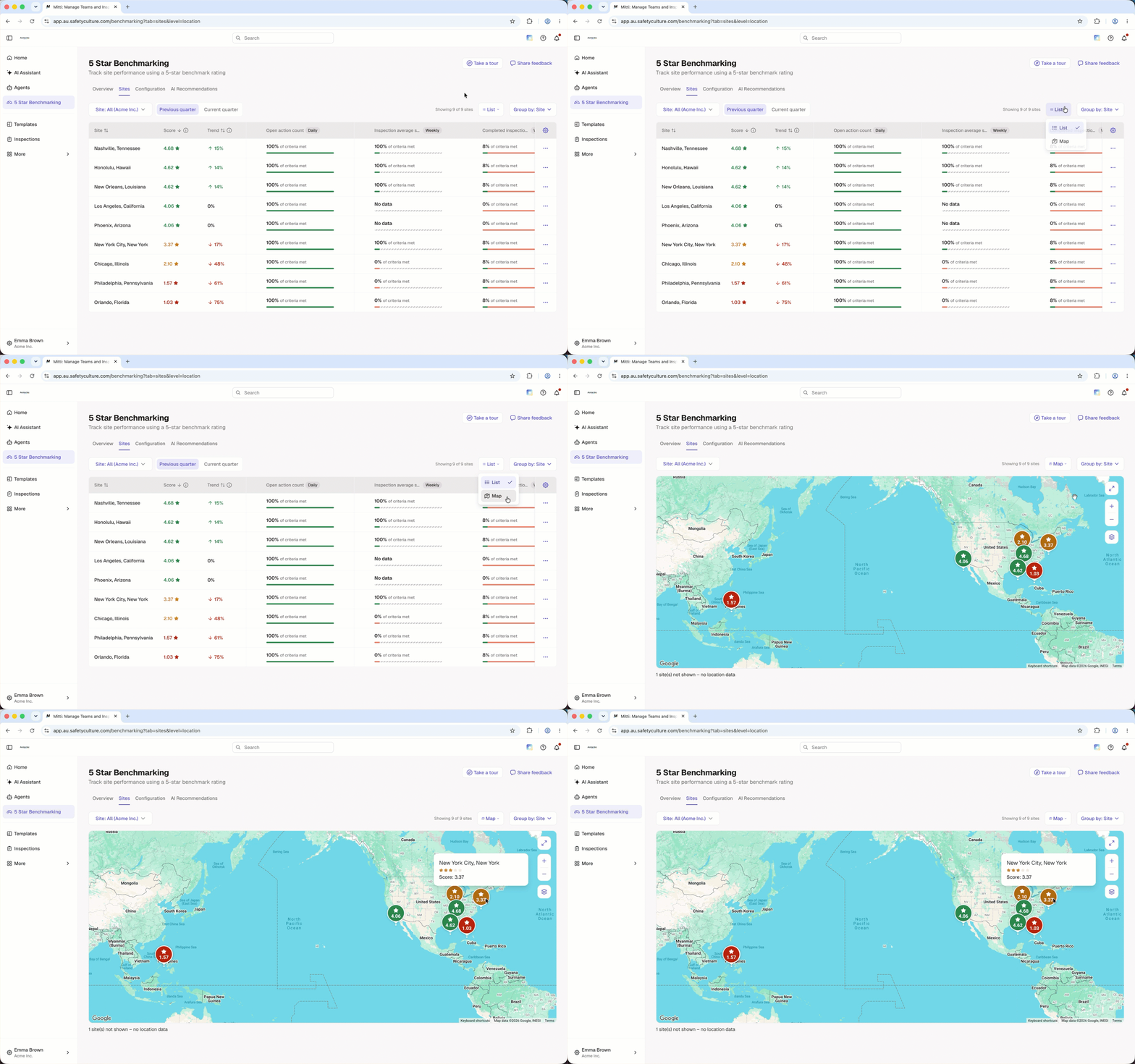
You can view site locations on the map when grouping by site level only.
Frequently asked questions
Need more help?
Was this page helpful?