Last updated: October 26, 2026
Why copy an AI Assistant chat?
Copying a shared AI Assistant chat gives you your own version of a teammate's conversation. Copy a chat when you want to ask your own questions about work a teammate already started. For example, if a teammate asked AI Assistant to analyze inspection data, you can copy the chat and continue it in the Mitti web app or mobile app. This saves you from starting over and re-entering that data.
What you'll need
Copy an AI Assistant chat
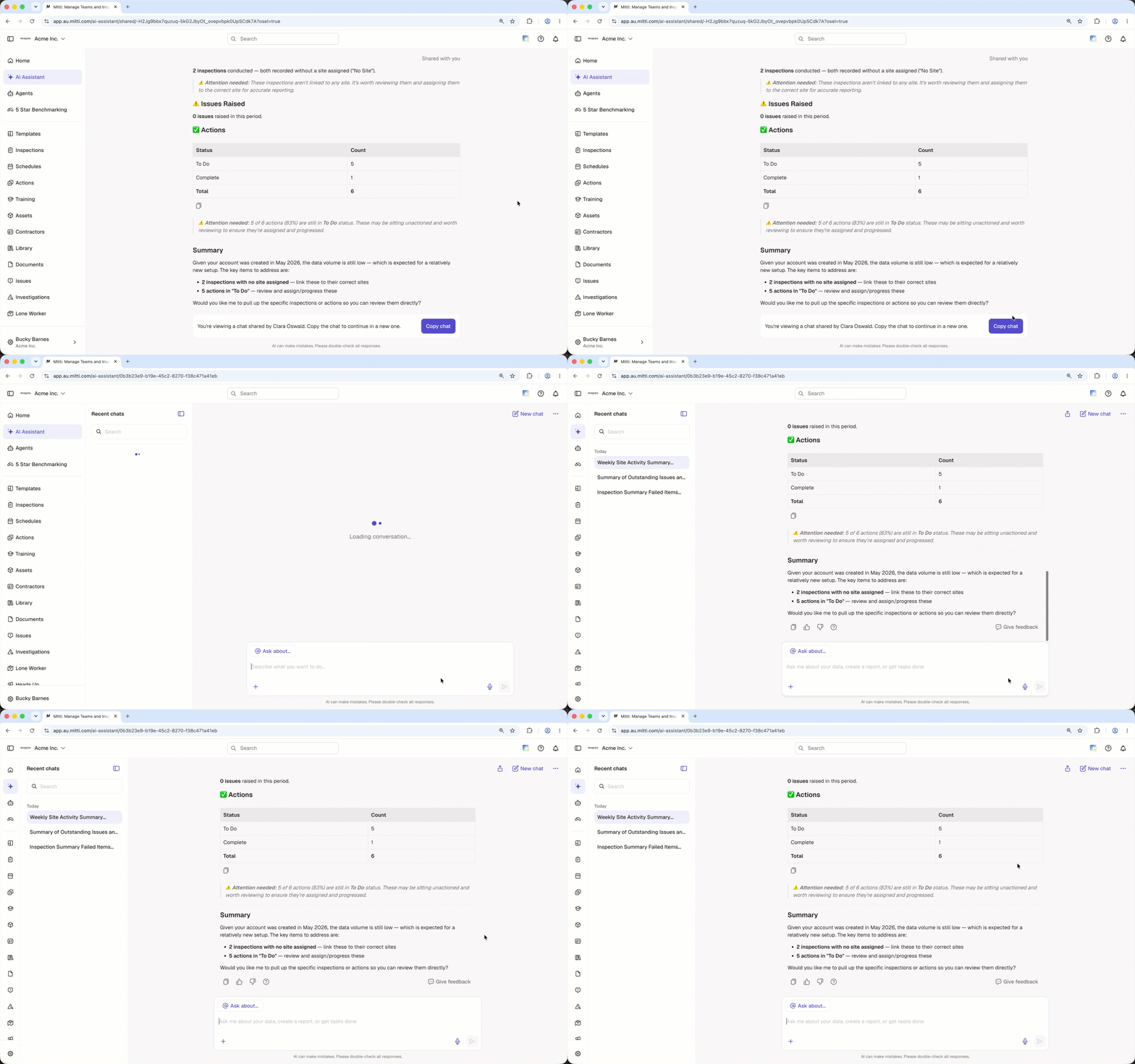
Click the link another user shared with you.
Log in to the web app (opens in new tab). The shared chat opens after you log in.
Click Copy chat in the banner at the bottom of the page. A new conversation opens with the full chat history.
Tap the link another user shared with you. The shared chat opens in the mobile app.
Scroll to the bottom of the conversation and tap Copy chat in the banner. A new conversation opens with the full chat history.
A copied chat only includes the messages from the point the chat was shared.
Need more help?
Was this page helpful?