Last updated: February 5, 2025
What you'll need
If you have "Heads Up: Manage" permission, you can edit or delete Heads Ups, view acknowledgments, send reminders, and download all Heads Ups as CSV.
Edit a Heads Up
Select Heads Up in the sidebar or in More.
Click the Manage Heads Up tab on the top of the page.
Click on the Heads Up's right-hand side and select Edit.
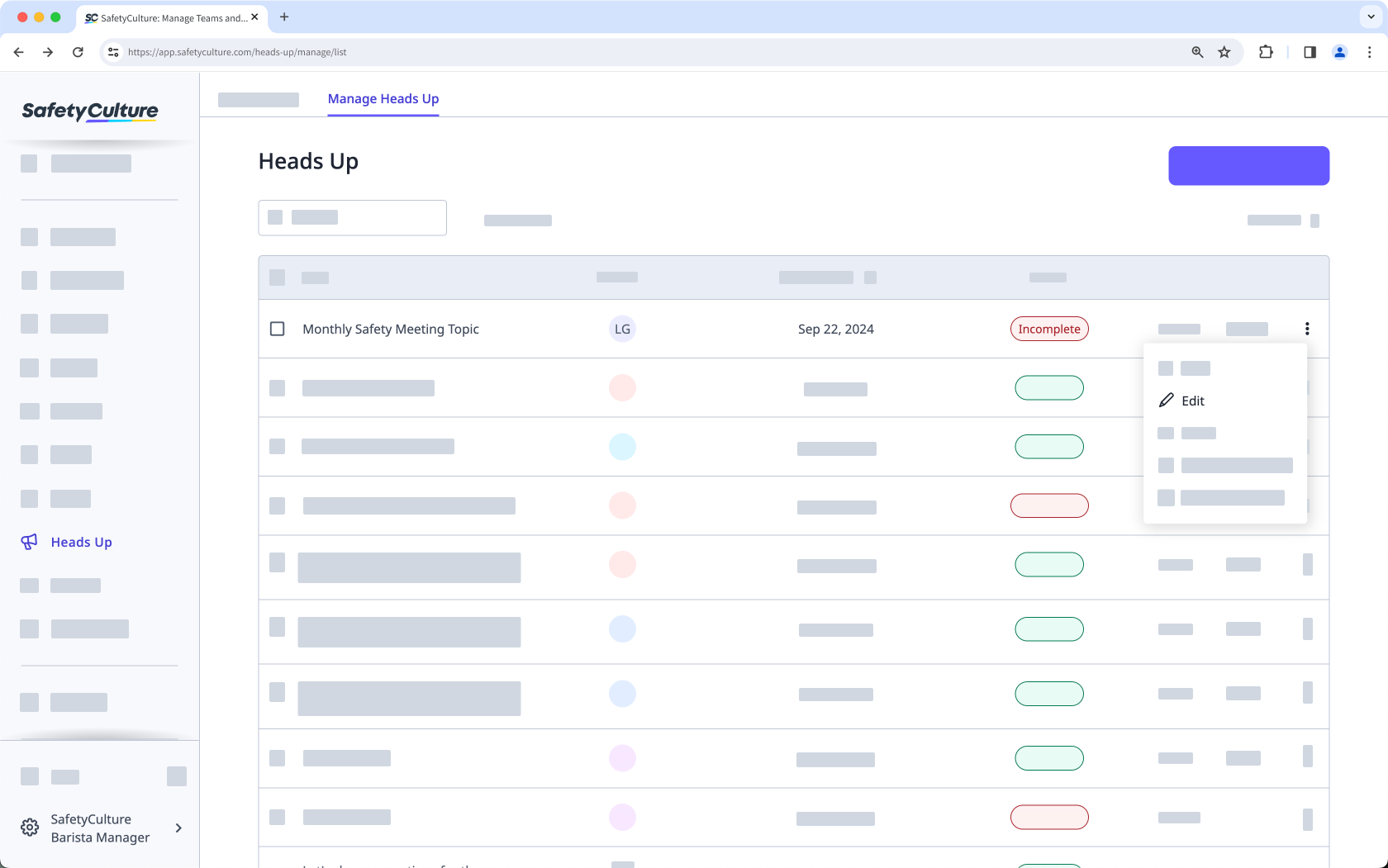
Edit the Heads Up accordingly.
Click Save on the lower-left of the page.
In the pop-up window, click Publish.
Limitations
You can only edit a Heads Up's media, description, and title within one hour of publishing. However, you can add or remove assignees at any time.
Need more help?
Was this page helpful?
