Last updated: October 25, 2026
What are roles in Mitti?
Roles define what users can do in Mitti. In most organizations, team members have different responsibilities and need different permissions. For example, a site supervisor shouldn't have the same permissions as a global admin, and a frontline worker shouldn't have the same permissions either. Roles let organizations match each user's permissions to their actual job. There are two types of roles:
Global roles apply across your entire organization.
Group and site roles apply only within the sites or groups a user is assigned to.
Assigning these roles allows organizations to delegate user and document management to site supervisors or regional managers without giving them full admin permissions. Control stays with the people who run each group or site, while admins focus on the wider organization.
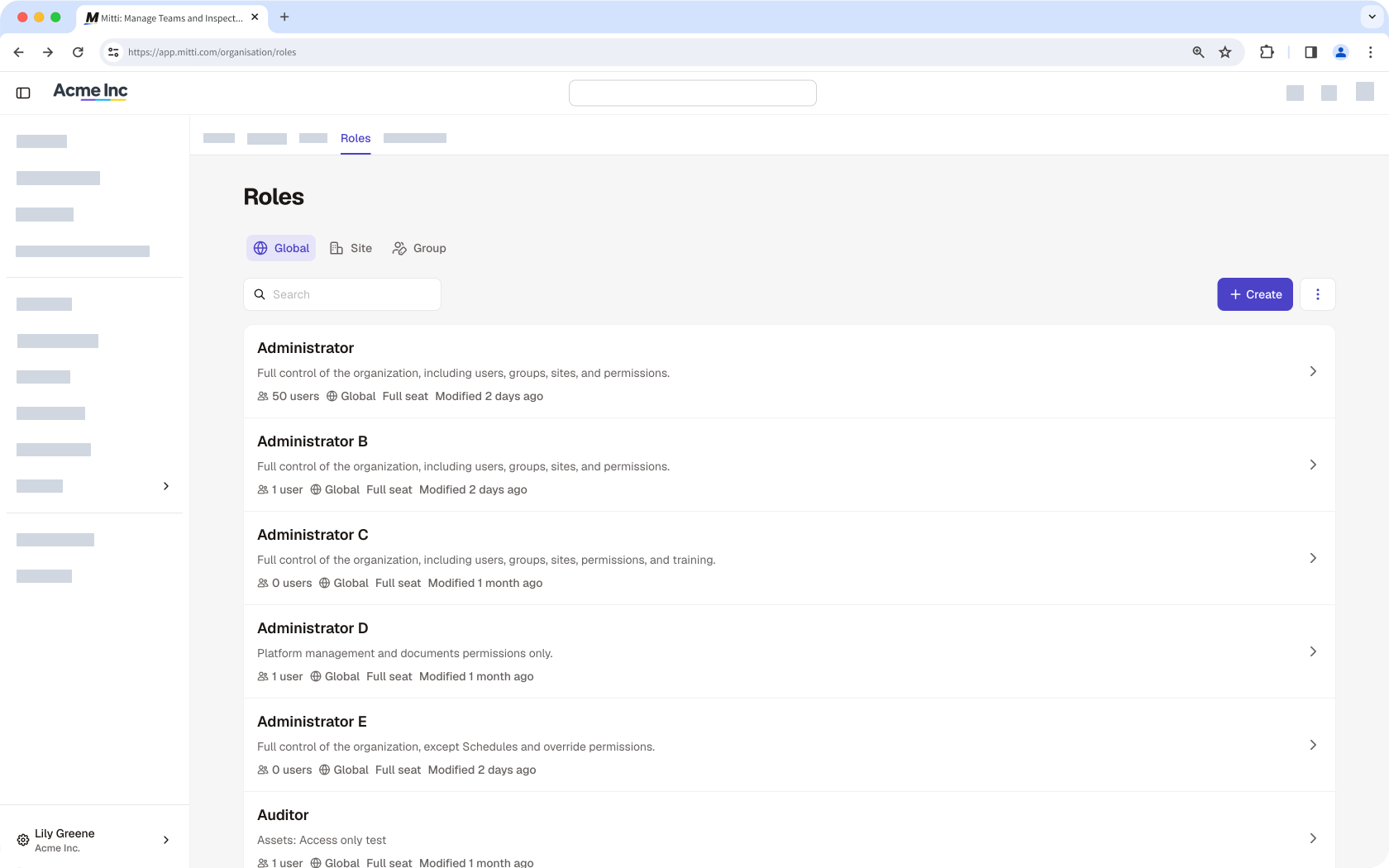
For existing users, the Permissions tab is now called Roles, and permission sets are now called global roles that work exactly the same way.
Managing site or group roles is only available to organizations on Enterprise Plan. By default, all users in an organization on Free Plan have the "Administrator" global role.
← Previous article: Structure your organization | Next article: Manage your users (Part 2) →
Need more help?
Was this page helpful?