Last updated: September 23, 2026
Onboarding contractors in guest seats is currently in Early Access. If you're interested, go to the web app and select Contractors from the sidebar or from More. From the company profile, select Workers from the tab at the top of the page. Click Onboard, then click Confirm in the pop-up window to sign up for Early Access.
If you don’t see Onboard in your profile, contact our customer support team or your customer success manager to express your interest.
What are company profiles?
A company profile is a centralized space for managing a contractor company within your organization. This keeps all contractor information organized and accessible in one place.
You can view and update key company details. You can also add internal notes to keep records accurate. In addition, you can manage workers tied to the contractor, including their credentials and activity. You can also request and store documents from key contacts to support compliance. Company profiles help your team manage associated contractor companies, maintain accurate records, and meet compliance requirements.
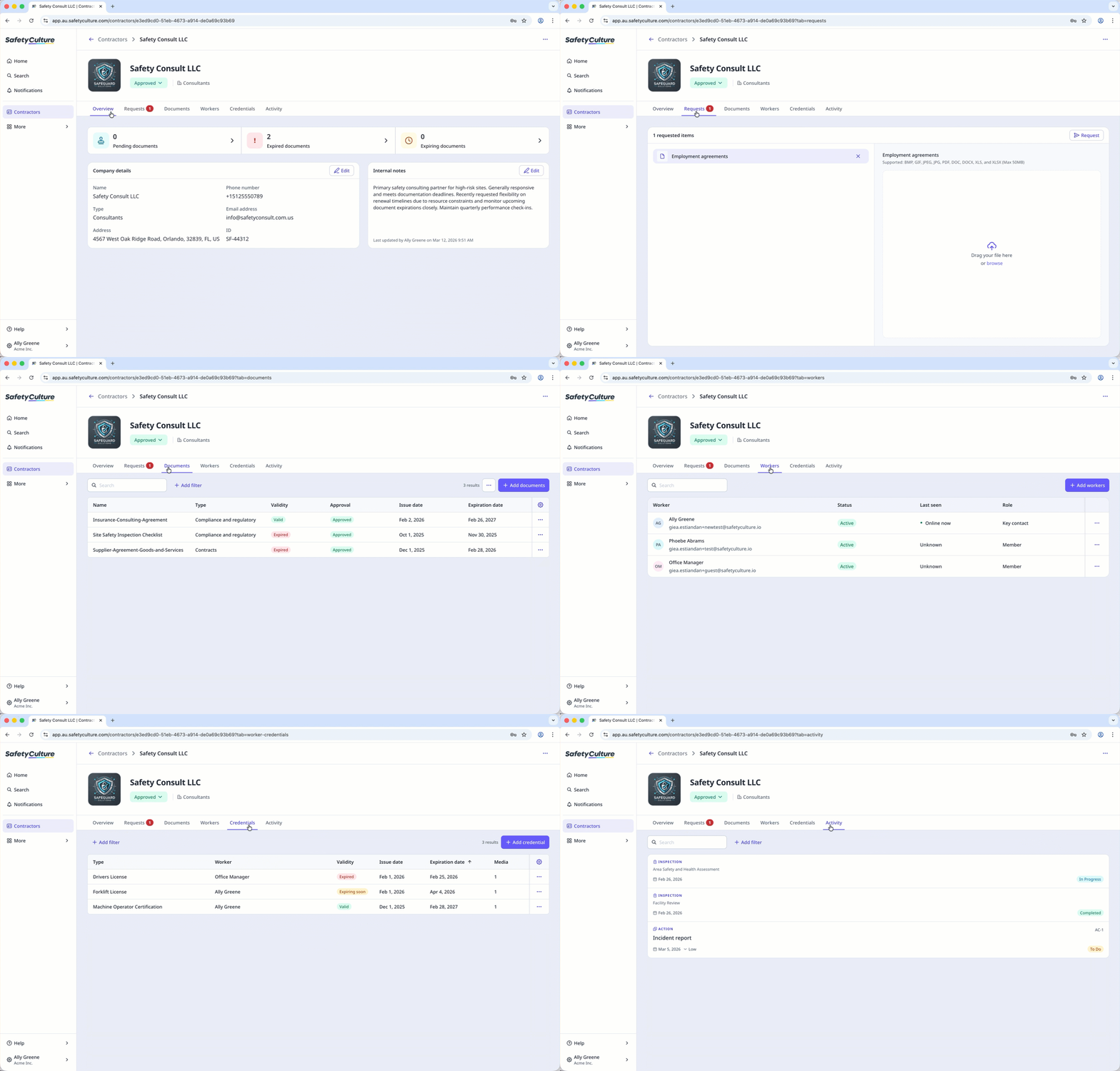
View and manage company details
Within each company profile, you can view and edit key details about the contractor company, such as company type, contact information, linked sites, and status. You can also add internal notes to give your team useful context and keep records accurate.
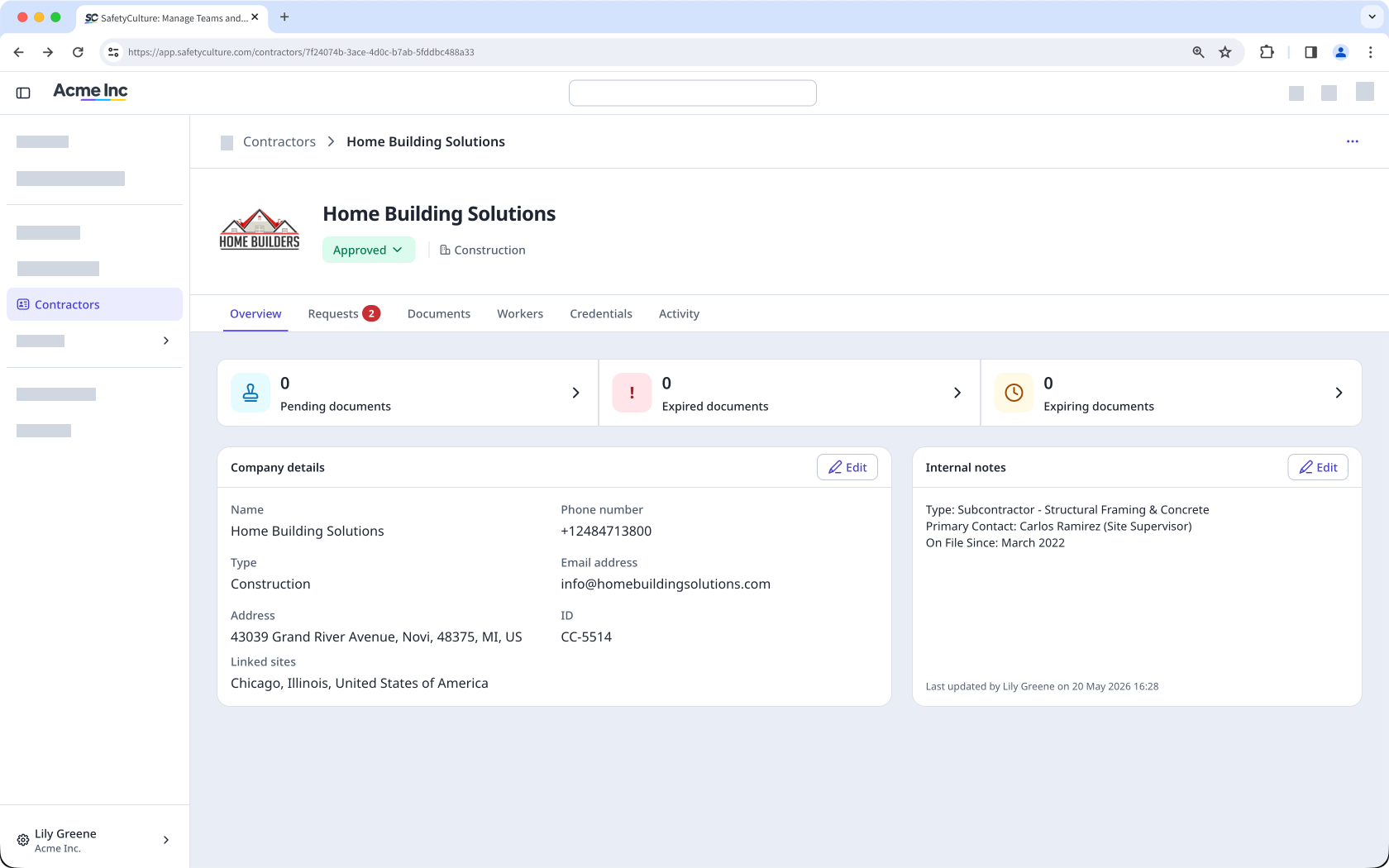
Add and manage workers
Each company profile lists all workers associated with the contractor company. You can add workers individually or in bulk and assign them a role as either a member or a key contact.
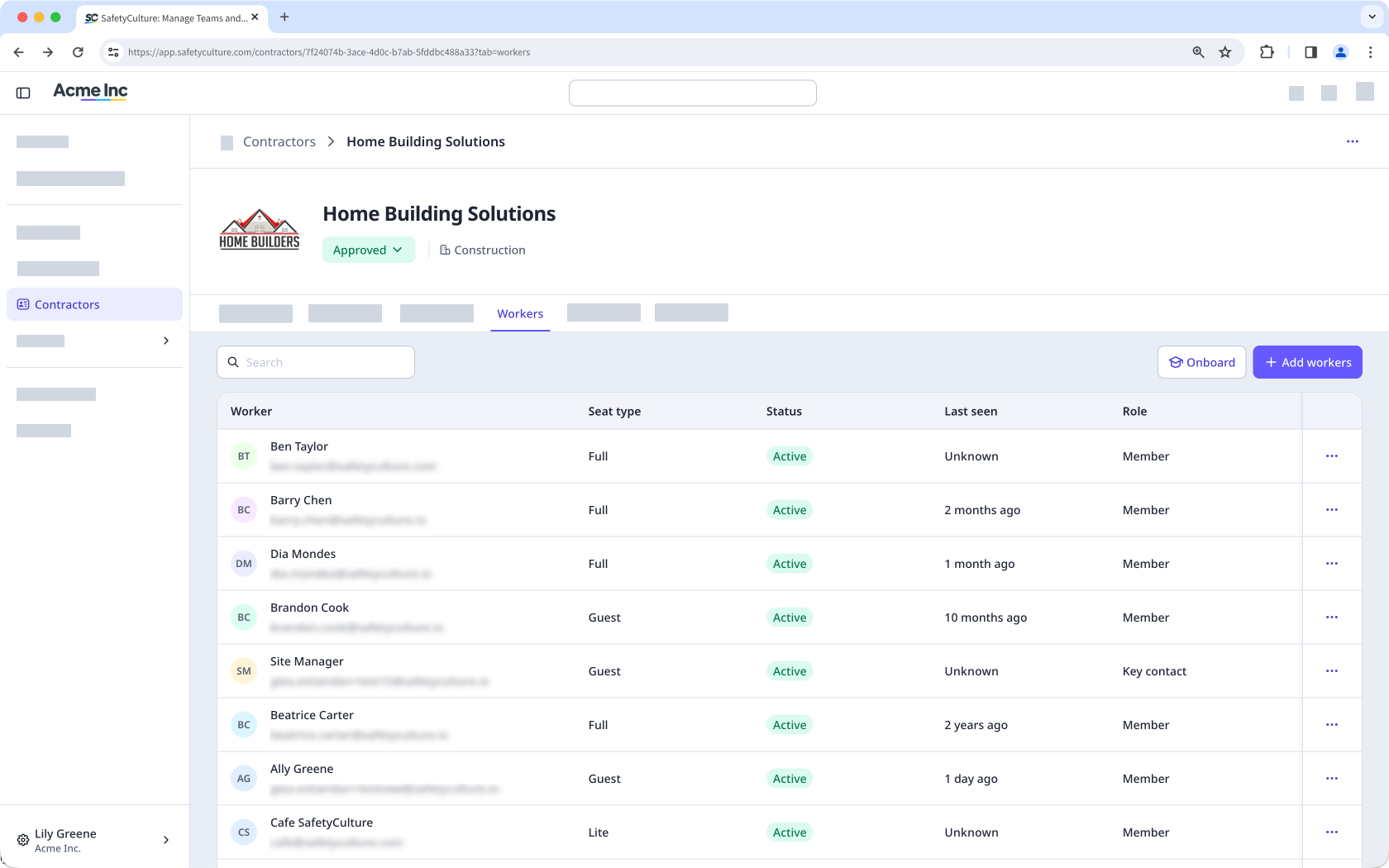
Assign a key contact
From the company profile, you can assign a key contact as the nominated representative for that contractor company. Key contacts manage the company profile on behalf of your organization by uploading documents, responding to requests, and keeping information accurate.
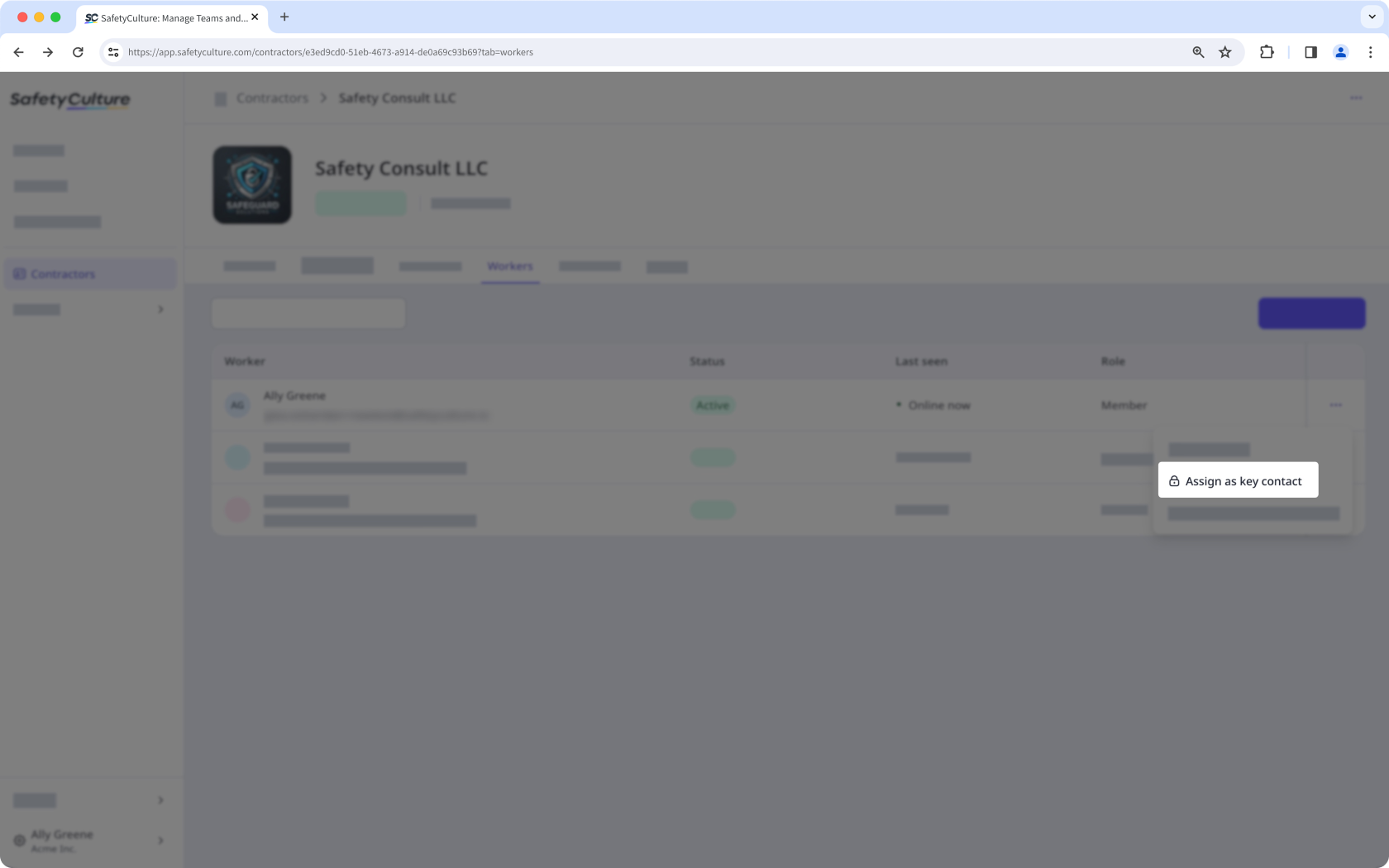
Store and manage company documents
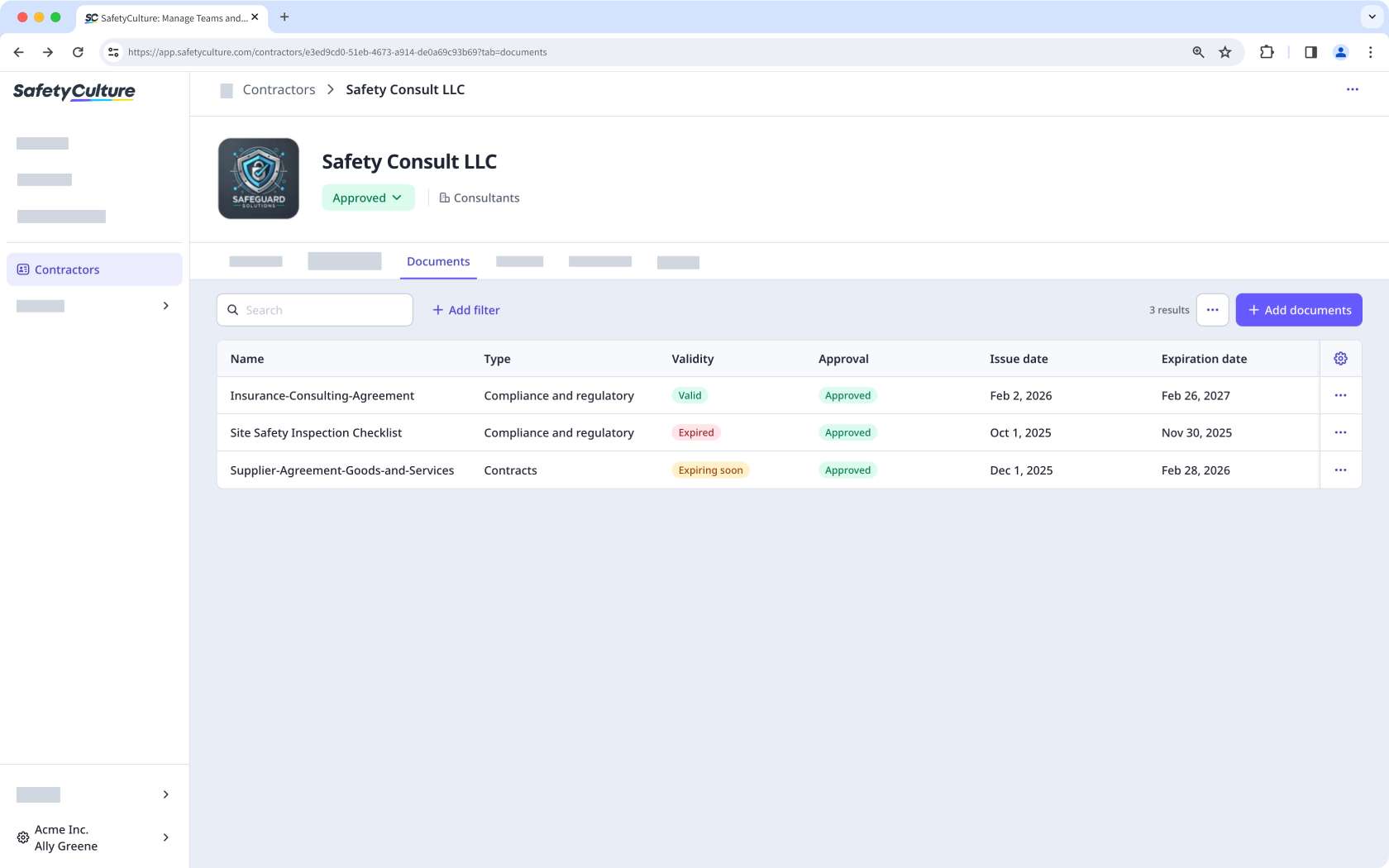
Each company profile has a dedicated space to store and organize company documents, such as insurance certificates, contracts, and business reports. You can categorize documents by type and track expiration dates. You can also view expiring or expired documents across all companies from the Contractors dashboard. Documents can go through an approval process, either manually or using AI, before they're considered valid, which keeps your records accurate and up to date.
Request documents and forms
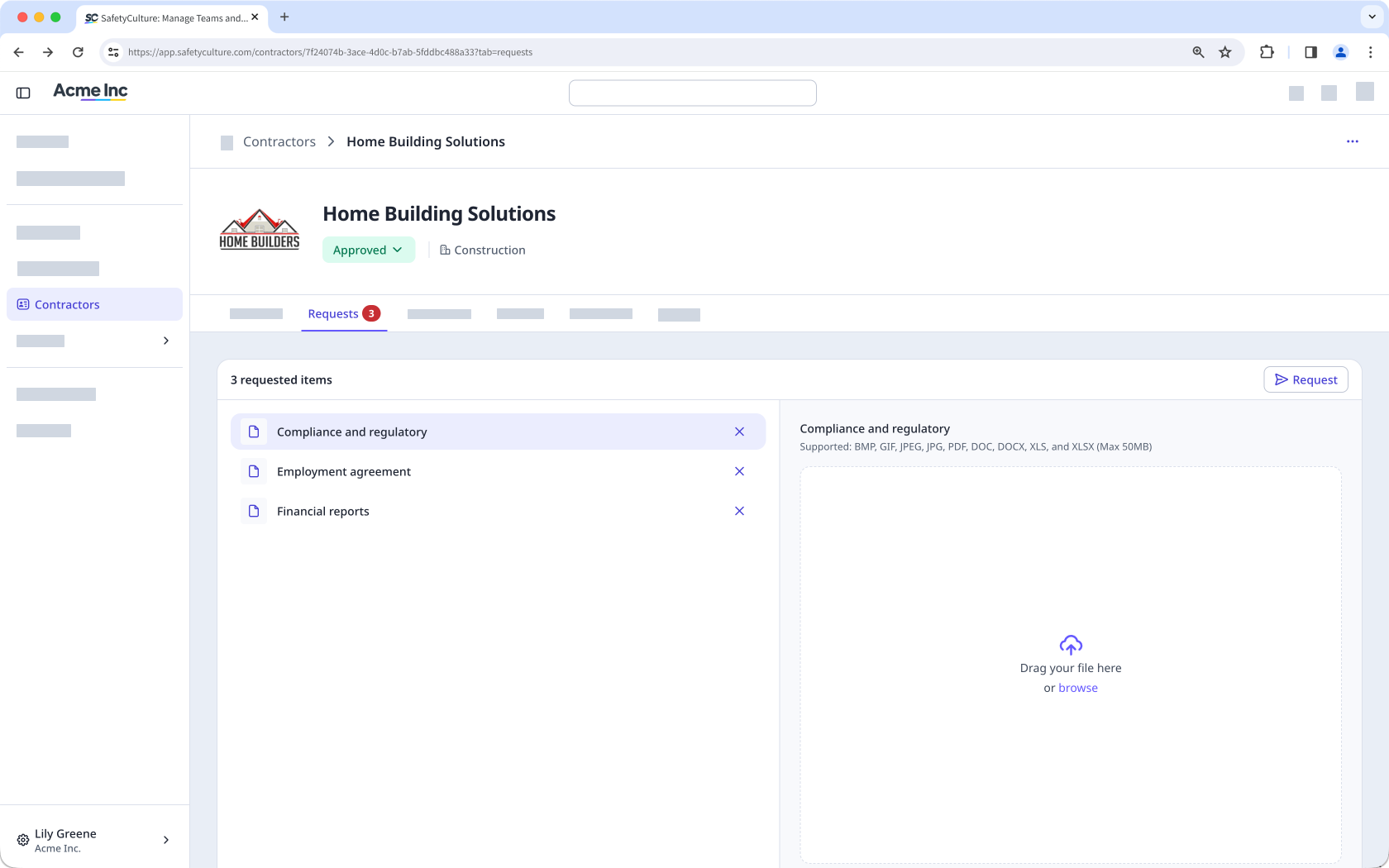
You can send document and form requests directly to key contacts within a company. These requests let you collect the certifications, contracts, or completed checklists you need. Sending these requests helps you meet your organization's requirements and maintain accurate records for each contractor company.
View worker credentials
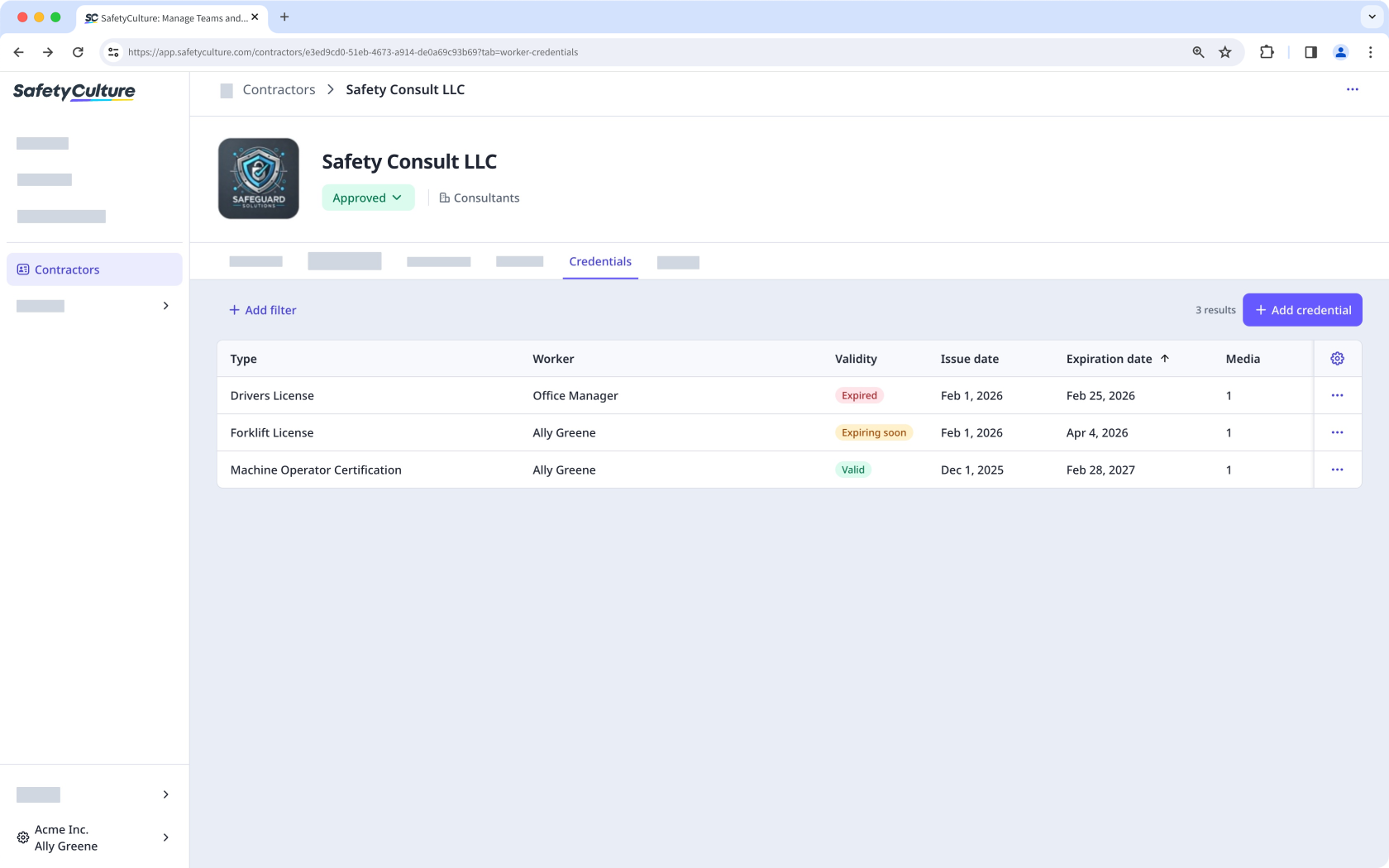
From the company profile, you can view the credentials of all workers associated with that contractor company, such as licenses, certifications, and other qualifications. This gives you focused visibility into each worker's credential status, making it easier to track expiration dates and identify who needs updates.
Track worker activity
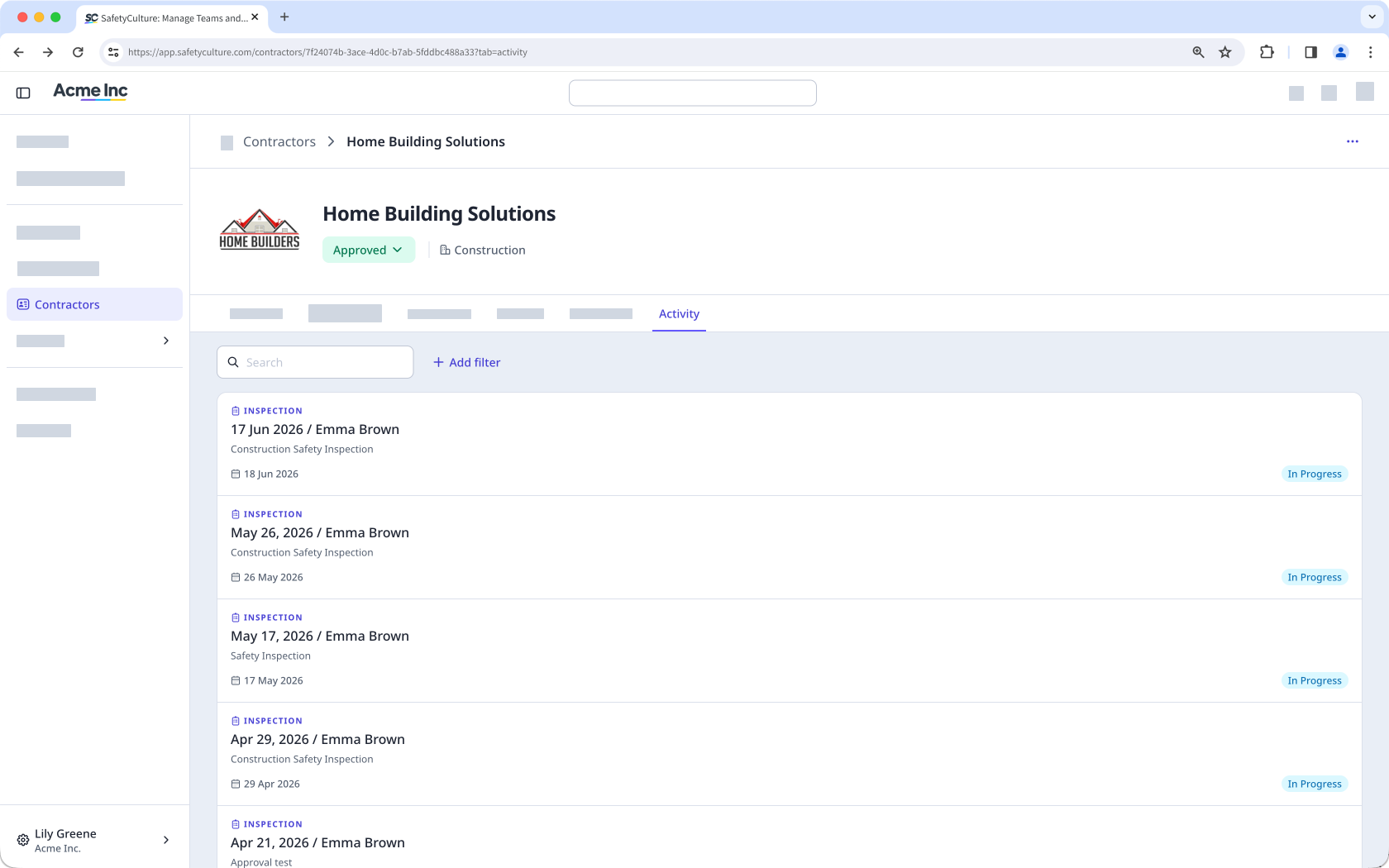
From the company profile, you can monitor the activity of workers associated with that contractor company, including inspections, issues, and actions completed across the platform. You can also view inspections linked to the company through a response type. For a full record of changes made within the company, the audit log captures every update, including who made it and when.
Need more help?
Was this page helpful?
