Last updated: October 11, 2026
This feature is currently in Early Access. If you're interested, please contact our customer support team or your customer success manager to check if your organization is eligible.
What is a project?
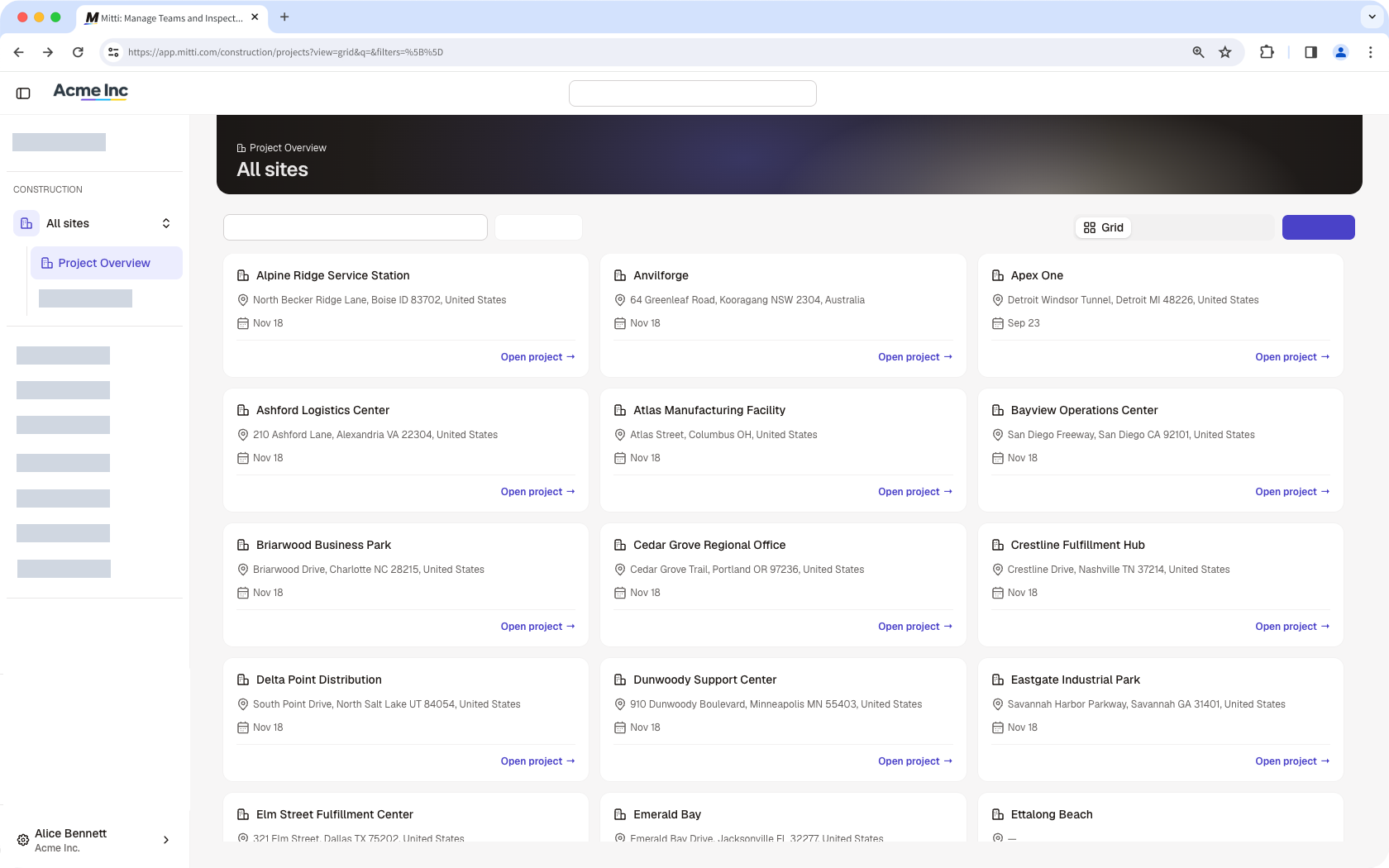
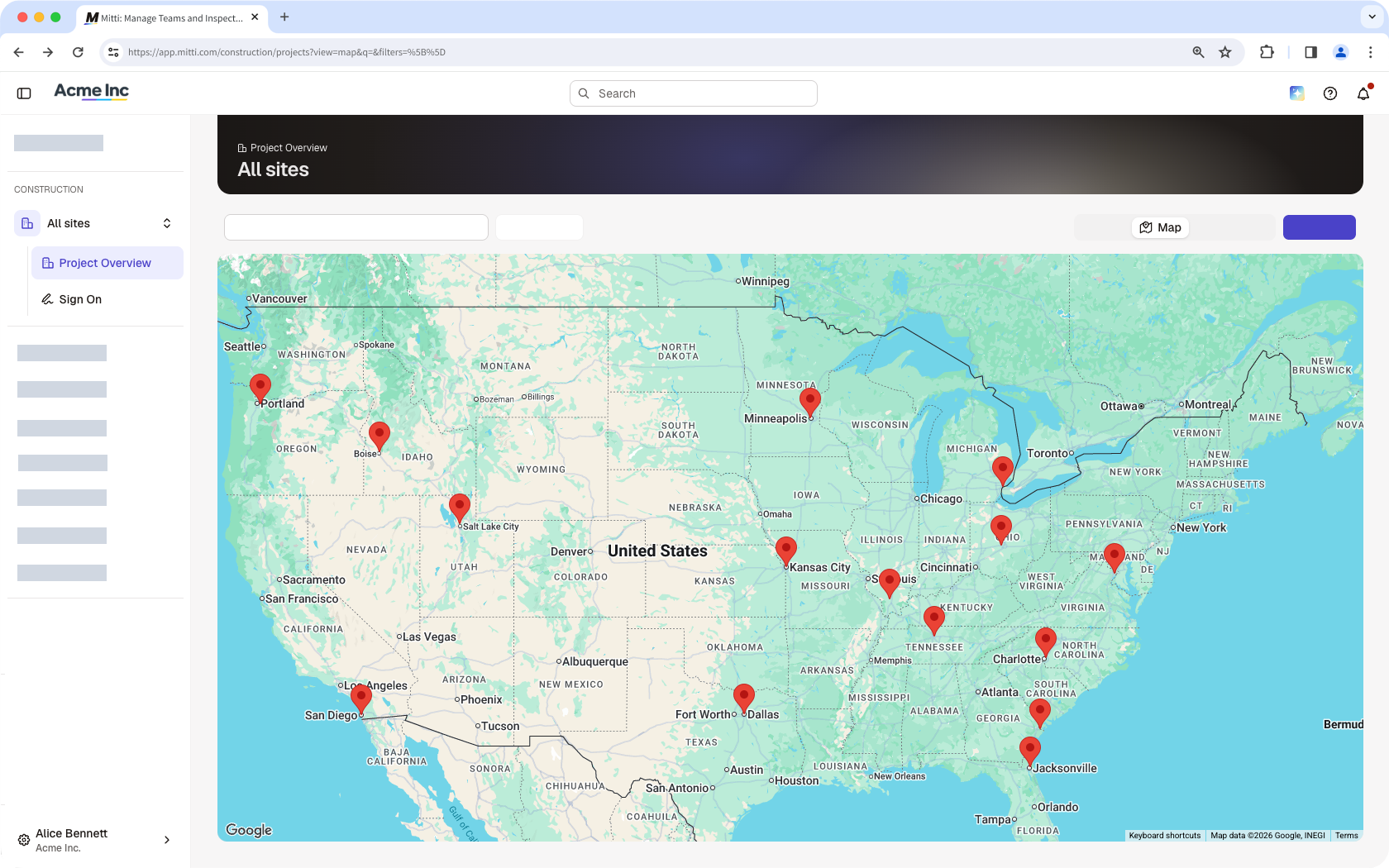
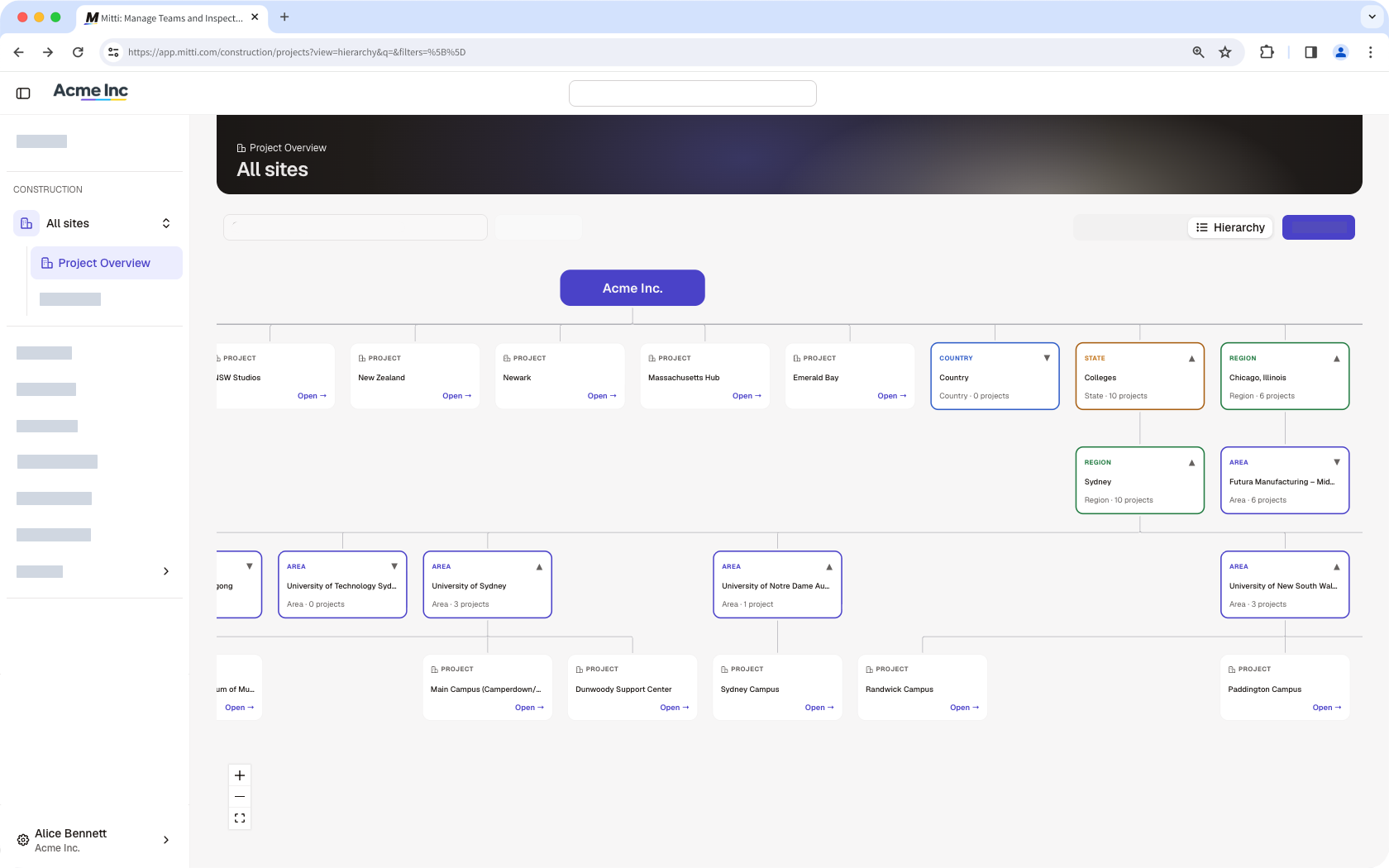
In Construction, a project is a site in Mitti. Project Overview brings activity across all your sites and information associated with them into one place. You can browse all projects in a grid, view their locations on a map, or see how they fit in your site hierarchy. From a single project view, you can also monitor who signed on, and review linked items, such inspections and actions.
View all projects in your organization
You need the "Platform management: Sites" permission to manage all projects in your organization, and Sign On already set up to view who are on site.
In the Construction module, click All sites from the sidebar, then select Project Overview.
Select any of the following views:
Grid view: Displays each project as a card
Map view: Plots projects based on their locations
Hierarchy view: Projects sit at the lowest level in the hierarchy. This view shows how projects are organized within your organization’s site structure.
View a project
You can view specific project data and linked items depending on your site membership and access.
In the Construction module, click All sites from the sidebar, then select the site you want to view.
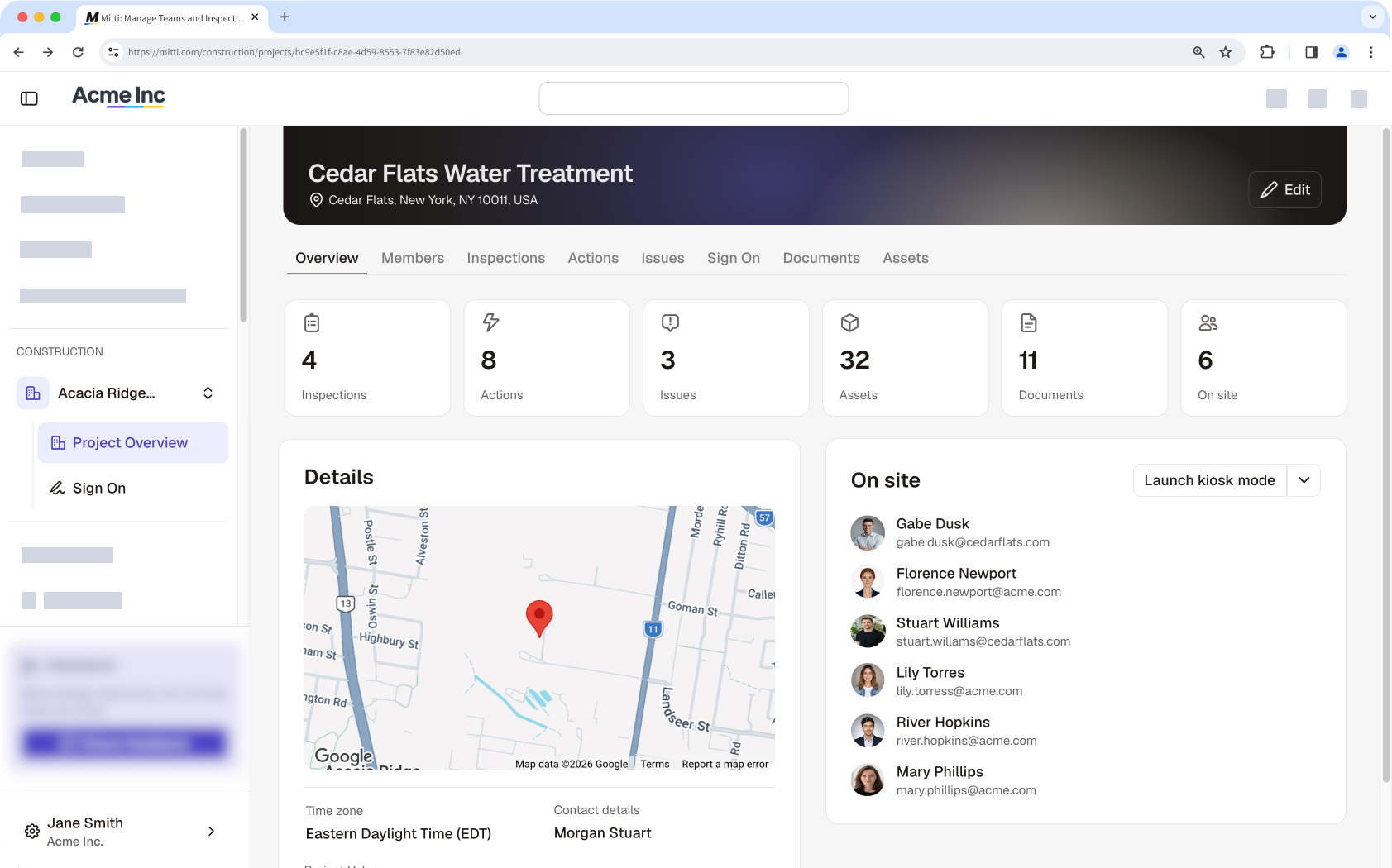
Click Project Overview to view the project’s summary, location, and workers currently signed on.
View the project’s members and items linked to your site.
Need more help?
Was this page helpful?