Dernière mise à jour: 23 novembre 2026
Ce dont vous aurez besoin
Export template and inspection access rules as CSV
Click Modèles in the sidebar or in Plus.
Click the template.
In the side panel, click Gérer l'accès.
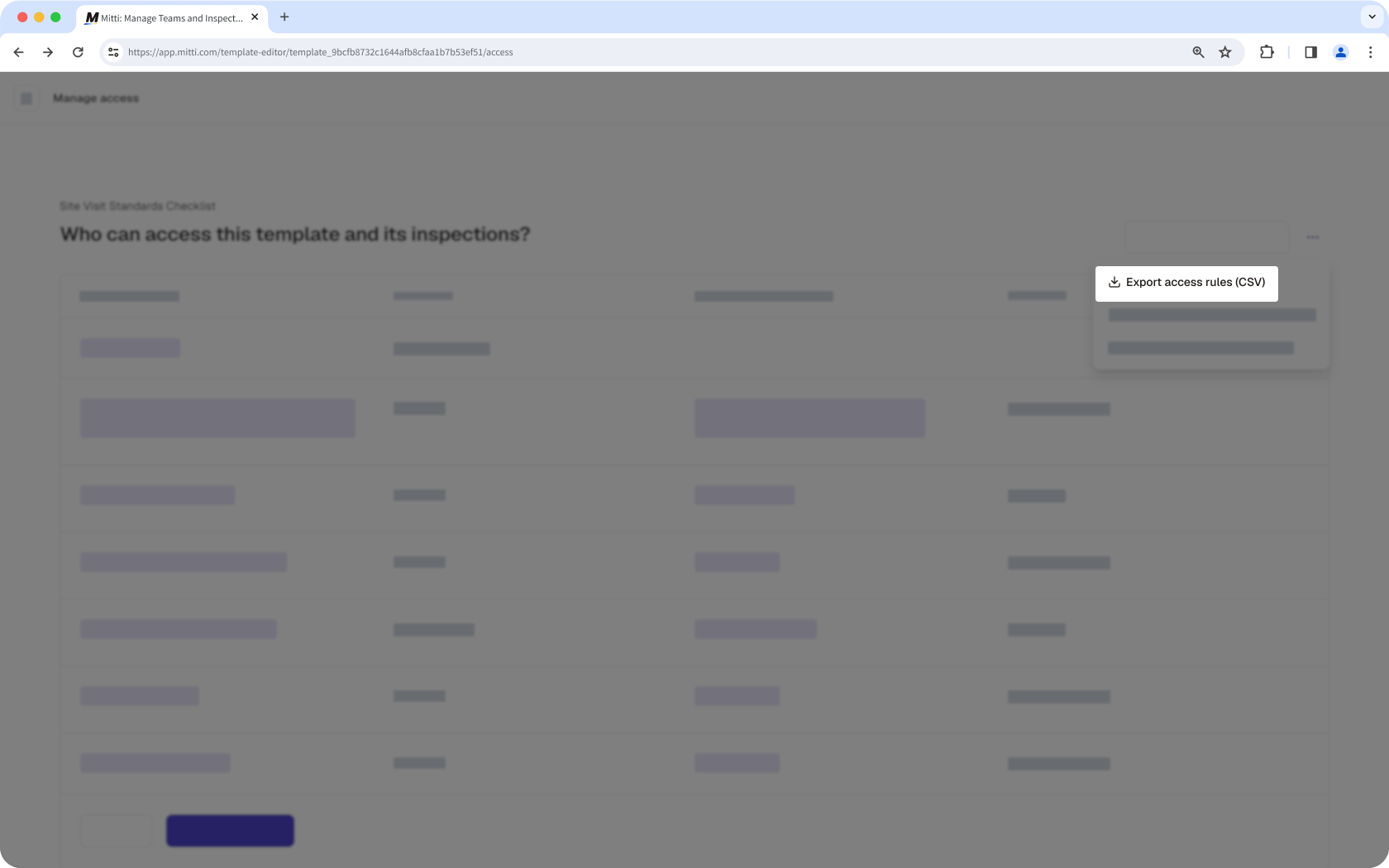
Click on the upper-right corner of the page and select Export access rules (CSV).
CSV column headers
Column header | Description |
|---|---|
Name | |
Type | Who the access rule applies to, such as a user, group, or site , site and group, all users, or an external user invited by email. |
Permissions | The template access level the rule gives, such as "Conduct", "Conduct, edit", or "Conduct, edit, delete". |
Template owner | Whether the rule applies to the template owner, marked as Yes or No. |
External | Whether the rule gives an external user access to the template, marked as Yes or No. |
Default inspection access | The inspection access level the rule gives for inspections created from the template, such as "View", "View, edit", or "View, edit, delete". |
Questions fréquemment posées
Besoin d'aide supplémentaire?
Cette page vous a-t-elle été utile?