Last updated: August 3, 2026
This feature is currently in Early Access. If you're interested, please contact our customer support team or your customer success manager to check if your organization is eligible.
Why require users to reset their passwords?
Requiring new users to reset their password at their next login helps improve account security by ensuring they create unique credentials. This reduces the risk of weak, shared, or predictable passwords across your organization.
Newly added users with an admin-set password will be prompted to create a new one the first time they log in, which gives the full control over their own credentials. This is especially relevant if your organization uses username login because admins always set the password of users without an email addresses, and they won't receive activation emails at all.
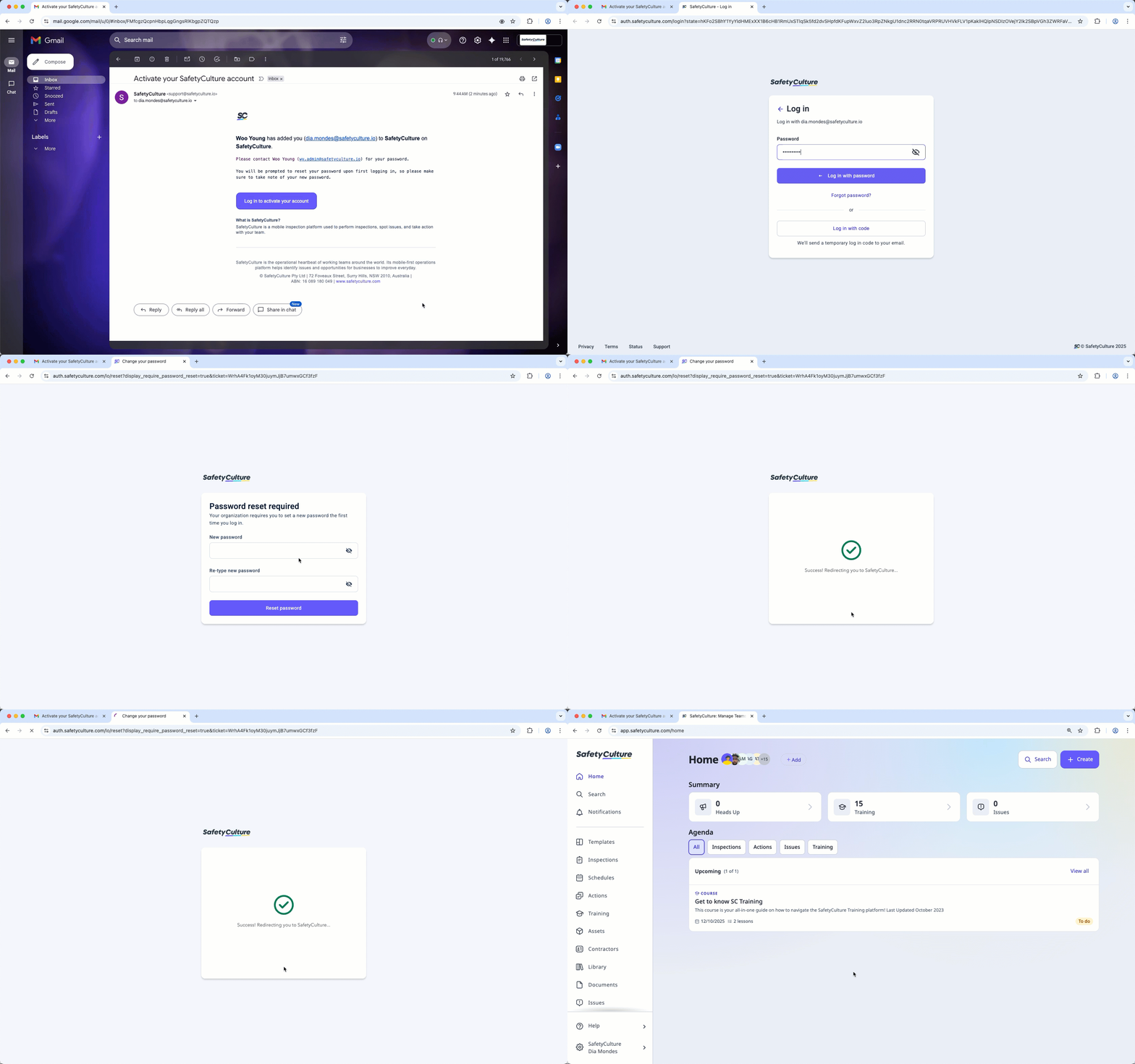
Require password reset for new users
Click your organization name on the lower-left corner of the page and select Users.
Click Add users on the upper-right corner of the page.
Enter the email address or username of the new user. Fill in their details accordingly.
Set a password, and select a seat type. A password is required for username login users.
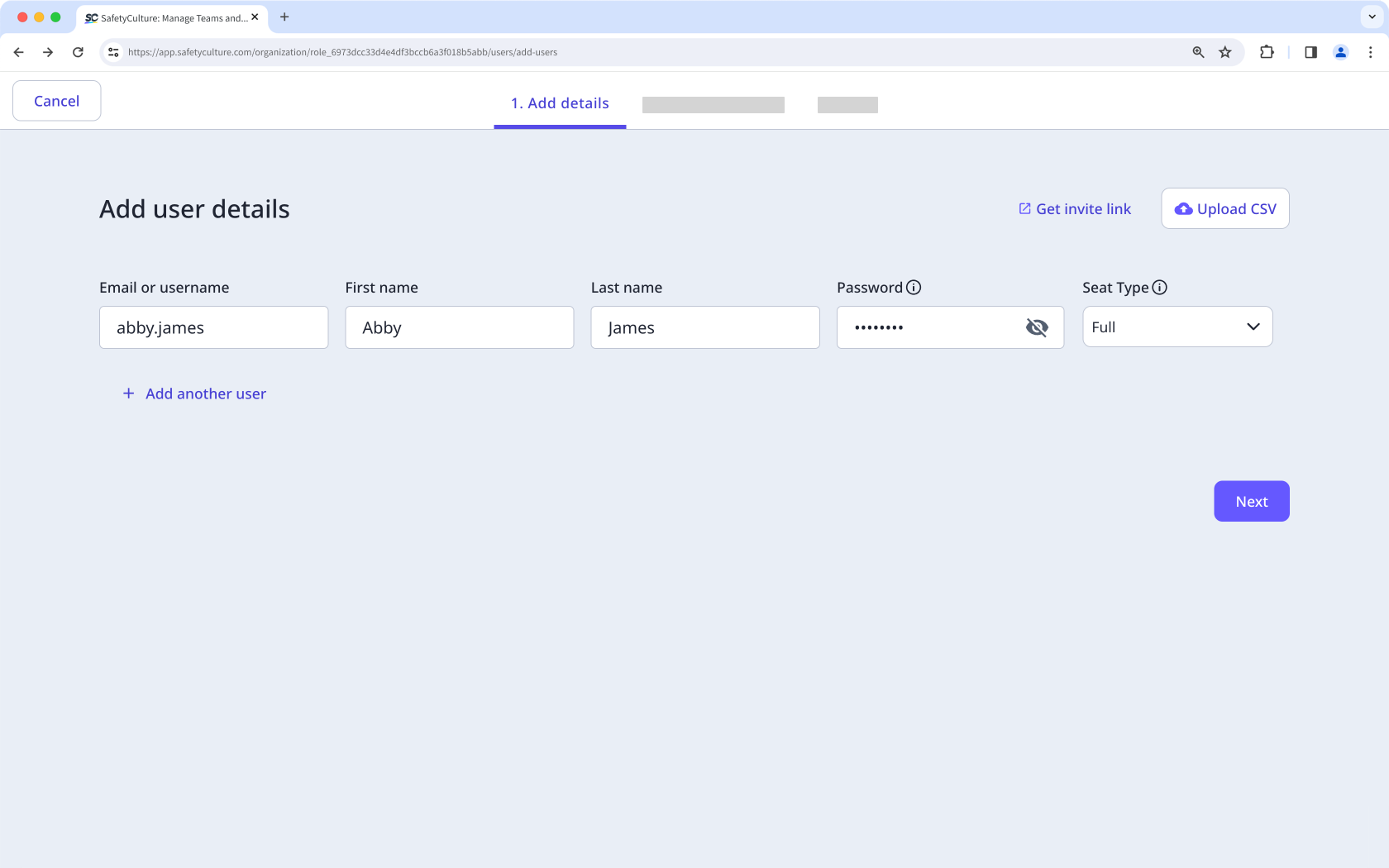
Click Next.
If you have the "Platform management: Permissions" permission, you can select the permission set you want to assign to the user. If required, you can also add the user to groups and sites.
Click Add on the right-hand side of the page. In the side panel, enter the user's field details, then click Done.
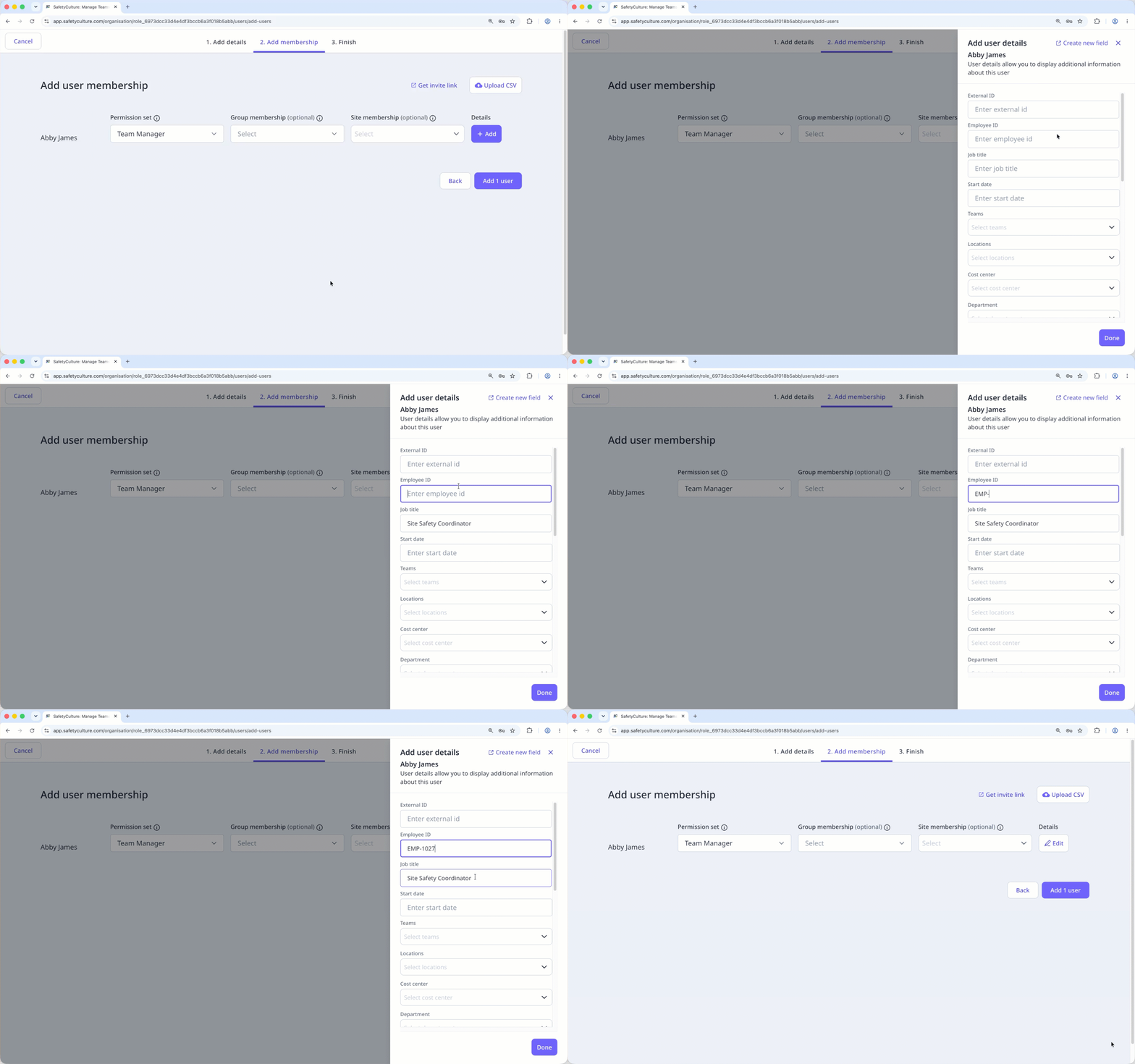
Click Add users.
In the pop-up window, turn "Require password reset" on.
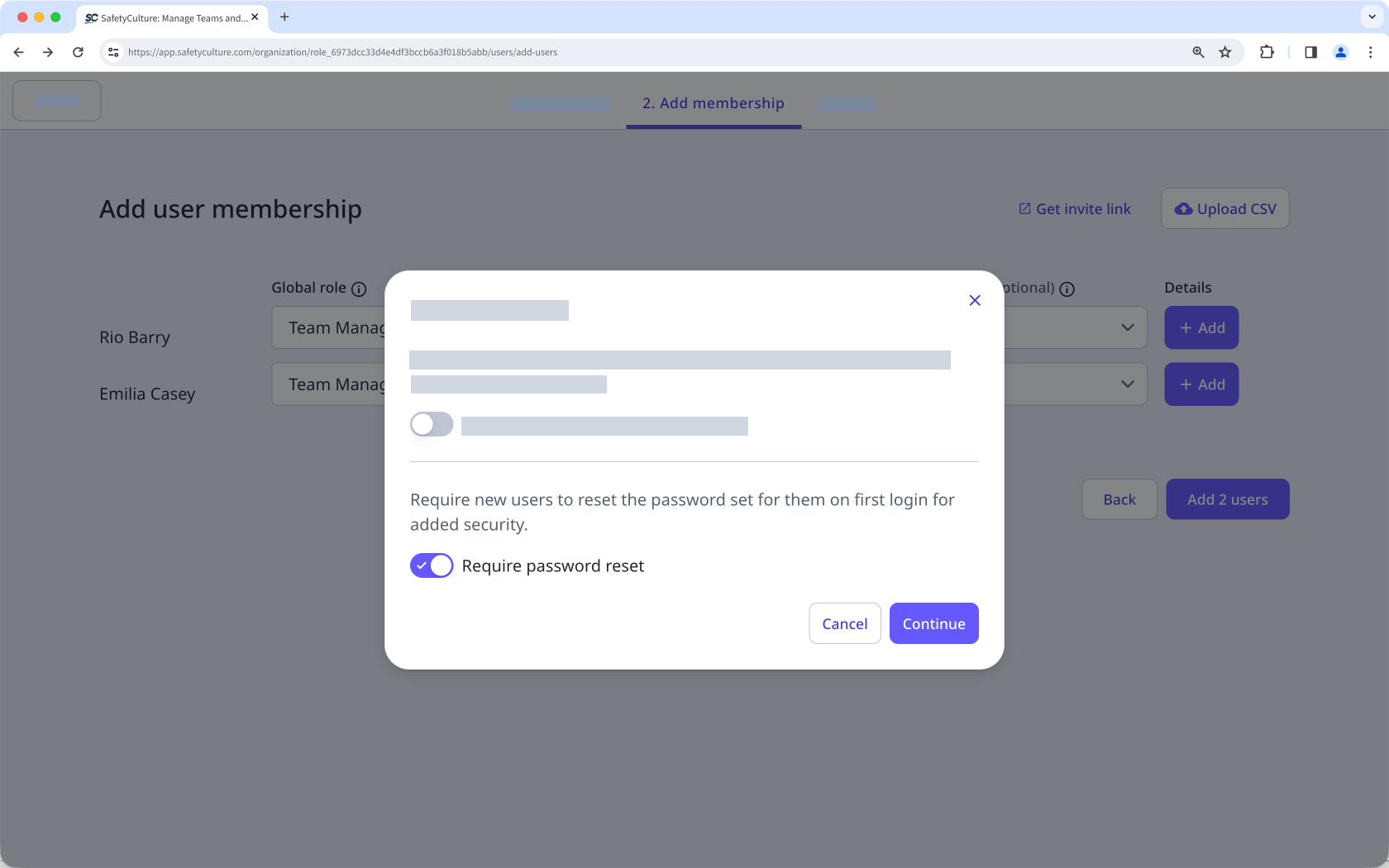
Click Continue.
You can also turn "Send password instructions via email" setting on to notify users of their account details by email. This is only available for users with an email address. If you're adding a user without an email address, share your organization's login link along with the username and password you set for them instead.
Frequently asked questions
Need more help?
Was this page helpful?
