Última actualización: 2 de noviembre de 2026
What does it mean to turn on Sign On for a site?
Sign On runs per site in Mitti, so workers and visitors can only sign on where it’s switched on. Each site with Sign On takes one license from your organization’s license pool. When a project ends, you can move the site's license and any unused monthly sign-on allowance to another site.
Lo que necesitarás
Turn on Sign On for a site
In the Construction module, click Todos los sitios in the sidebar, then select the site.
Click Iniciar sesión in the sidebar.
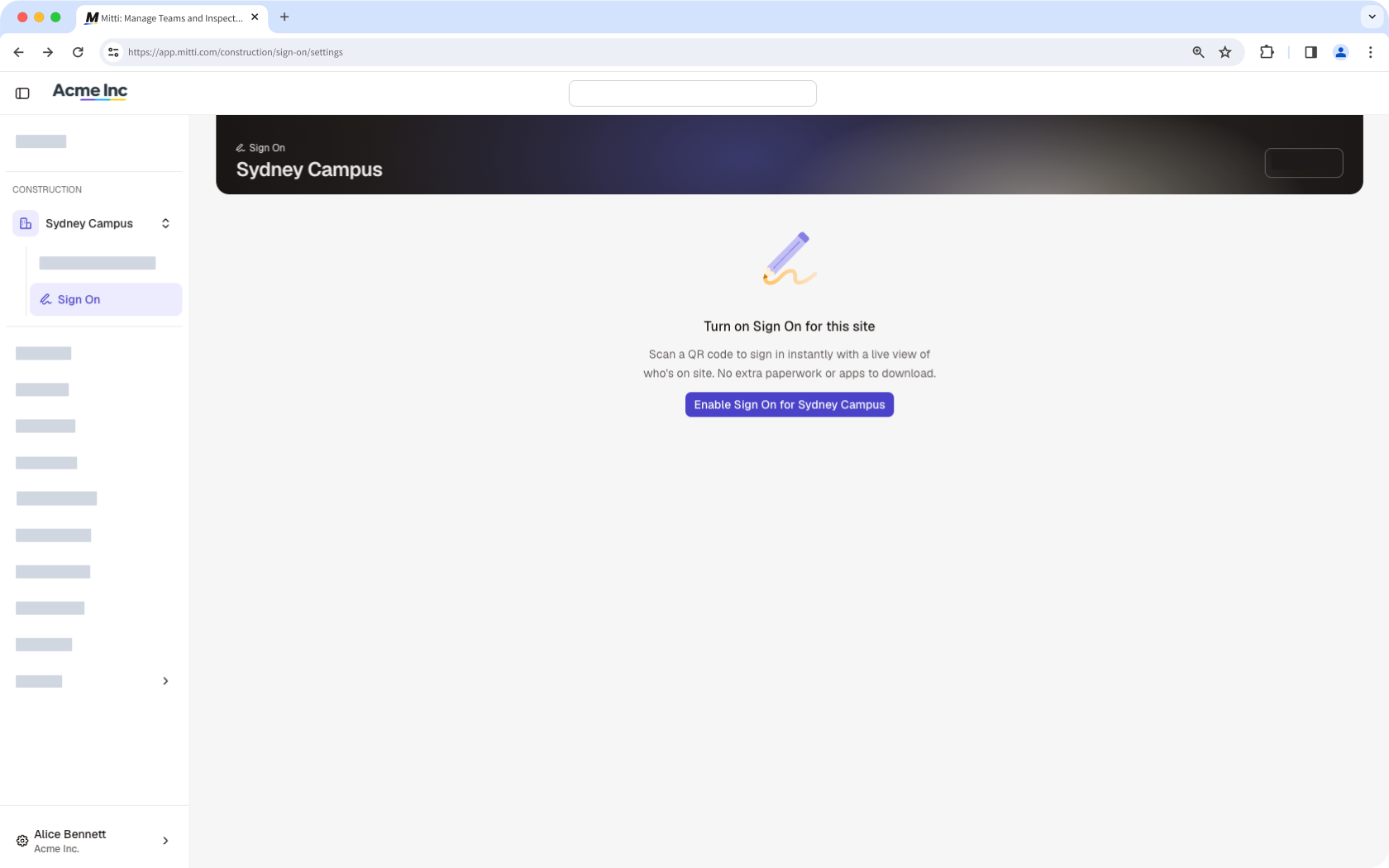
Click Habilitar el inicio de sesión at the center of the page. Sign On turns on for the site and takes one license from your organization’s license pool.
Turn off Sign On for a site
In the Construction module, click Todos los sitios in the sidebar, then select the site.
Click Iniciar sesión in the sidebar, then click Ajustes del sitio tab at the top of the page.
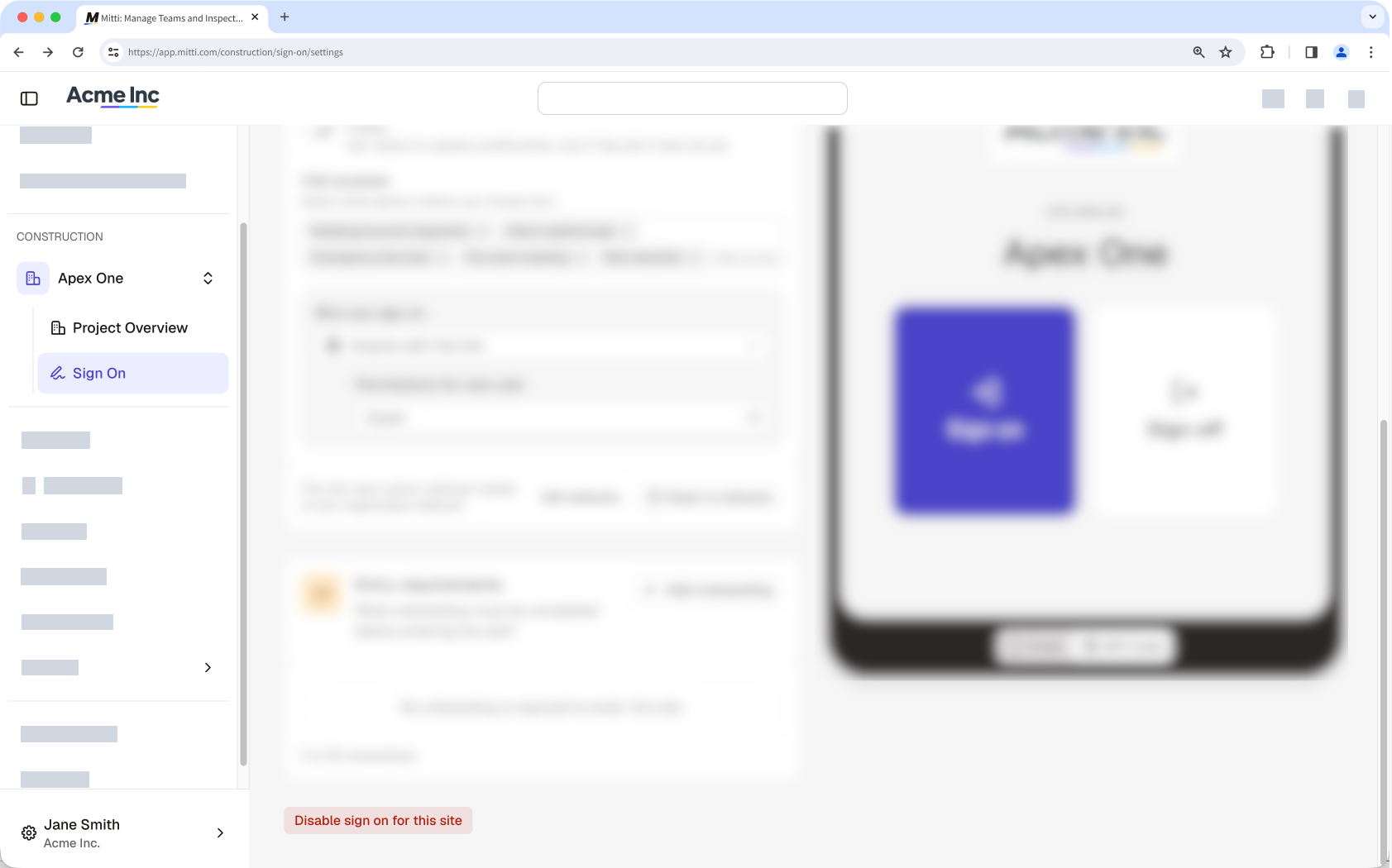
Click Desactivar el registro de entrada en este sitio. Sign On turns off for the site, and the site’s license returns to your organization’s license pool right away.
¿Necesitas más ayuda?
¿Fue útil esta página?