Dernière mise à jour: 2 novembre 2026
What does it mean to turn on Sign On for a site?
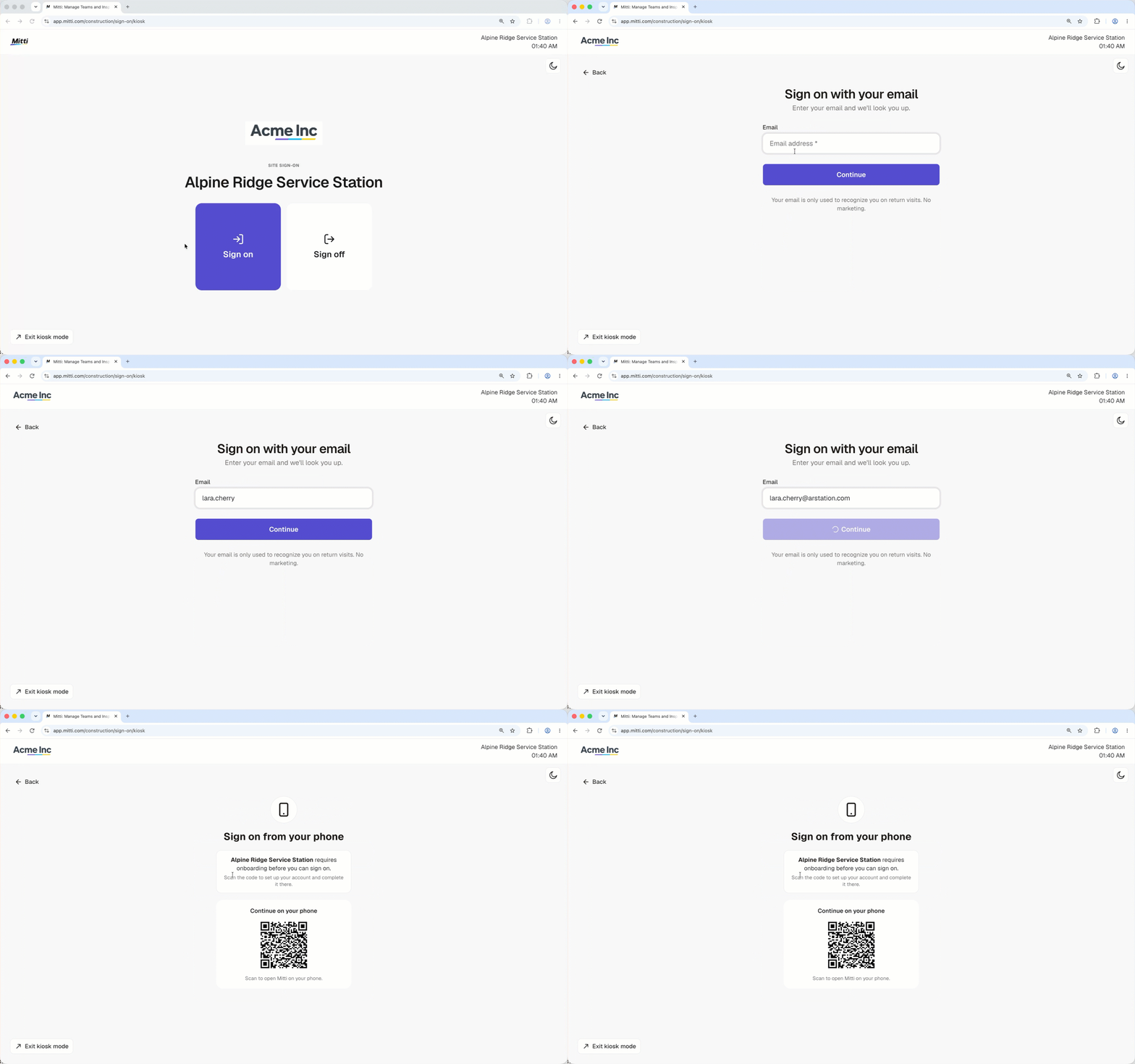
Sign On runs per site in Mitti, so workers and visitors can only sign on where it’s switched on. Each site with Sign On takes one license from your organization’s license pool. When a project ends, you can move the site's license and any unused monthly sign-on allowance to another site.
Ce dont vous aurez besoin
Turn on Sign On for a site
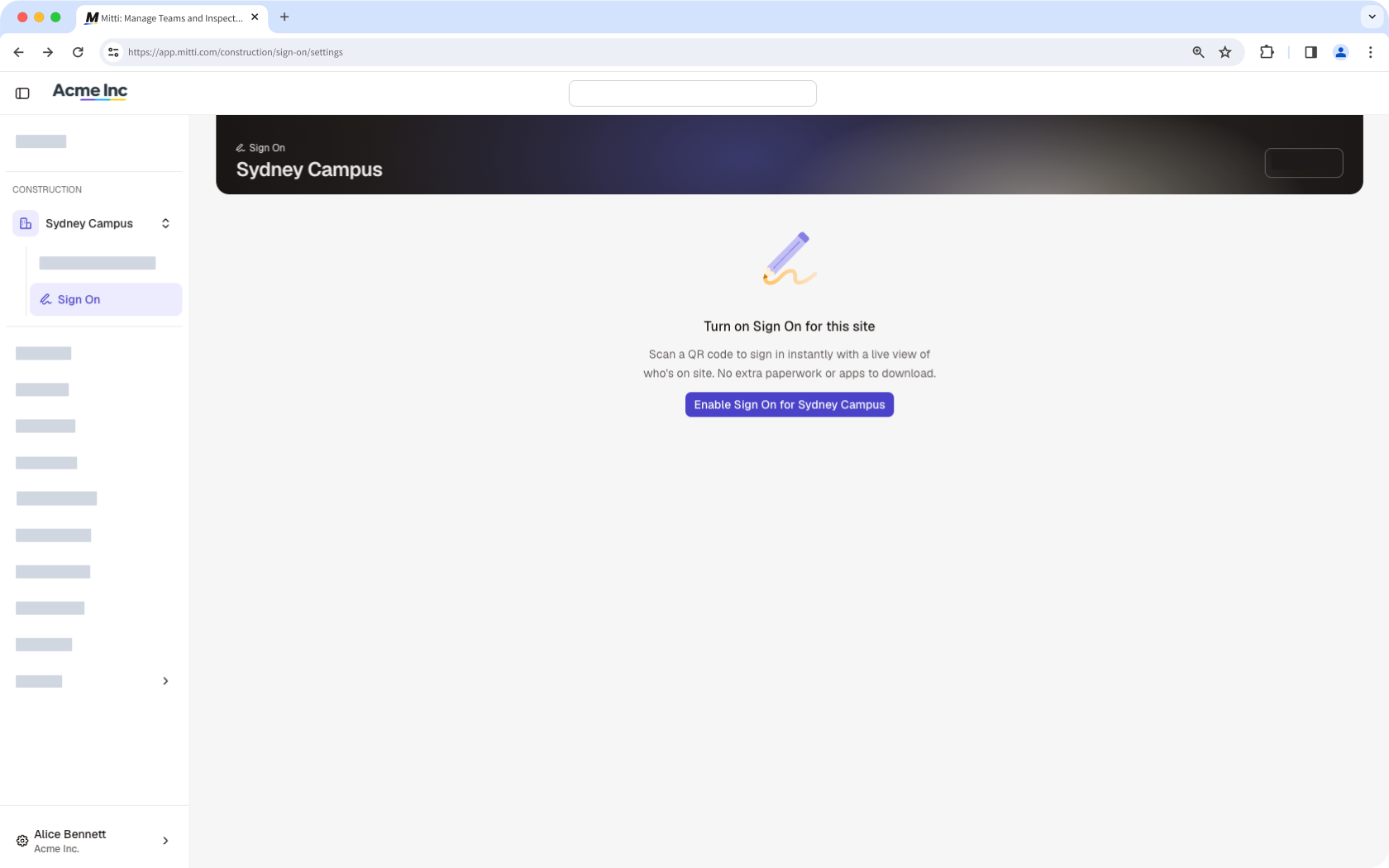
In the Construction module, click Tous les sites in the sidebar, then select the site.
Click Se connecter in the sidebar.
Click Activer la connexion at the center of the page. Sign On turns on for the site and takes one license from your organization’s license pool.
Turn off Sign On for a site
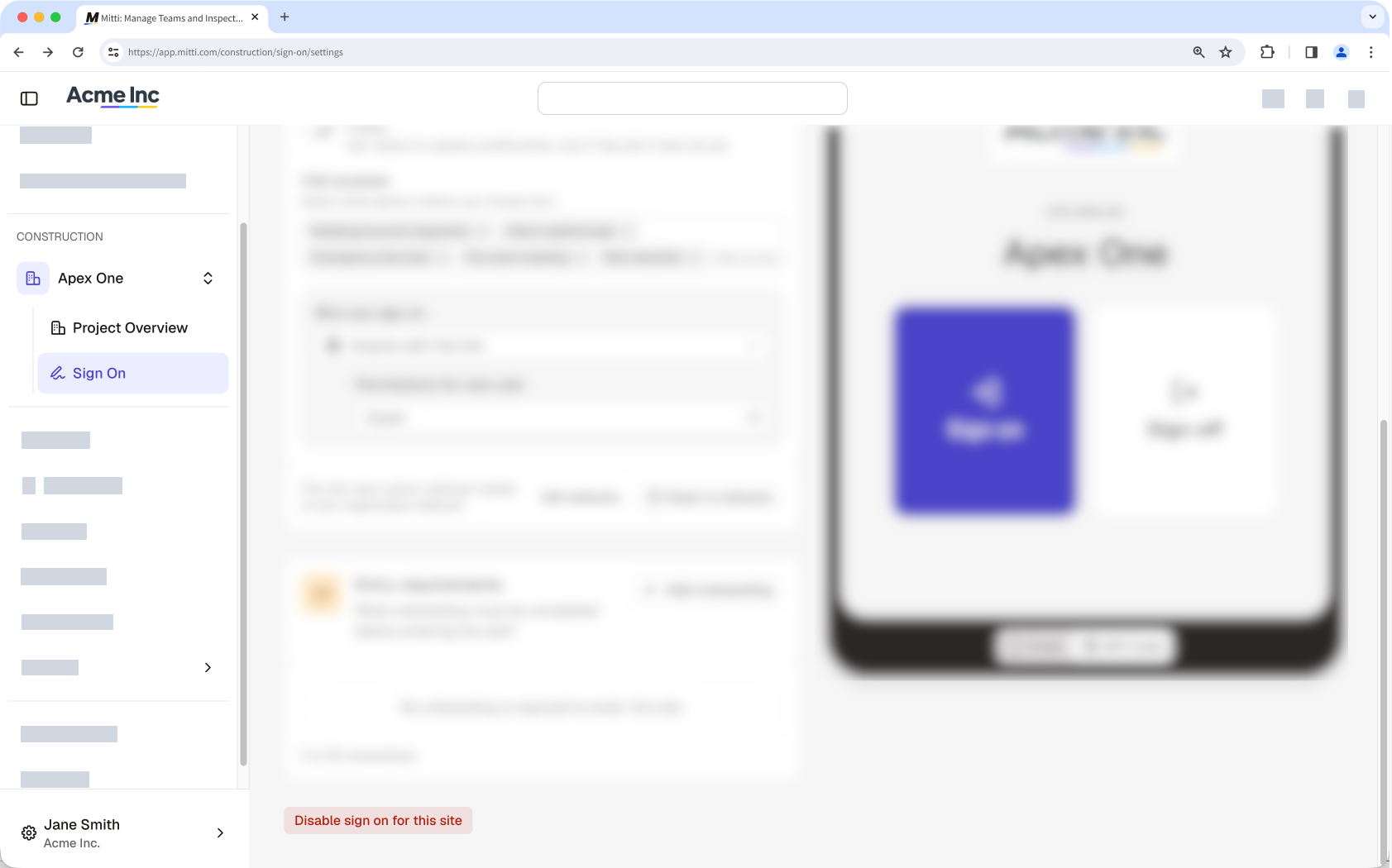
In the Construction module, click Tous les sites in the sidebar, then select the site.
Click Se connecter in the sidebar, then click Paramètres du site tab at the top of the page.
Click Désactiver le pointage d'arrivée au site pour ce site. Sign On turns off for the site, and the site’s license returns to your organization’s license pool right away.
Besoin d'aide supplémentaire?
Cette page vous a-t-elle été utile?