Zuletzt aktualisiert: 22. Juli 2024
Was sind Heads Ups?
Heads Ups sind Nachrichten, die Sie über Mitti an Ihr Team senden können, um sicherzustellen, dass Ihr Team informiert und auf dem gleichen Stand bleibt. Mit Heads Ups können Sie alle wichtigen Nachrichten und Updates an einem Ort aufbewahren.
Sie können verfolgen, wer Ihre Heads Up bestätigt hat, Erinnerungen an diejenigen senden, die dies nicht getan haben, und Unterschriften für verlinkte Dateien verlangen. Sie können Heads Up auch extern weitergeben, um die richtige Zielgruppe zu erreichen und sicherzustellen, dass wichtige Informationen gesehen, geprüft und befolgt werden.
Sie können jetzt Emojis verwenden, um auf Heads Up-Ankündigungen in Ihrem Team zu reagieren. Reagieren Sie sofort und bringen Sie mehr Interaktion in Ihre Teamkommunikation mit lustigen Emoji-Reaktionen!
Exploring Heads Up in Mitti
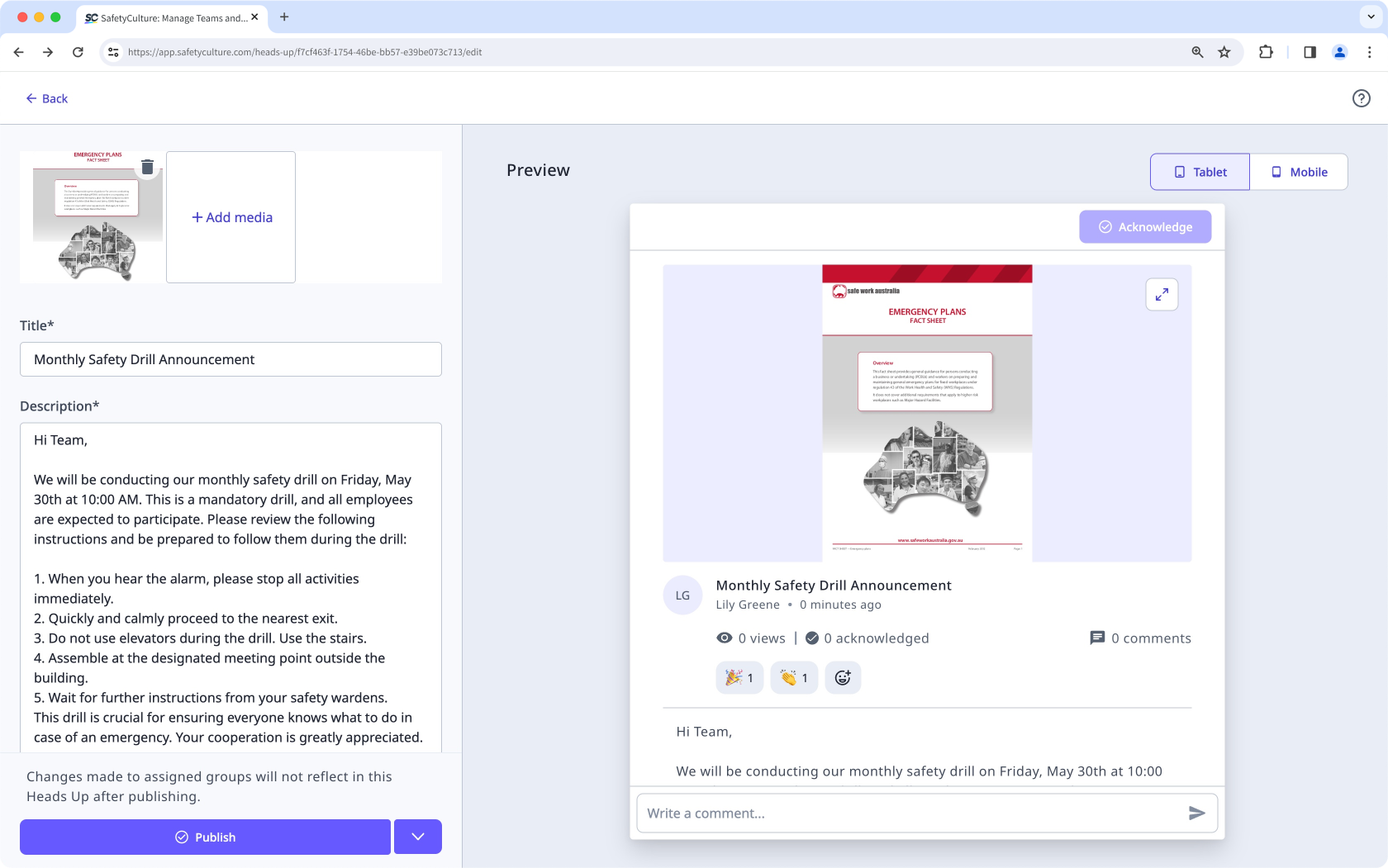
Create Heads Ups
Share important announcements and messages with your team by creating a Heads Up. Assign it to your team members to acknowledge and discuss, attach relevant media, and track engagement through emoji reactions to ensure everyone is informed.
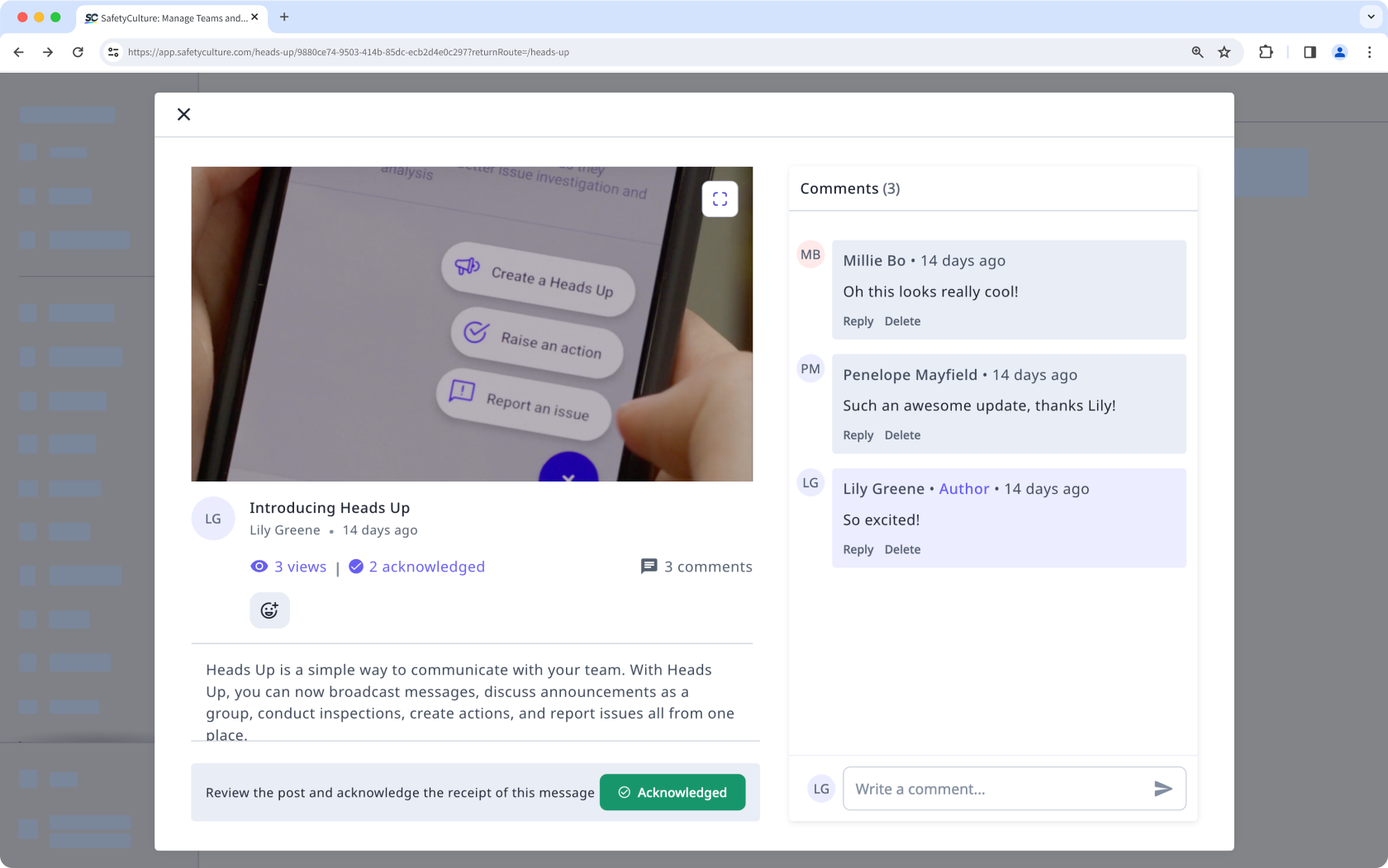
Comment on Heads Ups
Start conversations with your team to share ideas, ask questions, and build a clear understanding of the topic. Use comments to collaborate and keep discussions on a Heads Up focused across your team.
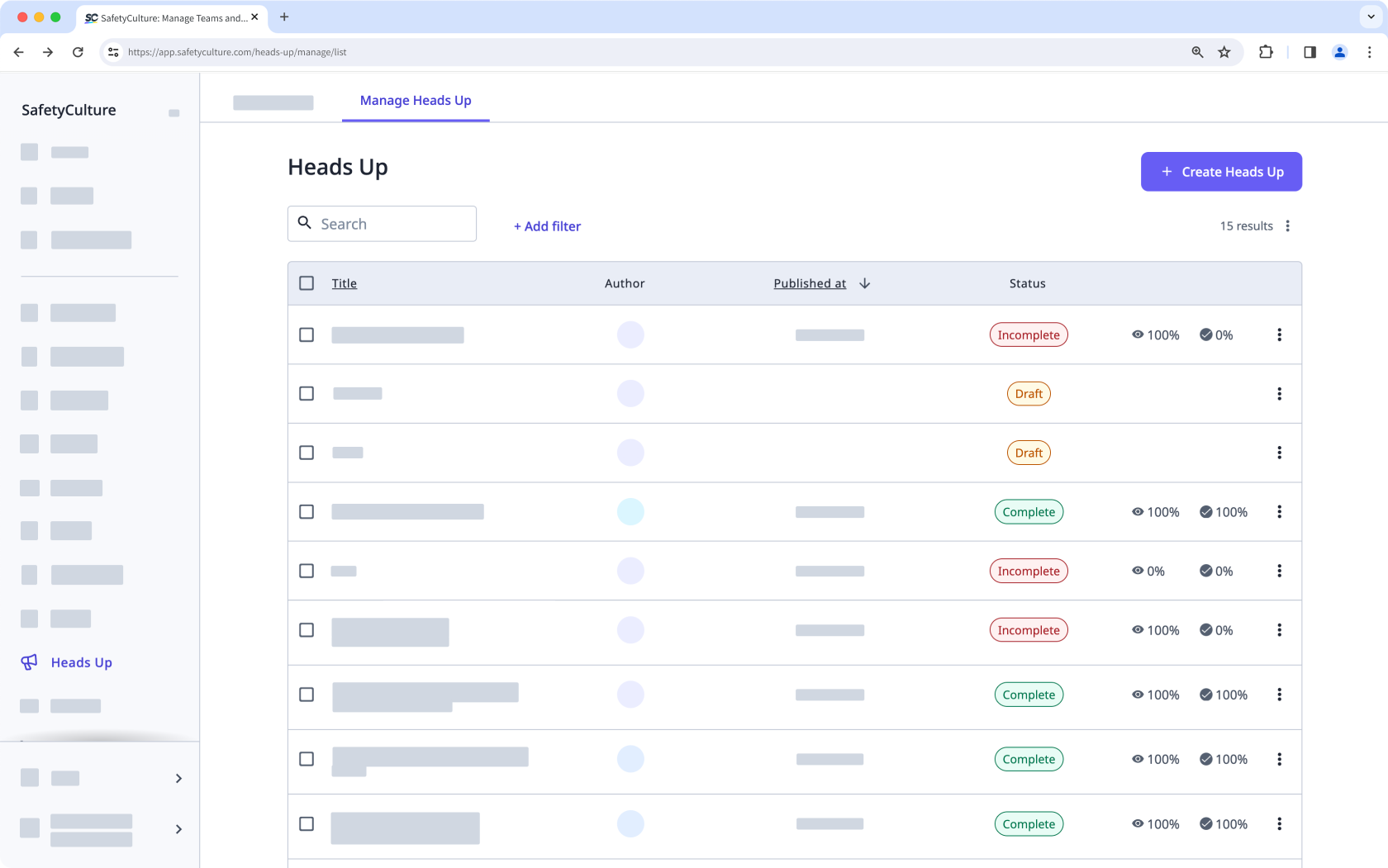
Manage Heads Ups
Get a clear view of how your team receives and understands your messages by tracking acknowledgment rates and monitoring the status of each Heads Up. Edit or delete existing Heads Ups as needed to keep information accurate, relevant, and aligned with your team’s needs.
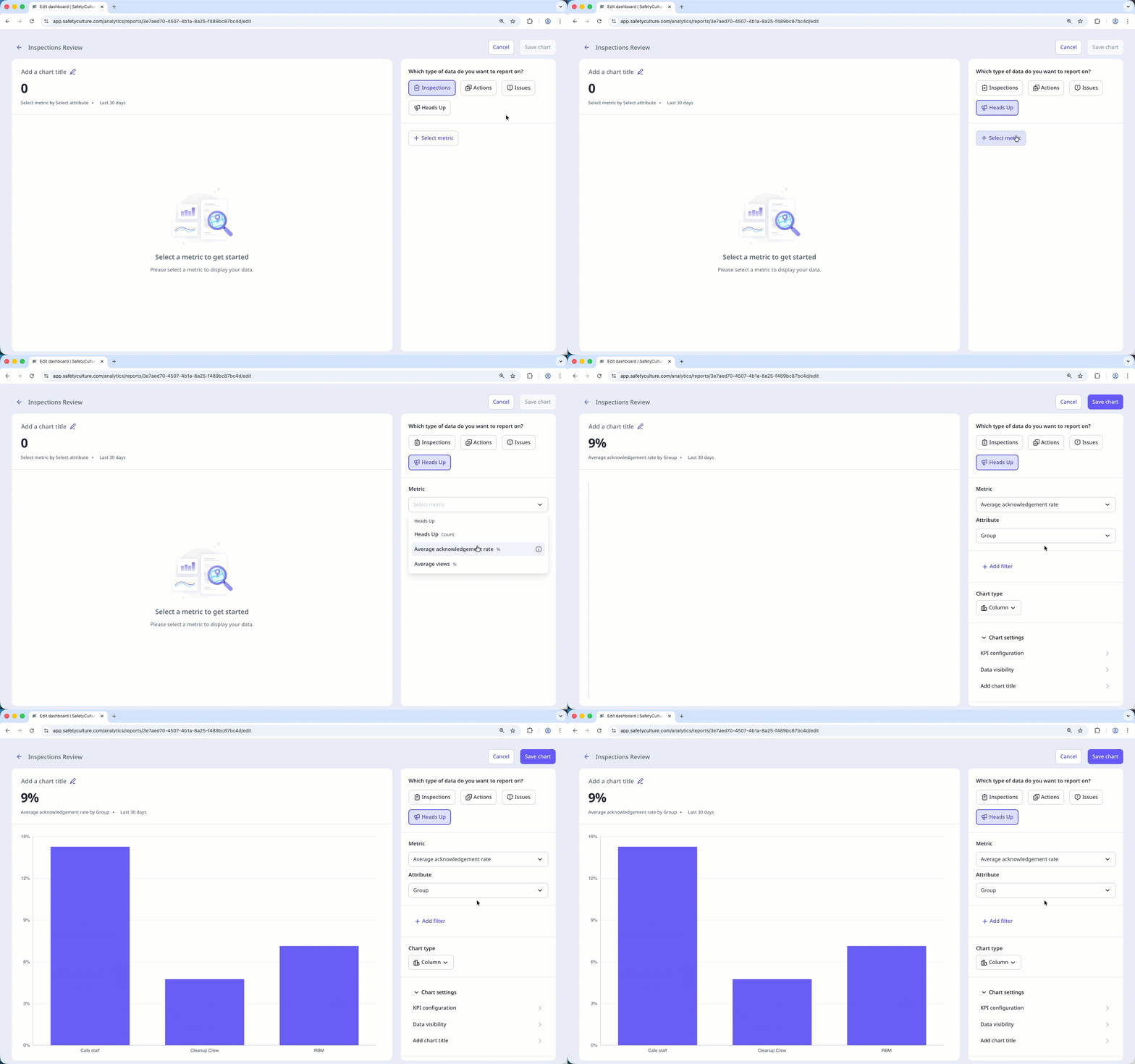
Track Heads Up engagement in Analytics
Measure the effectiveness of your Heads Ups by tracking engagement in Analytics. Heads Up charts visualize reach and acknowledgment, giving you a clear, high-level view of engagement across your organization.
Send Heads Ups reminders
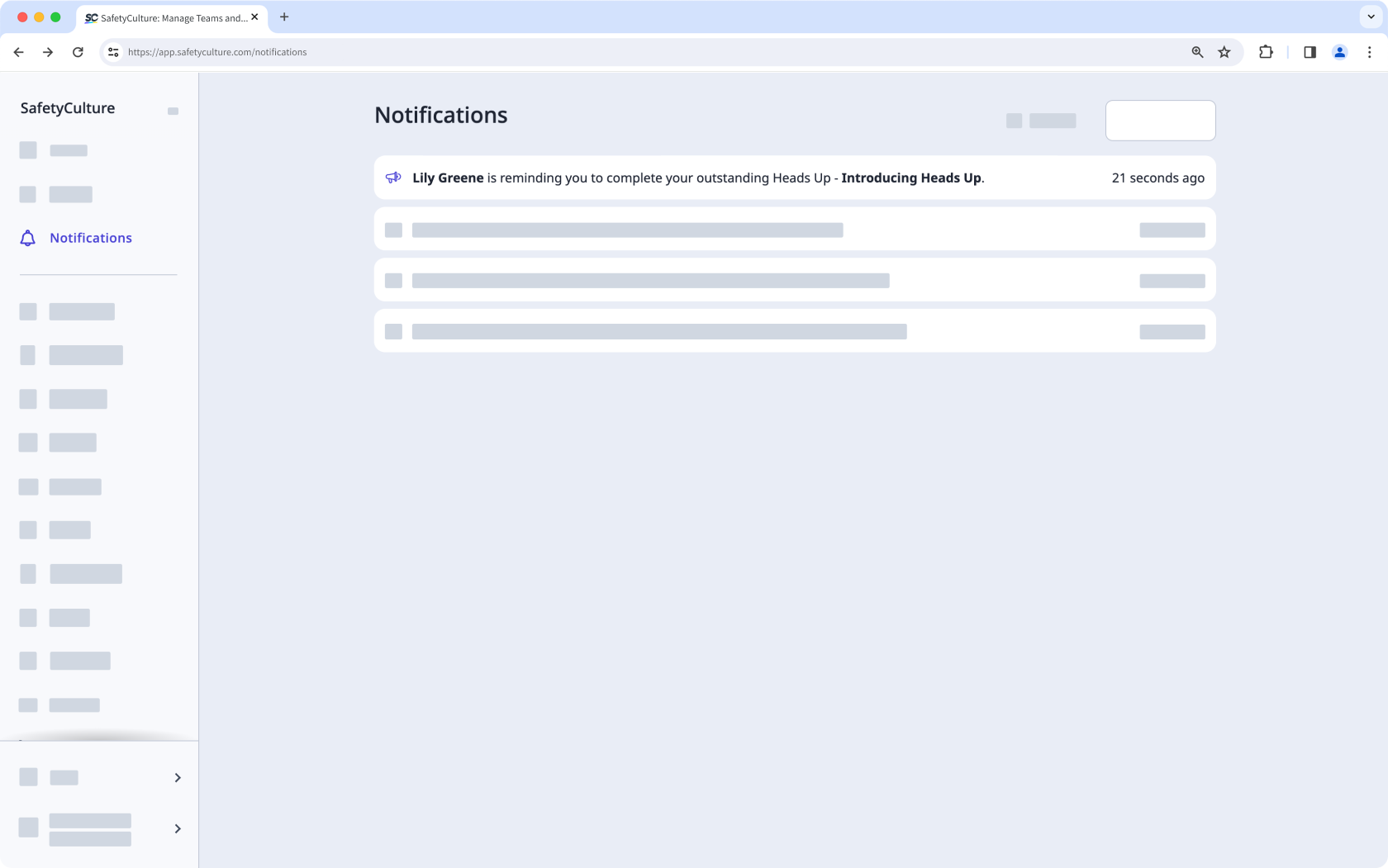
Keep your team informed by sending reminders to those who haven’t viewed or acknowledged your Heads Up, ensuring important updates are understood and acted on promptly.
Share Heads Ups externally
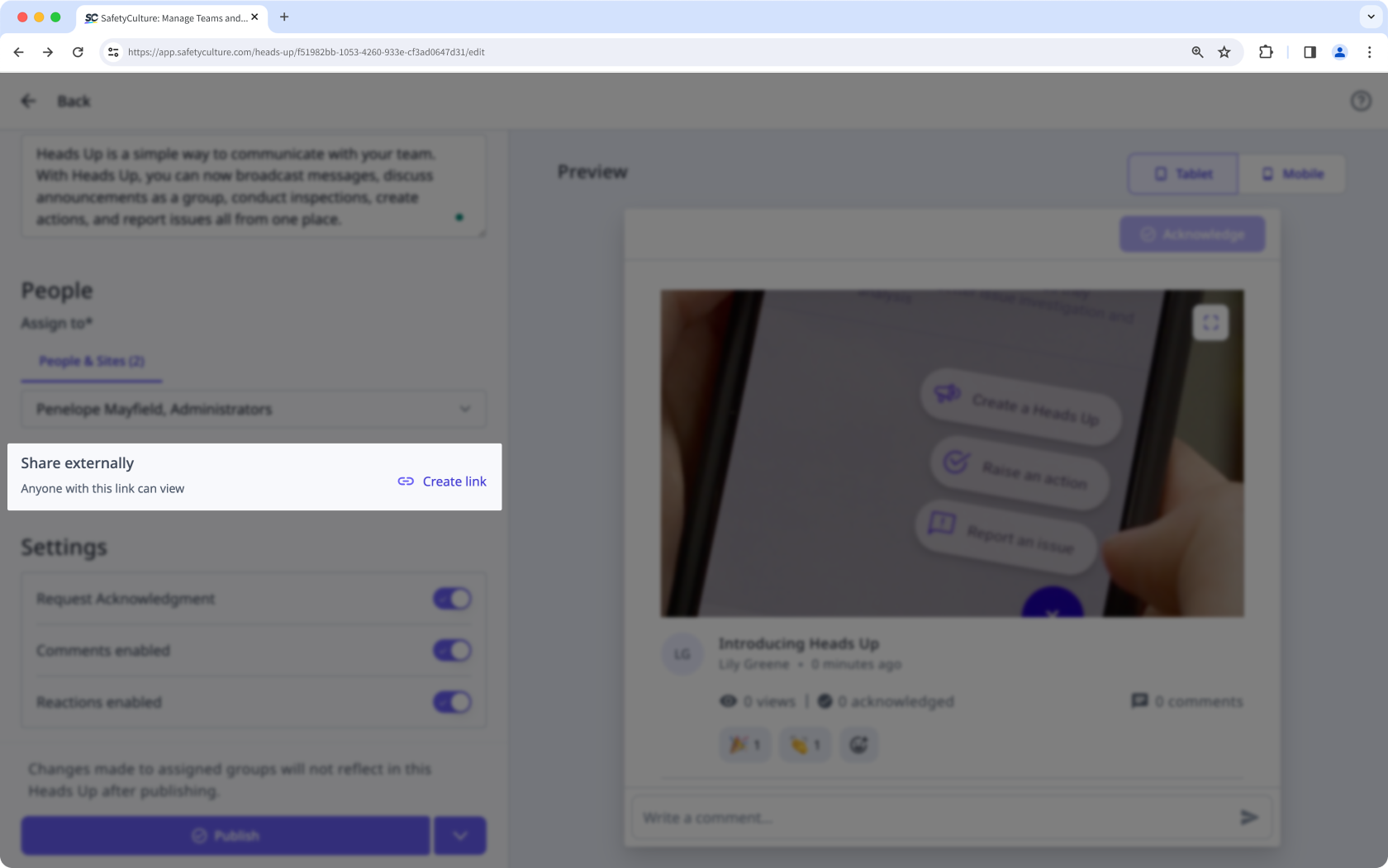
Easily share important messages with people outside your organization by creating an external link to your Heads Up, ensuring the right audience stays informed.
Signaturen für verknüpfte Dateien verlangen
Vergewissern Sie sich, dass Ihr Team wichtige Dateien durchgesehen hat, bevor Sie ein Heads Up bestätigen. Wenn Sie Unterschriften auf Ihren Dateien verlangen, können Sie verhindern, dass Informationen übersehen werden, und erhalten einen klaren Nachweis darüber, wer jede Datei gelesen hat.
Brauchen Sie weitere Hilfe?
War diese Seite hilfreich?
