Last updated: August 4, 2026
What are organization feature settings?
Organization feature settings define how features are configured and used across your organization. By managing these settings at the organization level, you can set default access, sharing, and viewing options for templates and inspections, control how AI is used, and simplify the training experience. You can also configure how media is uploaded and captured, set how files are shared on the mobile app, and manage whether seats are purchased automatically when your organization reaches its seat limit.. This helps standardize how teams work, reducing inconsistencies and supporting a more consistent way of using features across your organization.
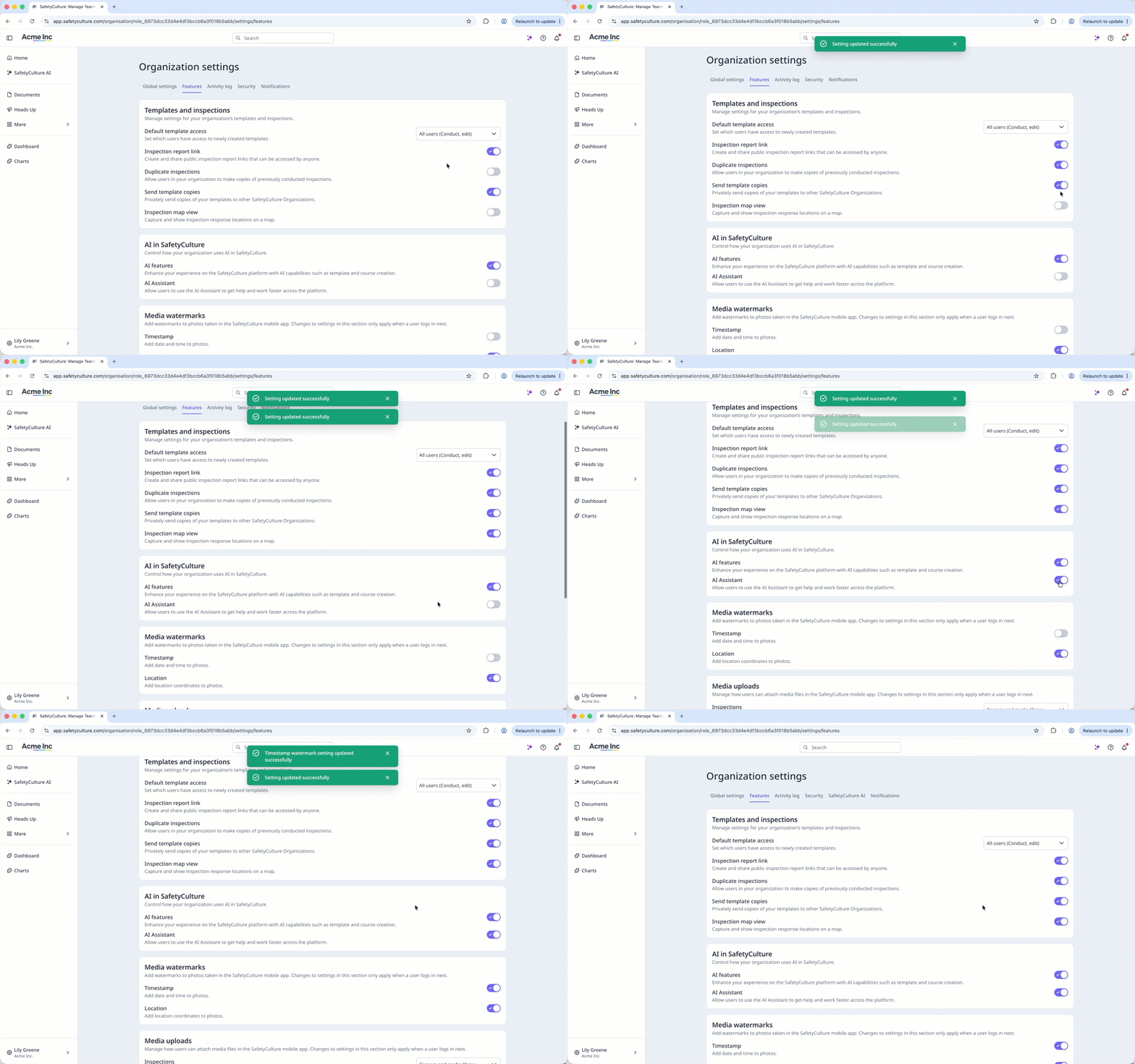
The features available in Organization settings may vary depending on your plan.
Exploring feature settings
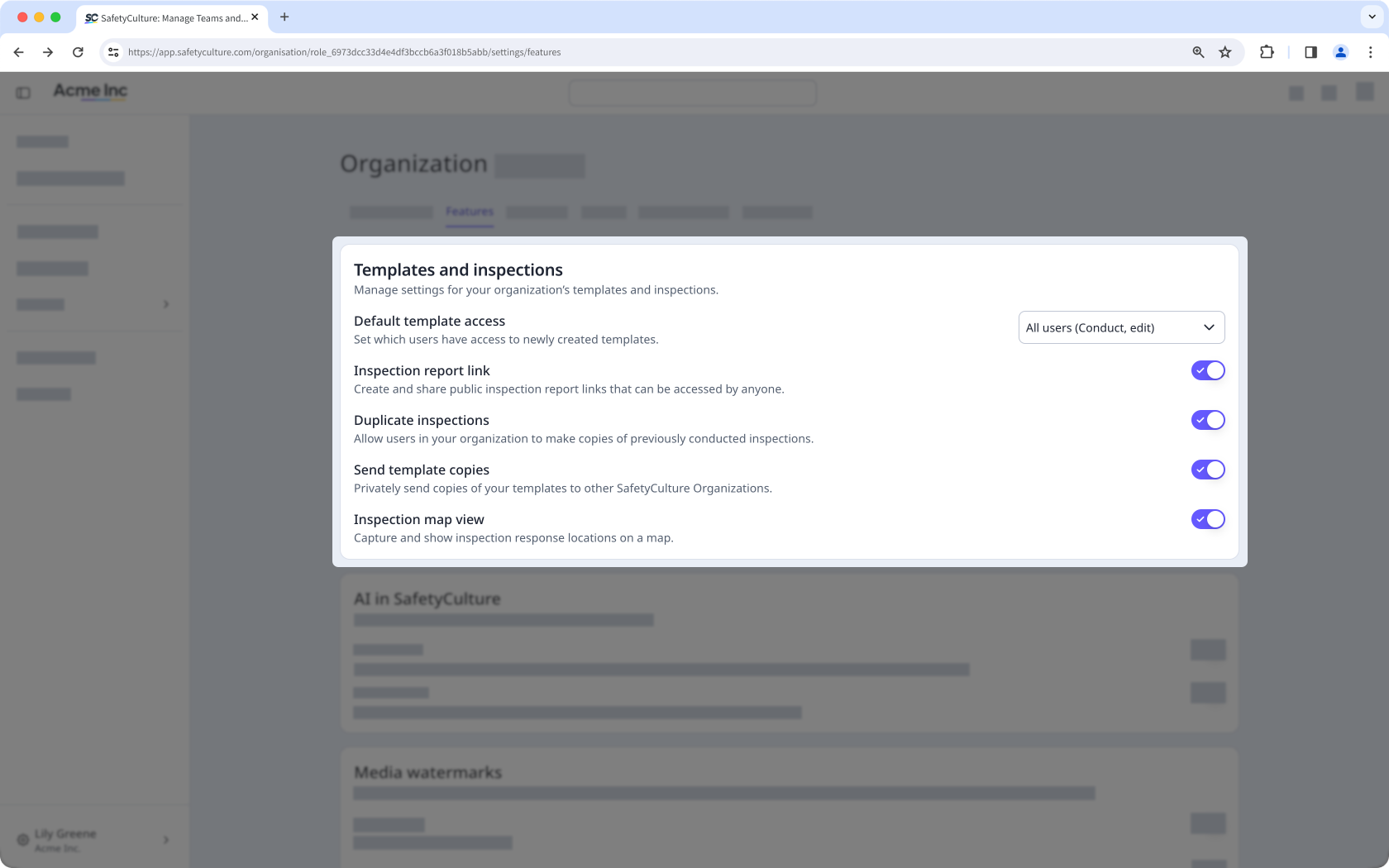
Templates and inspections
Manage settings for templates and inspections to control how they are accessed, shared, viewed, and used across your organization. You can set default template access for new templates, control whether inspection reports can be shared publicly via link, allow users to duplicate inspections, manage how template copies are shared with users outside your organization, and capture and view inspection response locations on a map. These settings help protect the integrity of your templates and inspection data while giving you clearer control over how they’re shared.
AI in Mitti
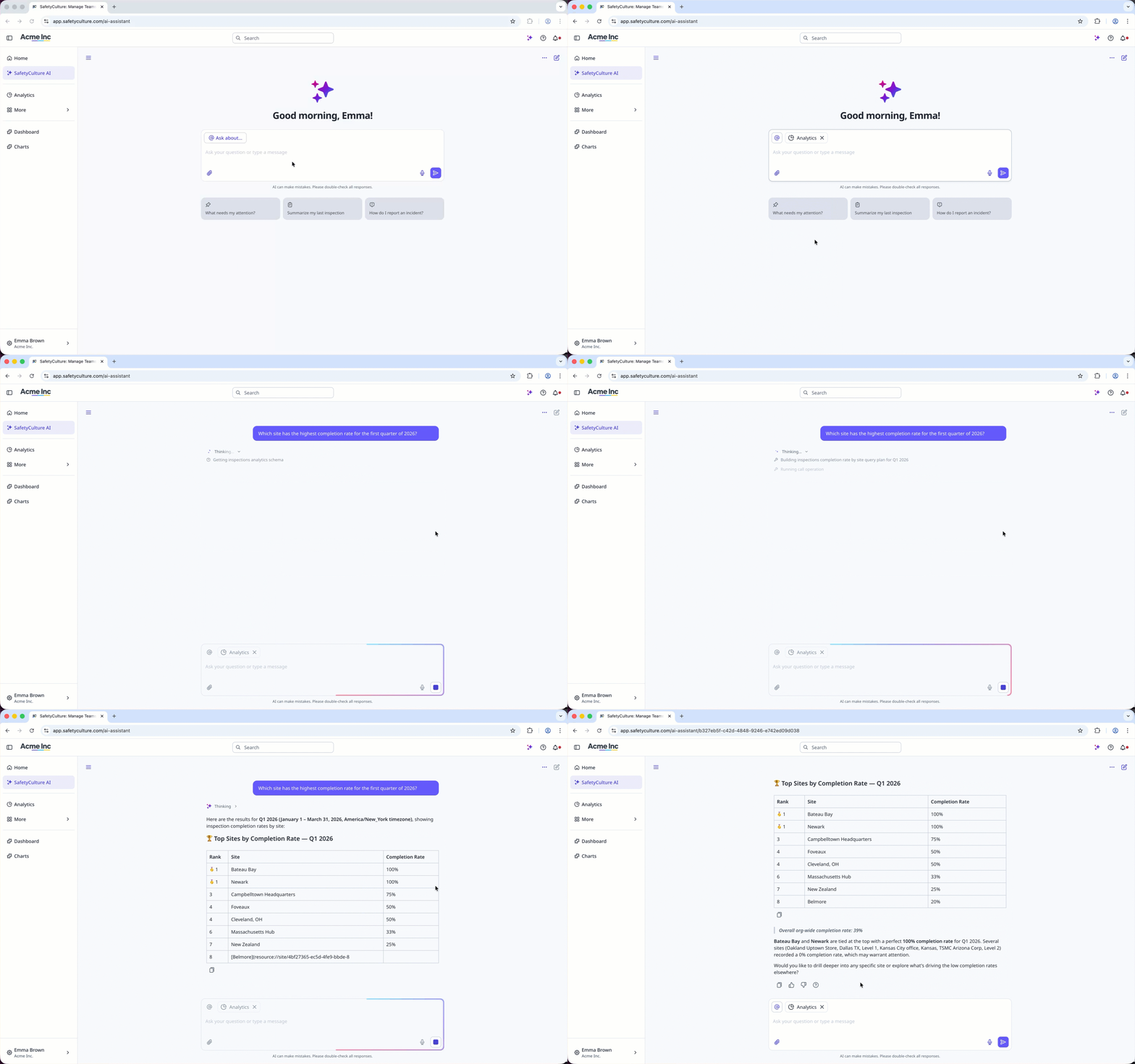
Control whether your team can access the AI Assistant within the platform. The AI Assistant provides a conversational interface that helps users quickly find information, complete tasks, and navigate features more efficiently. This helps you maintain oversight of how AI is used to support work across your organization.
Training
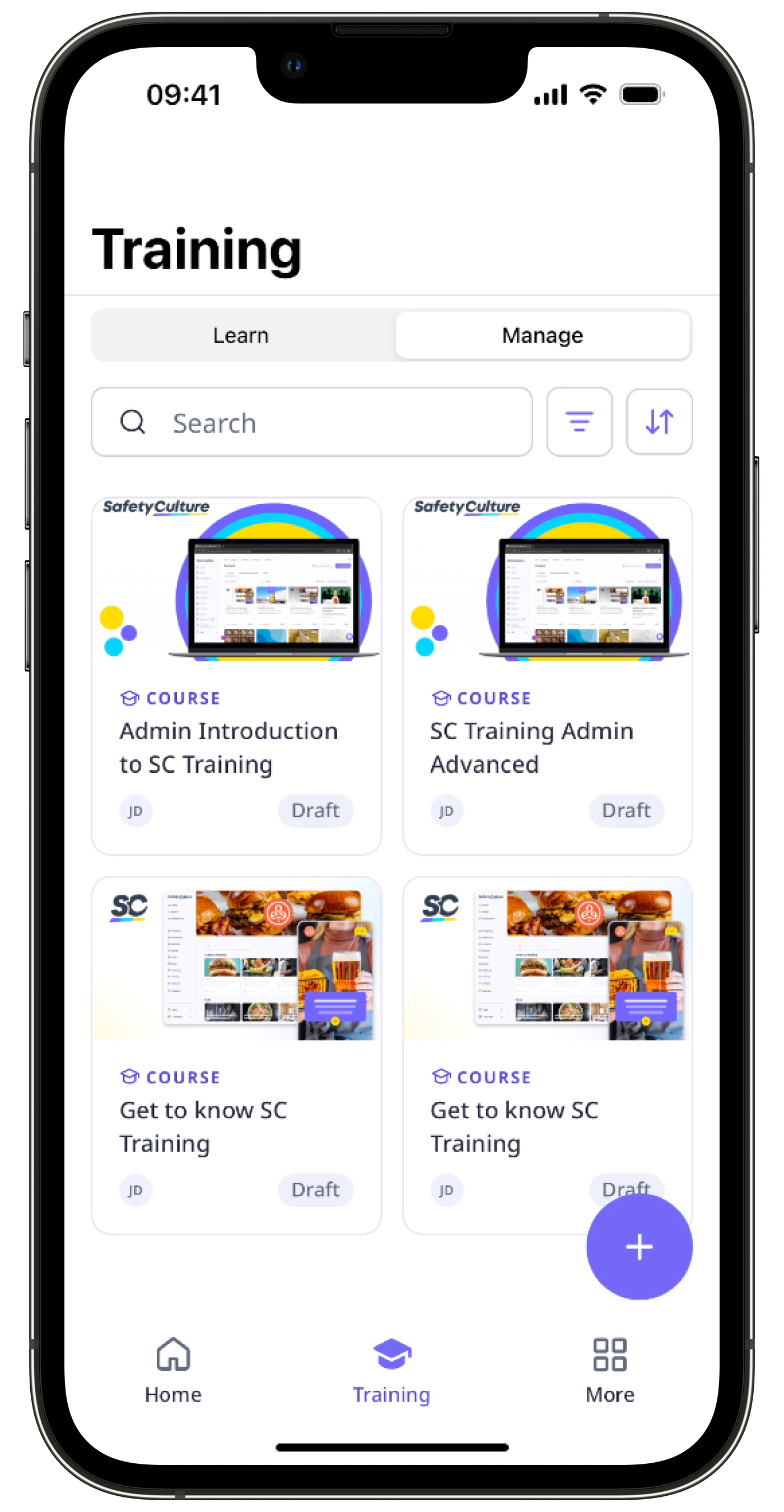
Simplify your team’s training experience by turning on Training-only mode in your organization. This ensures they focus only on the features required to complete training, reducing distractions and creating a more structured learning environment.
Media watermarks and uploads
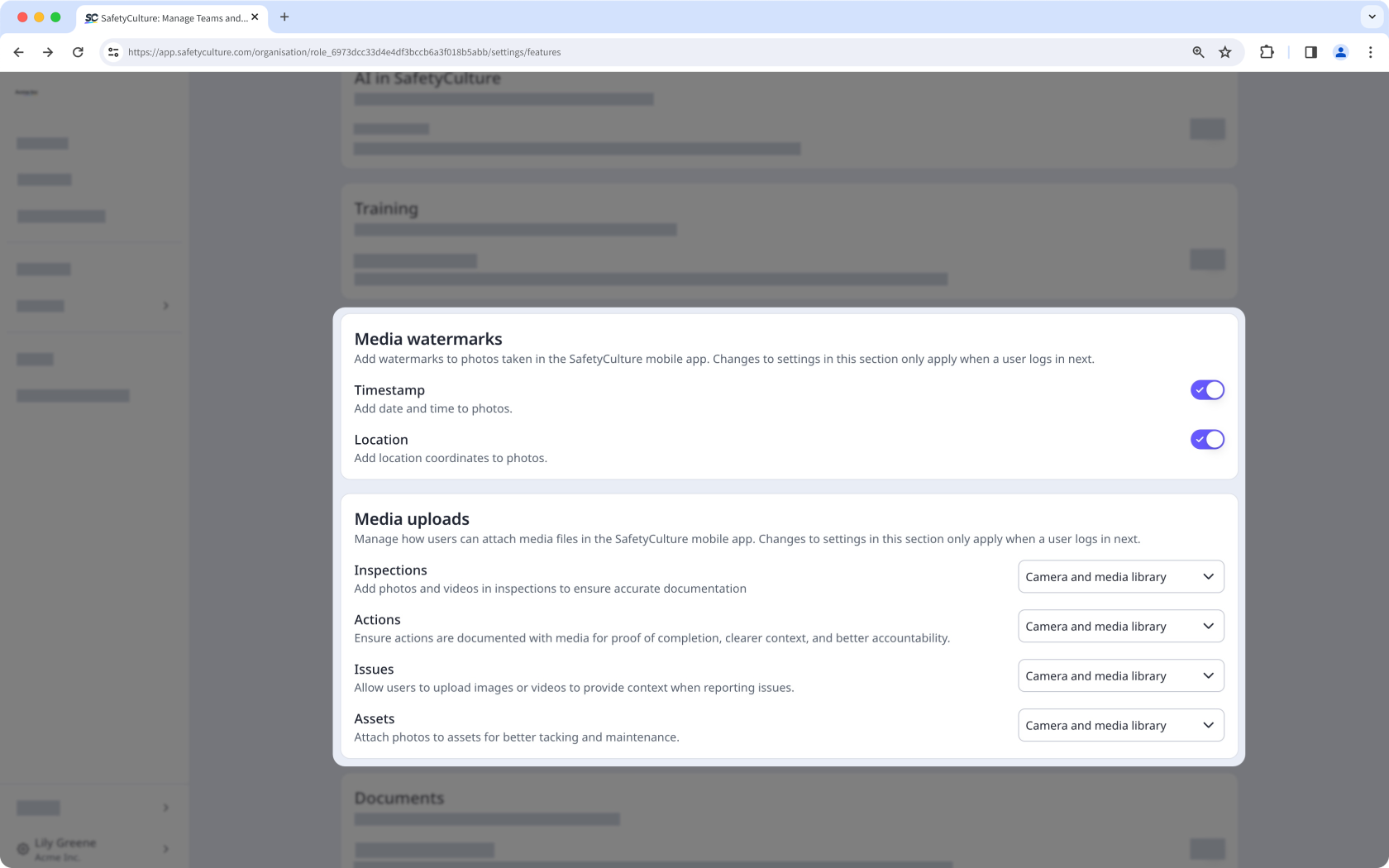
Manage media settings to control how photos and other media are captured for inspections, actions, issues, and assets across your organization. By applying standardized settings for media uploads, you can maintain clear and consistent practices for capturing visual evidence.
Documents
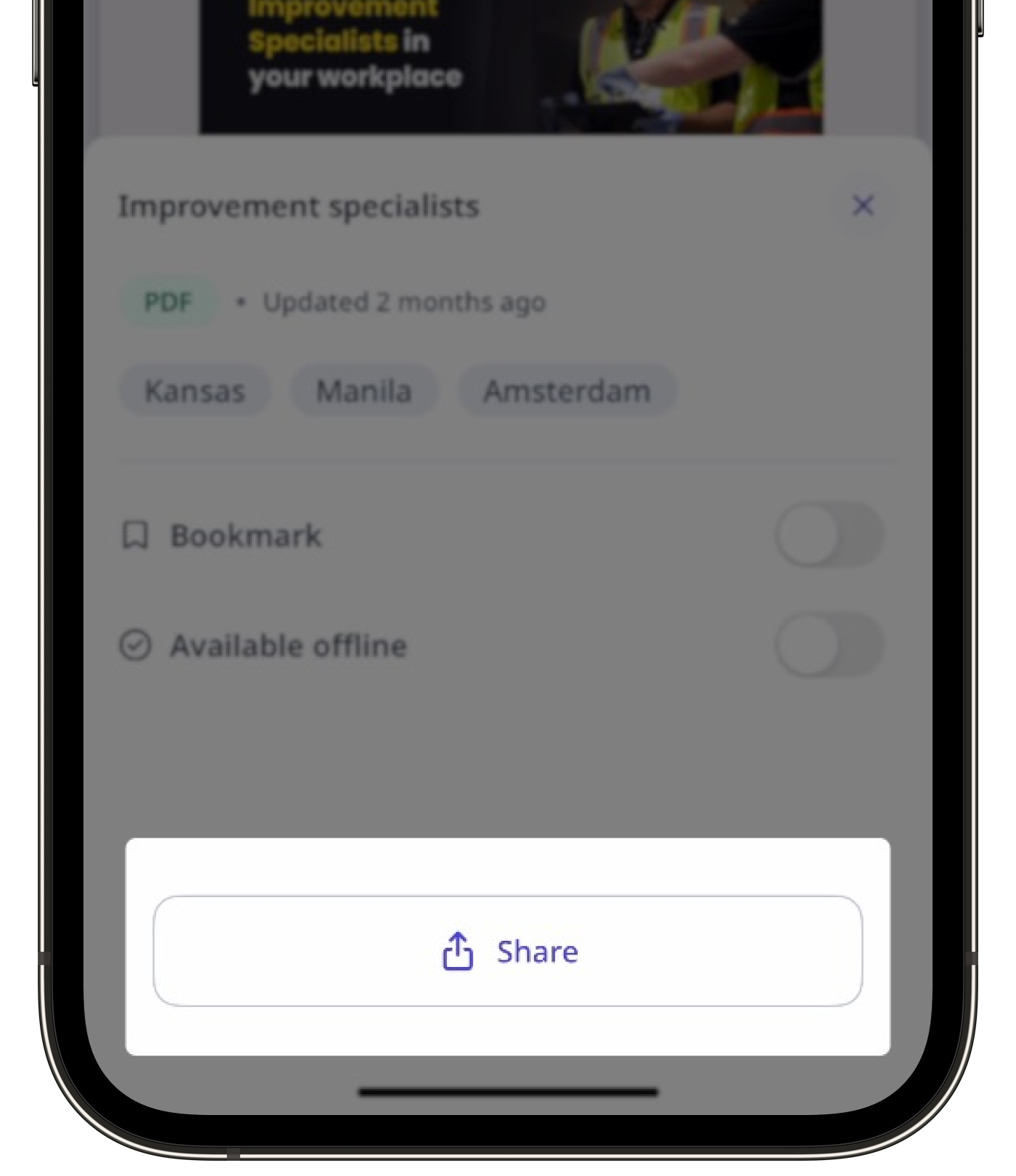
Manage how files stored in Documents, Assets, and Heads Up are shared on the mobile app. This helps ensure important files are easily available to your team while maintaining consistent file sharing across your organization.
Seat management
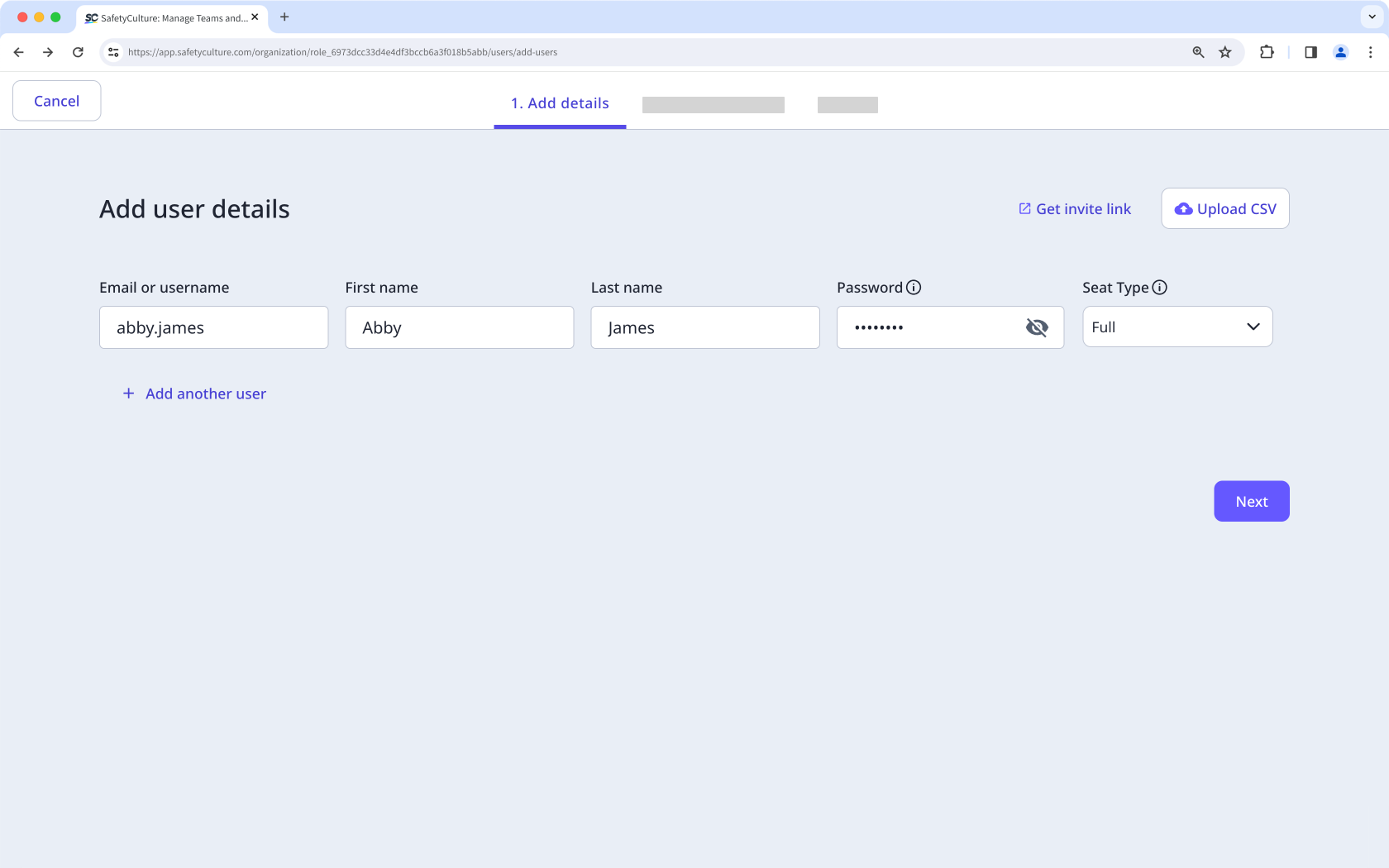
You can turn automatic seat purchasing on or off to control whether Mitti automatically purchases additional seats when users are added through the public API (opens in new tab), System for Cross-domain Identity Management (SCIM) (opens in new tab), an HR integration, a bulk import, or an invite link. This gives your organization clearer control over seat-related costs when you need to approve or budget for new seats in advance.
Need more help?
Was this page helpful?
