Zuletzt aktualisiert: 31. Oktober 2024
Was ist Mitti Supply?
Mitti Supply ist die nächste Generation der Beschaffung. Die Lösung bietet ein nahtloses Erlebnis, um den Einkaufsprozess zu optimieren, Kosten zu senken und die Compliance zu verbessern – so können sich Verwaltungsmitarbeiter auf andere wichtige Aufgaben konzentrieren und Teams an vorderster Front erhalten so schnell wie möglich die benötigten Hilfsmittel.
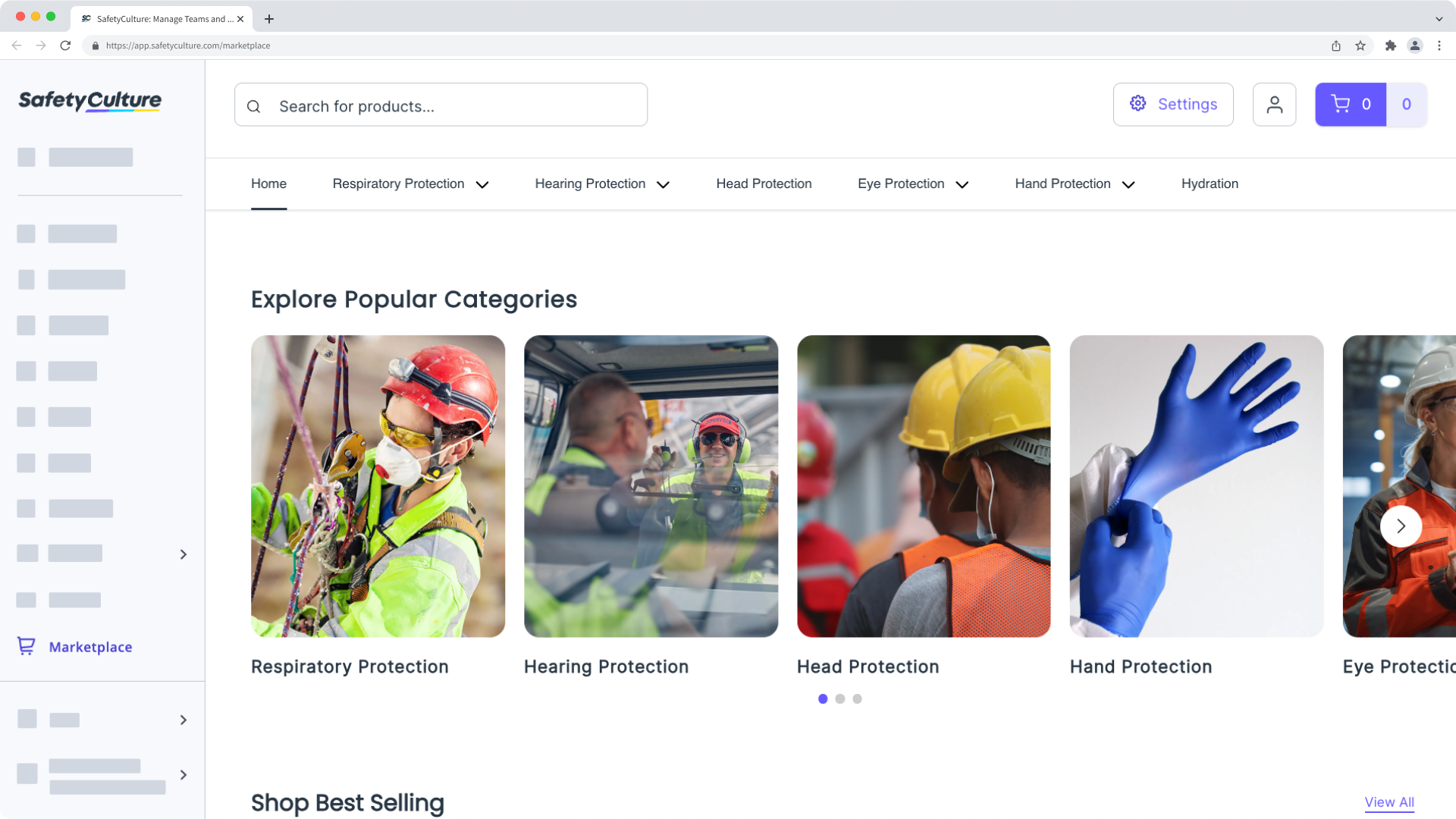
Als Teil des Angebots können Administratoren Produktkataloge für ihre Teams anpassen, so dass nur genehmigte Produkte gekauft werden können, Budgets für bestimmte Benutzer oder Einkaufsgruppen verwalten, um die Ausgaben innerhalb von gewissen Limits zu halten, und gespeicherte Firmenkreditkarten verwenden, um das Risiko der Weitergabe von Kreditkartendaten zu minimieren.
Der Kauf von Produkten bei Mitti Supply ist derzeit nur für Kunden in Australien und den USA möglich.
Was Sie brauchen
Bestellung in Supply aufgeben
Select Supply in the sidebar or in Mehr.
Browse through categories and products and click In den Warenkorb to add items to your cart and continue shopping.
If applicable, select a size from the dropdown menu in the side panel before adding to your cart.
Once you're ready to checkout, click on the upper-right of the page. The number of items in your cart and its total amount will be indicated.
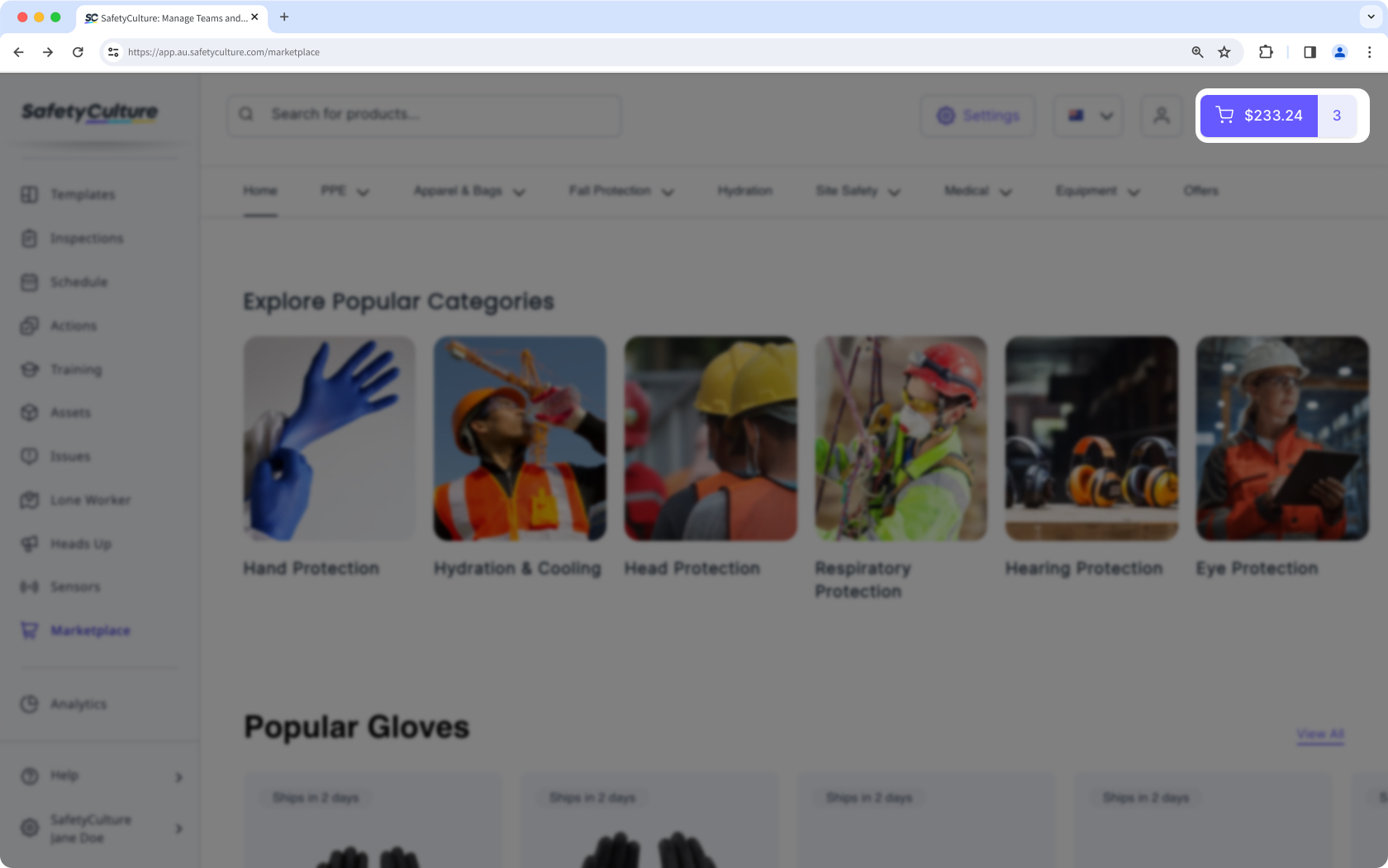
Click Anzeigen & Kasse and adjust product quantities or remove items as needed.
Click Weiter zur Kasse or Weiter zur Genehmigung so your buying group manager can approve your order request.
Enter your details and click Weiter zur Lieferung.
Enter your delivery address and click Weiter zur Zahlung.
Select a payment option.
If available, you can use one of the saved payment methods from your organization. Otherwise, you can add your own credit card details for payment.
Click Bezahlen.
Open the mobile app.
Tap Mehr at the lower-right corner of your screen.
Select Supply from the list of options.
Tap the product you want to purchase and tap In den Warenkorb.
If applicable, select a size from the dropdown menu below the price before adding to your cart.
Once you're ready to checkout, tap at the upper-right of your screen. The number of items in your cart will be indicated.
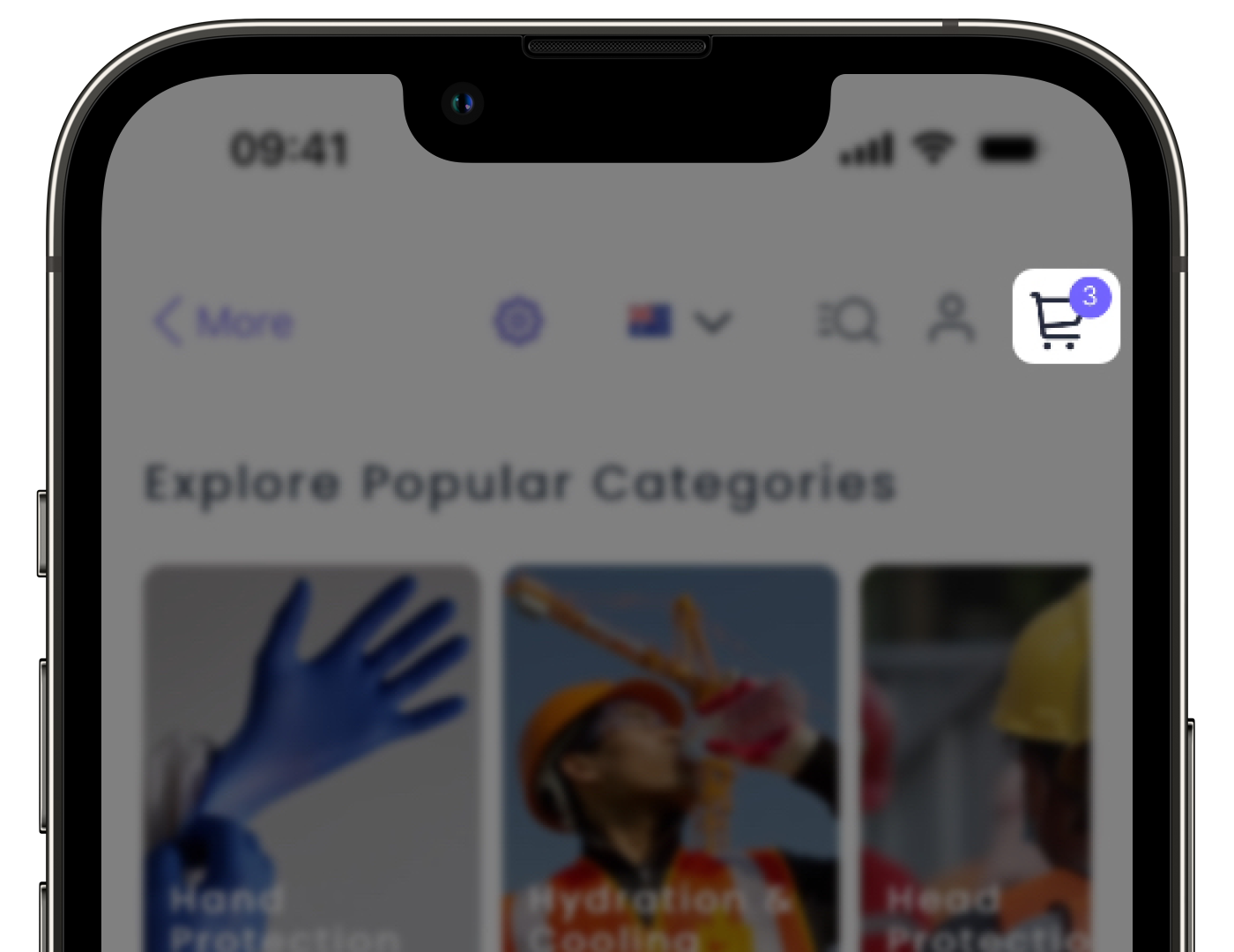
Adjust product quantities or remove items as needed, then tap Zum Checkout gehen.
Enter the following details:
Shipping address: Where your order will be delivered.
Payment method: If available, you can use one of the saved payment methods from your organization. Otherwise, you can add your own credit card details for payment.
Promo code: Enter any applicable discount codes.
Tap Bestellung bestätigen or Bestellgenehmigung anfragen so your buying group manager can approve your order request.
Brauchen Sie weitere Hilfe?
War diese Seite hilfreich?
